 Domain SearchInstantly check and register your perfect .pk or international domain
 Web HostingGet a .pk domain for as low as PKR 467
 cPanel HostingUser-friendly hosting powered by cPanel
 Reseller HostingLaunch your own hosting business with minimal technical requirements
 Windows HostingOptimized for Windows-based applications and websites
 Affiliate ProgramEarn referral commissions by promoting our services
 WordPress HostingFast & Reliable WordPress Hosting
 Domain TransferMigrate your existing domain seamlessly with zero downtime.
 All DomainsAccess 324+ top-level domains (TLDs) worldwide from a single platform
 Whois LookupIdentify the owner of any domain using our whois and rdap lookup tool
 Managed VPS Hosting
 AI Website BuilderCreate beautiful websites effortlessly using intuitive drag-and-drop features
 Online ShopLaunch a professional online shop with no technical skills required
 BlogDiscover expert guides on hosting, websites, SEO, and digital growth strategies
 ContactGet instant assistance via live chat or email
 SupportAccess help articles, tutorials, and service documentation
 SSL CertificatesEncrypt data, build trust, and boost SEO.
Have you ever wondered how your site runs so smoothly?
Well, every web hosting account has a hidden system running behind the scenes. As soon as someone types your website address into their browser, a chain of software kicks into gear.
Each tool does its specific job to deliver that page: one handles the request, another pulls data from a database, a third watches for attacks, and so on.
So, when things go wrong- slow loading times, crashes, security breaches- it comes down to mismatched tools or missing pieces in that chain.
Knowing what each type of tool does helps you spot problems faster and make better decisions about your hosting setup.
9 Types of Web Hosting Tools
| Tool | Primary Function |
| Web Server Engines | Handle HTTP requests and serve web content |
| Database Management Systems | Store, organize, and query dynamic data |
| Control Panel Interfaces | Provide a visual GUI to manage server settings |
| Code Deployment & Version Control | Track code changes and automate deployments |
| Performance Monitoring & Security Shields | Monitor uptime, analyze speed, and block threats |
| Domain Management Tools | Register domains and manage DNS records and pointing |
| Website Backup Tools | Create, schedule, and restore copies of site data |
| Website Security Tools | Scan for malware, block attacks, and harden login access |
| Website Performance Tools | Optimize load speed and analyze Web Vitals |
1) Web Server Engines
The web server engine is the first thing that touches a visitor’s request.
When someone types your domain into their browser, the request hits this software before anything else happens.
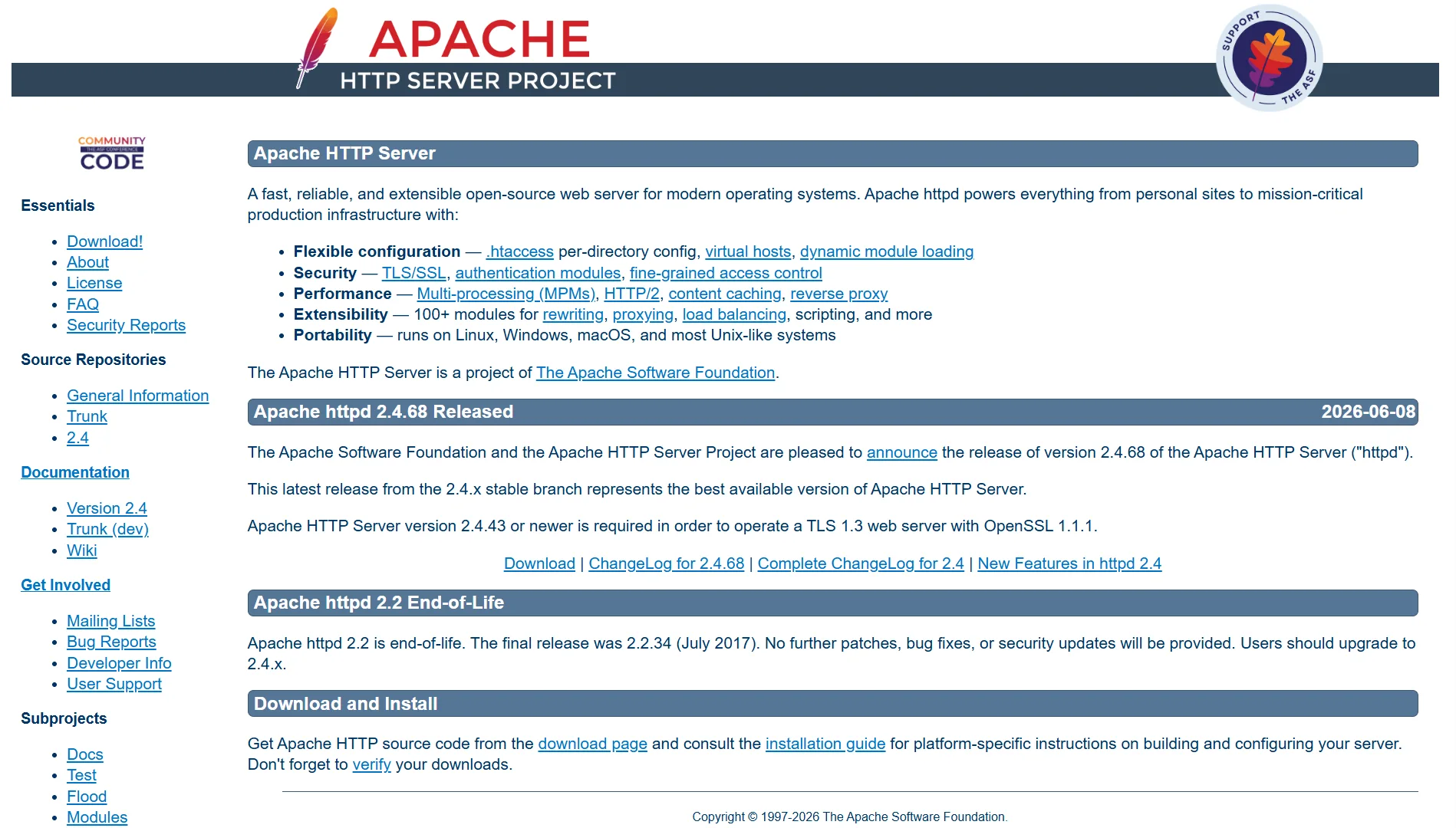
Apache is the oldest and most widely supported option. It reads .htaccess files natively, which means most WordPress tutorials and plugins work without extra configuration.
The downside is memory usage. Apache’s default prefork mode assigns a process per connection, so under heavy traffic, memory climbs fast and response times drop.
Nginx, by contrast, uses an event-driven model where one worker process can handle thousands of connections at once.
Static files, images, CSS, and JavaScript get served with much lower memory overhead. The trade-off is that Nginx does not read .htaccess files. Rules go in the main configuration, which shared hosting users rarely touch.
LiteSpeed works like Nginx but with built-in caching. Its LSCache module is specifically tuned for WordPress and WooCommerce.
Cart and checkout pages are automatically excluded from cache, so you don’t have to configure those rules manually.
On OpenLiteSpeed, enabling cache can boost page throughput from around a thousand requests per second to over fourteen thousand, because most requests never reach PHP or the database.
2) Database Management Systems
MySQL, MariaDB, PostgreSQL, Redis.
The database is where your site stores everything it needs to remember: posts, user accounts, orders, comments, settings- all of it lives here.
MySQL is the default on almost every shared hosting plan. It has the largest ecosystem, the most documentation, and the easiest way to find answers when something breaks.
MariaDB is a fork of MySQL created by the original development team after Oracle acquired MySQL.
It works the same way, uses the same commands, but stays fully open source. Some features that cost money in MySQL are free in MariaDB.
PostgreSQL follows SQL standards more strictly, handles complex queries better, and supports advanced data types like JSON and geospatial data through PostGIS.
If your site needs reporting, analytics, or custom data structures, PostgreSQL is worth considering.
Redis is not a primary database.
It is an in-memory cache that responds in microseconds. Most high-traffic WordPress sites use Redis for object caching, which cuts down repeated queries to MySQL and keeps pages loading fast under load.
3) Control Panel Interfaces
Examples: cPanel, Plesk, CyberPanel, aaPanel
The control panel is the dashboard you use to manage your hosting account. Without one, you’d create databases, set up email accounts, and install SSL certificates from the command line.
cPanel is the most common choice. It features a clear interface, and the plugin ecosystem is large: Softaculous for one-click installs, JetBackup for backups, and nearly every hosting tutorial assumes you have it.
The catch is the price. As of 2026, the Solo license for one account costs close to $30 per month, and additional accounts add extra fees.
However, web hosting providers like Truehost offer cPanel web hosting at an affordable price, so you dont have to buy the licencing.

Plesk supports both Linux and Windows, which is rare among control panels.
If you need to run ASP.NET applications or a mixed environment, Plesk is often the only option. It charges by domain count, so the per-domain cost drops as you add more.
CyberPanel and aaPanel are the free alternatives. CyberPanel is built around OpenLiteSpeed and performs well in speed tests.
It runs best on RHEL-based systems like AlmaLinux and Rocky Linux. aaPanel has over 3 million installs, though some advanced features like Docker management and multi-user access require a paid upgrade.
4) Code Deployment & Version Control
Git, GitHub Actions, DeployHQ, Vercel, Netlify
If a developer touches your site, or if you plan to edit code yourself, these tools control how code gets from a computer to the server.
Git tracks every change made to a codebase. It lets multiple people work on the same files without overwriting each other’s work.
GitHub Actions automatically runs tests, builds, and deployments after you push code to a repository.
DeployHQ focuses specifically on deployment; it pulls from a Git repository, pushes to your server, and supports rollbacks and one-click deploys.
Vercel and Netlify are hosting platforms built for static sites and Jamstack architecture.
You connect a repository, and they build and deploy to edge nodes worldwide. No server management required. They work well for frontend projects, documentation sites, and marketing pages.
5) Performance Monitoring & Security Shields
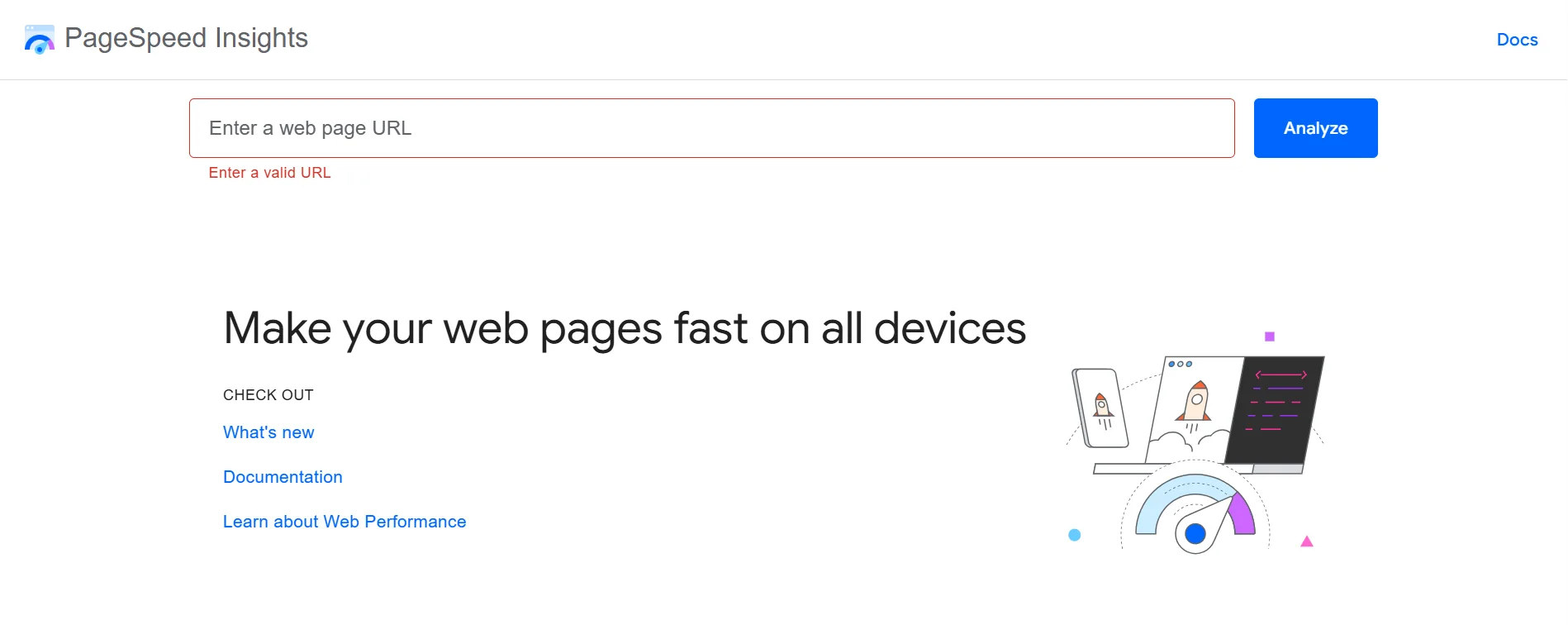
We have Uptime Robot, GTmetrix, Google PageSpeed Insights, Cloudflare, Sucuri, Imunify360, Wordfence, and LiteSpeed Cache.
These tools tell you whether the site is up, fast, and safe.
Uptime Robot and Pingdom check your site from outside on a schedule. If it goes down or slows significantly, they send an alert.
GTmetrix and Google PageSpeed Insights analyze page load from a browser’s perspective and show which resources slow things down.
Cloudflare sits between your visitors and your server. Traffic passes through its network first, so it filters malicious requests before they reach you. Static content gets cached on servers closer to the visitor.
Sucuri and Wordfence are the two main WordPress security options, but they work differently.
Wordfence is a plugin that runs on your server. It scans files, analyzes traffic, and blocks login attacks.
Sucuri’s paid plan is cloud-based; traffic routes through its firewall, and it blocks threats before they reach your server. The free Sucuri plugin only monitors; it does not block.
Imunify360 runs at the server level. Your hosting provider installs it, and it protects all accounts on the machine without any action on your part.
And, LiteSpeed Cache is technically a performance tool, but when paired with a LiteSpeed server, the speed improvement is often larger than what you would get from switching hosts.
6) Domain Management Tools
Domain management tools control where that address points.
Note that your domain registrar is one of the most important domain management tools you get to pick.
WHOIS lookup tools show a domain’s current status, such as registration, expiration, and which nameservers it uses.
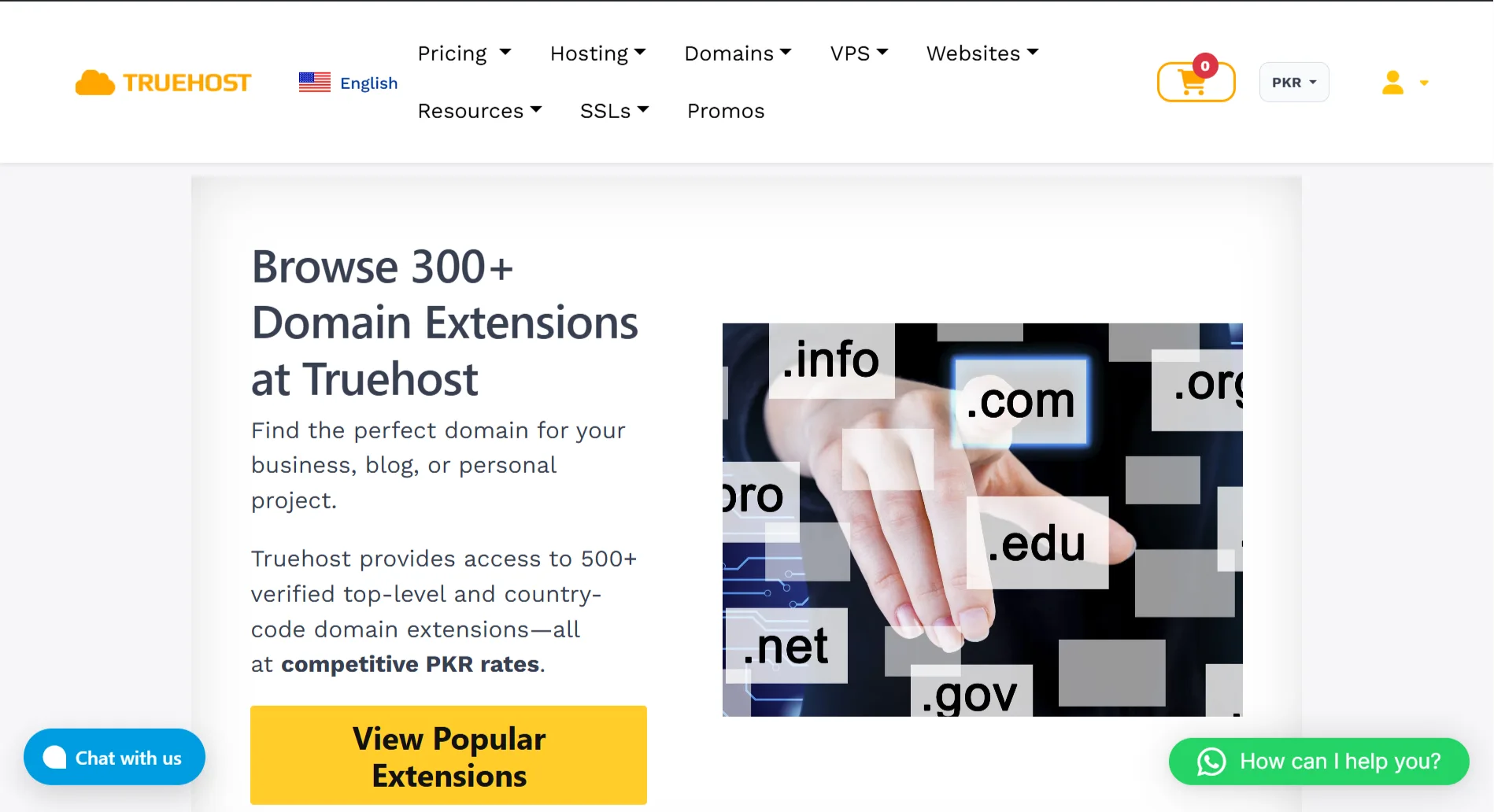
Truehost’s domain panel displays nameserver information prominently, so changing where a domain points does not require digging through menus.
DNS records are what make a domain work. An A record points the domain to an IP address. A CNAME points a subdomain to another domain. MX records decide where email goes.
TXT records handle domain verification and email security. In cPanel’s Zone Editor, a single typo in these records can take your site offline or stop email from arriving.
Cloudflare DNS is a common choice because it resolves quickly, has a simple interface, and includes basic security protection.
7) Website Backup Tools
What happens if your site crashes and you lose all your files?
Backup tools such as UpdraftPlus, Jetpack, BackupBuddy, and Duplicator
exist for one reason: to restore your site when something goes wrong.
UpdraftPlus has the strongest reputation among small business WordPress sites. It backs up to S3, Google Drive, or Dropbox, and the restore process is manageable for non-technical users.
The free version covers the core functionality.
Jetpack Backup makes sense if you already use the Jetpack suite. BackupBuddy and Duplicator Pro lean more toward migration and cloning; Duplicator Pro is particularly good at moving a site from one host to another.
One thing to watch: do not run multiple backup plugins at the same time. They can conflict and waste server resources.
8) Website Security Tools
For website security, we have tools like Wordfence, Sucuri, iThemes Security, and MalCare
Wordfence’s free version provides real protection, including a firewall, malware scanning, login rate limiting, and two-factor authentication.
Note that scans run on your server, use resources, and can slow down larger sites.
Sucuri routes your traffic through its cloud network on paid plans. It blocks attacks before they reach your server. The cost is higher; the Basic plan starts at $199 per year.
iThemes Security, now called Solid Security, balances ease of use with depth. Its free version goes further than the other two. MalCare focuses on lightweight scanning. Scans run off-server, so they don’t affect your site speed.
9) Website Performance Tools
You also need website performance tools such as WP Rocket, GTmetrix, Pingdom, and Google PageSpeed Insights.
WP Rocket is one of the most popular paid WordPress caching plugins. It handles page caching, browser caching, CSS and JavaScript minification, and lazy loading. Most sites see results without deep configuration.
The choice between WP Rocket and LiteSpeed Cache depends on your server LiteSpeed Cache is the natural fit on LiteSpeed servers, while WP Rocket is more general-purpose.
GTmetrix, Pingdom, and PageSpeed Insights are diagnostic tools, not optimization tools.
They tell you where the slowdown is; oversized images, slow server response, or a render-blocking script.
PageSpeed Insights also reports Core Web Vitals, which Google uses to measure page experience.
Do You Need All 9 Web Hosting Tools?
Not necessarily. A new personal blog on shared hosting with cPanel, Apache or LiteSpeed, a free caching plugin, and Wordfence Free is enough to get started.
As the site grows- e-commerce, user logins, rising traffic- you may need a dedicated cache layer like Redis, cloud-based security like Sucuri or Cloudflare, and a more deliberate backup strategy.
Just figure out where your site struggles first, then add the tool that solves that specific problem. Stacking plugins without a reason only slows the site.
Ready to Put The 9 Tools to Work?
At Truehost, we’ve covered the foundation.
Every hosting plan runs on stable servers with cPanel, free SSL certificates, daily automated backups, and Softaculous one-click installs.
You do not need to configure the server environment yourself; you can start building as soon as you sign up.
Our Starter plan fits new sites and personal projects at ₨282.65 per month.
The Pro plan suits growing small businesses and content sites at ₨296.78 per month.
If you run multiple sites or an online store, the Unlimited plan gives you unlimited domains, email accounts, and databases at ₨4,149.77 per month.
All plans include free SSL, daily backups, unlimited email accounts, and Python and Node.js support. You can register domains in the same panel.




