Domain SearchInstantly check and register your perfect .pk or international domain
 Web HostingGet a .pk domain for as low as PKR 467
 cPanel HostingUser-friendly hosting powered by cPanel
 Reseller HostingLaunch your own hosting business with minimal technical requirements
 Windows HostingOptimized for Windows-based applications and websites
 Affiliate ProgramEarn referral commissions by promoting our services
 WordPress HostingFast & Reliable WordPress Hosting
 Domain TransferMigrate your existing domain seamlessly with zero downtime.
 All DomainsAccess 324+ top-level domains (TLDs) worldwide from a single platform
 Whois LookupIdentify the owner of any domain using our whois and rdap lookup tool
 Managed VPS Hosting
 AI Website BuilderCreate beautiful websites effortlessly using intuitive drag-and-drop features
 Online ShopLaunch a professional online shop with no technical skills required
 BlogDiscover expert guides on hosting, websites, SEO, and digital growth strategies
 ContactGet instant assistance via live chat or email
 SupportAccess help articles, tutorials, and service documentation
 SSL CertificatesEncrypt data, build trust, and boost SEO.
When you type a website address into your browser, a series of steps happens to get you to the right location.
Domain names are made for you to use, while computers rely on numeric IP addresses to communicate. Now, nameservers handle the translation between the two.
The Domain Name System (DNS) contains the rules and records that link domain names to their corresponding IP addresses.
A nameserver is a specific server that stores a part of the records and answers questions about them.
The main purpose of a nameserver is to translate the human-readable domain name you type into a machine-readable IP address so your browser can load the correct website.
Nameservers are usually presented in one of two formats. The most common is a hostname format, which looks like ns1.provider.com and ns2.provider.com. This format is easier to remember and manage.
The other is the IP address format, a string of numbers like 192.168.1.1. Both serve the same function, but the hostname format is more common for everyday use.
How Do Nameservers Work?
I)What Happens When You Type a Domain into Your Browser
Your browser sends a query out onto the internet asking, “What is the IP address for this domain?”
This request goes to a DNS resolver, usually provided by your internet service provider. The resolver is a middleman, helping your computer find the answer it needs.
II) The Recursive Query Process
The DNS resolver doesn’t know the IP address immediately, so it goes on to find out. It starts by asking the root nameservers, then the TLD nameservers, and finally the authoritative nameserver.
Once it gets the final answer, it sends that IP address back to your browser.
This process is called a recursive query because the resolver does all the work to find the answer for you.
III) Root Server Query
The resolver’s first stop is a root nameserver. These are the top-level managers of the DNS system and are overseen by ICANN.
There are 13 types of root nameservers, but they run on hundreds of physical machines worldwide using a technique called Anycast routing for speed and reliability.
The root server’s job is simple: it looks at the domain extension (.com, .pk, .org) and points the resolver to the correct TLD nameserver for that extension
IV) TLD Server Query
The resolver then contacts the TLD nameserver. This server manages information for all domains that share a specific extension, like all .pk domains or all .com domains.
It doesn’t have the final IP address, but it knows which authoritative nameserver holds that information. So, it directs the resolver to the correct authoritative nameserver.
V) Authoritative Nameserver Query
The resolver then makes its final stop at the authoritative nameserver. This is the last step in the journey.
The authoritative nameserver has the definitive information for the specific domain you are looking for.
It stores the DNS records, including the A record that contains the exact IP address of the domain’s hosting server. Then, it provides the resolver with that final IP address.
VI) Caching and the Return Trip
Once the resolver has the IP address, it gives it to your browser, and your browser can finally load the website.
To speed this up next time, the resolver caches, or temporarily stores, this information.
The next time someone requests that domain, the resolver can skip the journey and immediately provide the cached IP address.
Caching is a key reason the internet feels so fast; it prevents a full DNS lookup every single time someone visits a site.
Types of Nameservers
All DNS servers fall into four main categories, each with a specific role in the process described above.
a) Root Nameservers
These are the starting point for any DNS query. They don’t have the answer you’re looking for, but they know who does.
They direct the query to the appropriate TLD server based on the domain’s extension. They form the foundation of the entire DNS hierarchy.
b) TLD Nameservers
These servers manage specific extensions. A .com TLD server has information for all .com domains, a .org server for all .org domains, and so on.
They are the middle managers of the DNS, pointing queries to the correct authoritative nameserver.
c) Authoritative Nameservers
This is the final source of truth for a domain. It holds all DNS records, like A records, MX records for email, and CNAME records for subdomains.
When you manage your domain’s DNS settings, you are essentially managing the records on your authoritative nameservers.
d) Recursive Nameservers
This server does the legwork for your computer. It receives your initial query, asks all the other nameservers on your behalf, and brings the answer back.
Most internet users use a recursive resolver provided by their ISP, but public options like Cloudflare’s 1.1.1.1 are also popular.
Why Are Nameservers Important?
- Website Availability: If your nameservers are not configured correctly or go down, your website becomes inaccessible. No one can find it.
- Email Delivery: Nameservers store MX records, which tell the internet where to send your emails. Misconfigured nameservers can cause email delivery to fail.
- Subdomains and Additional Services: Nameservers allow you to create and manage subdomains (like
blog.yourdomain.com) and configure additional services. You can point different parts of your domain to different servers using the correct DNS records. - Performance and Speed: Your nameserver speed can affect how quickly visitors reach your site. A slow nameserver adds extra time to every initial connection, which can lead to longer load times and a poor user experience.
- Security: Nameservers can be configured with security features like DNSSEC, which helps protect against domain hijacking and other malicious activities
How to Find Your Nameservers
1) Using WHOIS Lookup Tools
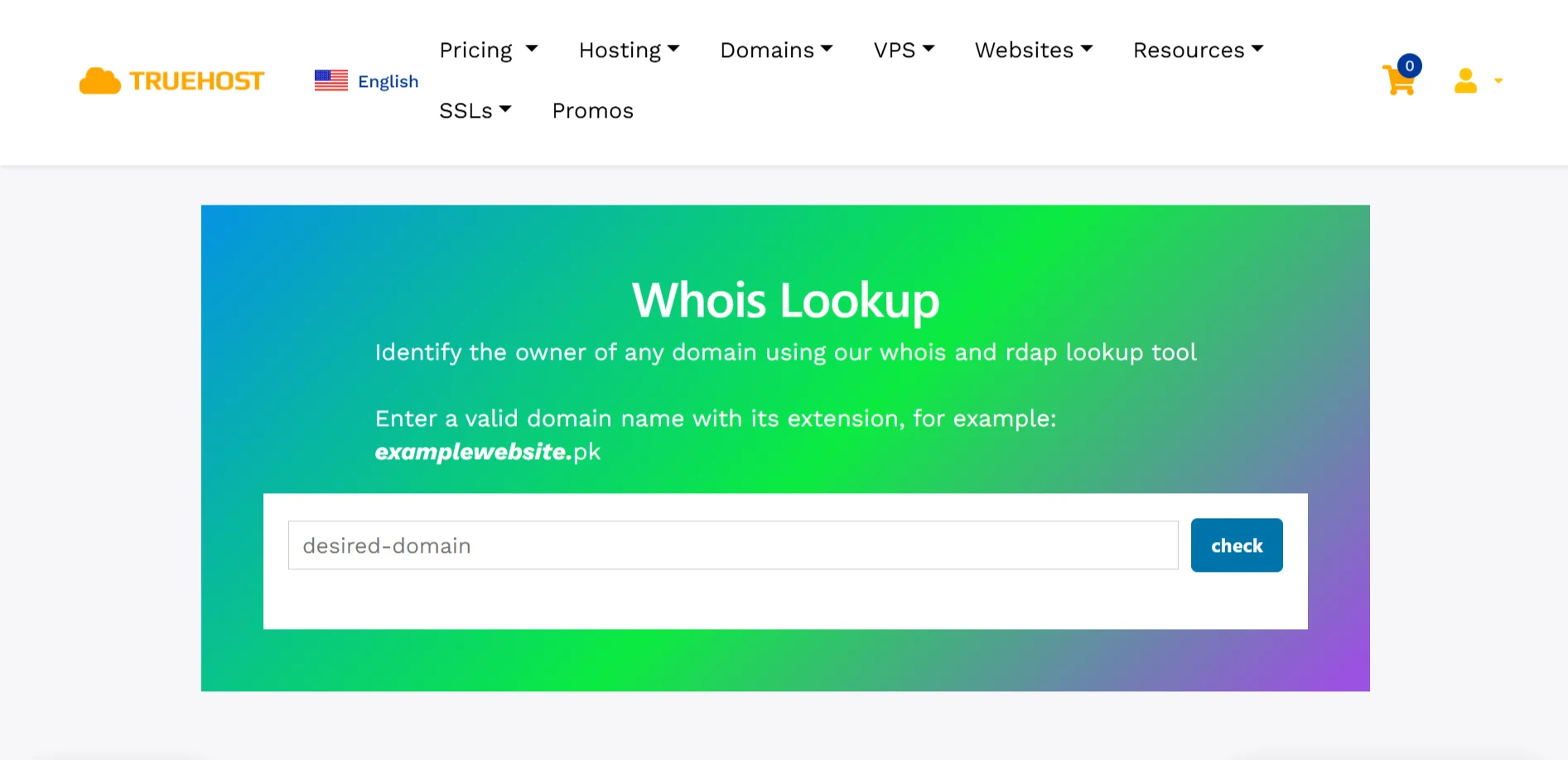
One of the simplest ways is to use a WHOIS lookup tool. Many free tools are available online.
Enter your domain name, and the WHOIS record will typically list the associated nameservers.
For example, Truehost offers a reliable WHOIS lookup service for this exact purpose for free. You just need to:
- Type any domain (e.g.,
example.com.pk) - Click “Search Now”
- Get complete RDAP results instantly
2) Check Your Domain Registrar’s Control Panel
Your domain registrar is the company you purchased your domain from.
Log in to your account, and you will find your nameserver settings listed under a section like “DNS Settings” or “Domain Management”.
If you registered your domain with Truehost, your dashboard will display your current nameservers clearly.
3) Using Command-Line Tools
For a more technical approach, you can use the command-line tool nslookup. Open your command prompt or terminal and type nslookup -type=NS yourdomain.com.
This returns the nameservers for the domain you specified. It is a quick way to check without using a third-party website.
4) Checking via Your Hosting Provider
Your hosting provider is usually where your website files live.
When you signed up for hosting, they provided you with nameserver addresses, such as ns1.hostingcompany.com and ns2.hostingcompany.com.
If you are unsure, you can find these in your hosting control panel or your welcome email.
5) Using Online DNS Checker Tools
Various online tools such as nslookup can show you all the DNS information for your domain.
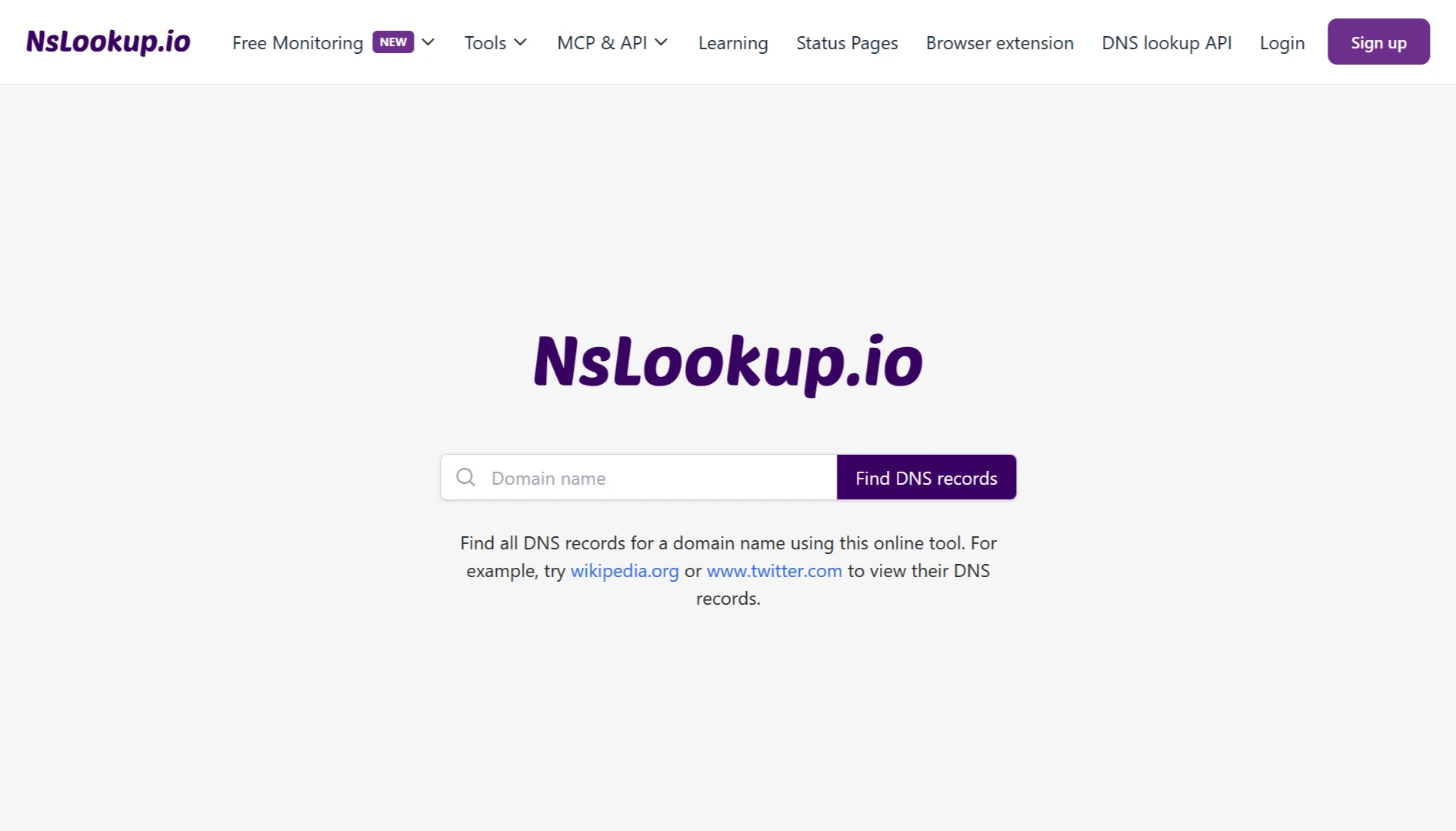
DNS lookup tools can show you which nameservers your domain is currently pointed to.
This helps because it verifies the information from an external perspective.
Common Nameserver Issues and Fixes
| Issue | Fix |
| Slow Website Loading | Run a DNS speed test and consider switching to a faster provider. |
| Inaccessible website | Verify your registrar entered the nameservers correctly. |
| Delayed updates | Wait up to 48 hours for global propagation; flush local DNS cache. |
| Nameserver mismatch | Make sure the registrar and hosting provider nameservers match exactly. |
| Email delivery issues | Check that MX records are properly configured in your DNS settings. |
What Are Nameservers FAQs
How do I create a nameserver for my domain?
Creating a custom nameserver is something you would do if you are a hosting provider or want brand-specific nameservers. You would need to set up nameservers on your server and then register them with your domain registrar, which often requires you to provide an IP address for the nameserver.
What is the difference between a domain name and a nameserver?
A domain name is the human-readable address of a website (like google.com). A nameserver is a server that helps translate that domain name into the machine-readable IP address needed to locate the website.
Is 8.8.8.8 a nameserver?
Yes, 8.8.8.8 is a public recursive DNS resolver operated by Google. It does not host zone files for domains; instead, it performs the recursive lookups for clients on behalf of their devices.
How to check if nameservers are registered?
You can use a WHOIS lookup tool to see the registered nameservers for a domain. If the nameservers are listed in the WHOIS record, they are officially registered. A domain often requires at least two to be considered properly registered.
Get Your Perfect Domain at the Best Price with Truehost
Now that you understand how nameservers work, it is time to get your domain.
We offer Pakistan-focused extensions like .pk, .com.pk, .org.pk, .karachi, and .lhr to help you build local credibility.
Why Register With Us?
- Pakistan-focused extensions: .pk, .com.pk, .org.pk, .karachi, and .lhr
- Affordable pricing with no hidden fees
- Instant registration and AI-powered domain search
- 24/7 expert support
- Add email, SSL, and hosting with one click
You can register .pk domain for only ₨54,721.04, and yearly renewal is just ₨19,785.50. No surprise hiked renewal fees. Promise.
And, we make it so easy for you.
Just search for your desired domain, secure it in your cart, complete your purchase through our payment gateway, and launch your site with hosting, emails, or a website builder, all from one dashboard.
Visit our domains page, use the search tool, enter your preferred name, browse the available options, and register instantly.