 Domain SearchInstantly check and register your perfect .pk or international domain
 Web HostingGet a .pk domain for as low as PKR 467
 cPanel HostingUser-friendly hosting powered by cPanel
 Reseller HostingLaunch your own hosting business with minimal technical requirements
 Windows HostingOptimized for Windows-based applications and websites
 Affiliate ProgramEarn referral commissions by promoting our services
 WordPress HostingFast & Reliable WordPress Hosting
 Domain TransferMigrate your existing domain seamlessly with zero downtime.
 All DomainsAccess 324+ top-level domains (TLDs) worldwide from a single platform
 Whois LookupIdentify the owner of any domain using our whois and rdap lookup tool
 Managed VPS Hosting
 AI Website BuilderCreate beautiful websites effortlessly using intuitive drag-and-drop features
 Online ShopLaunch a professional online shop with no technical skills required
 BlogDiscover expert guides on hosting, websites, SEO, and digital growth strategies
 ContactGet instant assistance via live chat or email
 SupportAccess help articles, tutorials, and service documentation
 SSL CertificatesEncrypt data, build trust, and boost SEO.
If your website worked fine yesterday but today it’s showing an error page, loading forever, or worse, completely blank, it has crashed.
Crashing doesn’t always mean it’s gone forever, but right now, nobody can reach it.
A crash can cost you money, customers, and trust. If you run an online store, every minute of downtime is lost sales.
Worse, if you run a business site, potential clients might assume you’ve shut down. And if you rely on Google rankings, repeated crashes can hurt your search visibility.
But dont panic.
Most crashes are fixable. Some take minutes. Others might take an hour or two of troubleshooting. The important thing is knowing what caused it and acting fast.
8 Common Reasons Why Your Website Keeps Crashing and How to Fix
1) You’ve Overstretched Hosting Resources
Shared hosting gives you a piece of a server’s CPU, RAM, and disk space. When your site grows or gets busy, you can exceed those limits.
The server then restricts your site’s processes or shuts it down entirely to protect other users.
How will you know if you’ve overstretched your resources?
- Your site feels slow before it crashes.
- Your host might send warning emails about resource usage.
- Error logs in your hosting dashboard will show you’re hitting limits.
To fix the issue, you either upgrade to a hosting plan with more resources or reduce what your site consumes.
Caching plugins, image optimization, and removing unused plugins can help. But if you’ve genuinely outgrown shared hosting, upgrading is the best solution.
2) Unusual Traffic Spikes
A sudden surge in visitors can overwhelm your server.
It happens when a post goes viral, a marketing campaign launches, or bots hammer your site. Your server tries to handle every request at once, runs out of capacity, and crashes.
How you’ll know:
- Your analytics will show a sharp spike right before the crash.
- Visitors report timeouts or pages that won’t load.
- The crash likely happened during a period of unusually high activity.
Put a CDN in front of your site so edge servers serve static files instead of your main server.
Also, enable caching to reduce how much work your server does per visit. If spikes are regular, you need hosting that can scale with demand.
3) Outdated Plugins and Software
Old plugins, themes, and core software develop compatibility conflicts over time. A plugin written for an older version of WordPress can break when WordPress updates.
Incompatible code can also cause fatal errors that take the whole site down.
Outdated software can cause a crash right after an update. You might see error messages pointing to specific plugin files.
You’ll also see compatibility warnings appear in your dashboard.
To fix this, update everything: plugins, themes, and core software. But do it carefully. Update one thing at a time so you know what caused the problem if something breaks.
If a plugin’s developer has abandoned it, replace it with an actively maintained alternative.
4) Bad Web Hosting
Some hosting providers pack too many accounts onto a single server. Others use cheap hardware that fails under load.
When your host’s infrastructure is unreliable, your site crashes through no fault of your own.
If your site crashes frequently without a clear cause, and support tickets take too long to answer, it’s probably because of bad hosting.
You find other users complaining about the same host, and uptime monitoring shows your site going down even when you haven’t changed anything.
The solution: Switch to a reliable hosting provider. Look for one with clear uptime guarantees, responsive support, and infrastructure that isn’t overcrowded.

The few dollars you save on cheap hosting aren’t worth the lost visitors and revenue.
5) Coding Errors and Bugs
Custom code, theme modifications, and poorly written plugins can contain bugs that crash your site.
A simple syntax error in a PHP file can take down the entire site. Plugin conflicts that modify the same functionality can cause some errors.
Coding errors and bugs can appear as a “white screen of death,” fatal error messages, or HTTP 500 errors.
Also, if the crash happens right after you install or modify something, it’s probably a coding error, especially when error logs point to a specific file or line of code.
Try this: Enable WordPress debug mode to see the exact error. Disable plugins one by one to find the conflict.
If you’re not comfortable editing code, hire a developer. And test changes on a staging site first, so you don’t crash your live site.
6) Database Corruption or Overload
Your database stores everything: posts, pages, user data, settings. If it becomes corrupted, bloated, or overloaded with too many simultaneous connections, your site can’t retrieve the data it needs to load.
You see “Error establishing a database connection” messages, pages load slowly or partially, and database repair tools report corrupted tables.
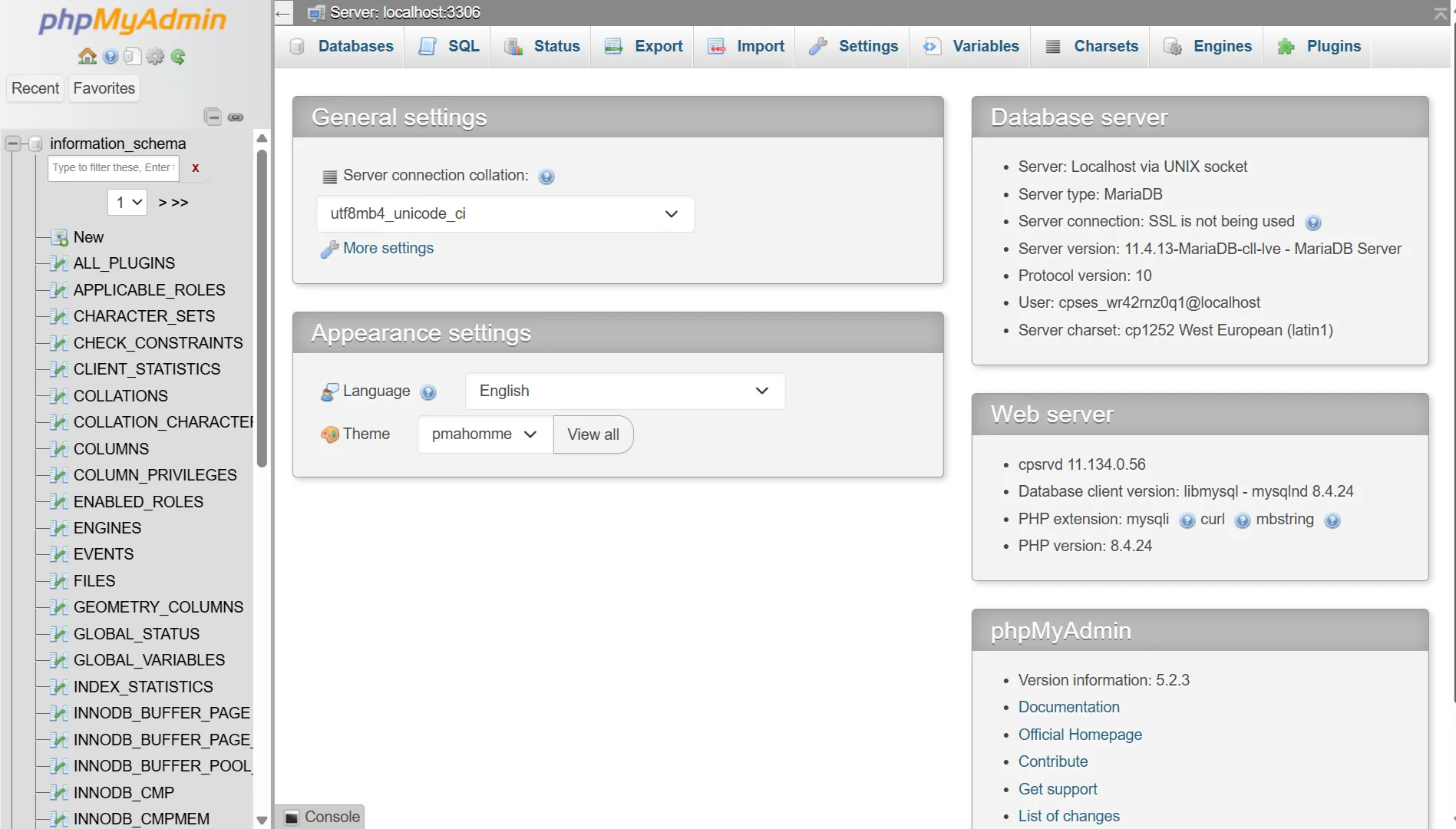
Try repairing your database through phpMyAdmin or WordPress’s built-in repair mode. Optimize database tables to remove overhead.
If corruption is severe, restore from a recent backup. Regular database maintenance prevents this from happening again.
7) Malware Infections and Security Breaches
Hackers can inject malicious code into your site to redirect visitors, steal data, or use your server for attacks.
This malicious code can crash your site or make it inaccessible. Google may flag your site as unsafe, driving visitors away.
Watch out for:
- Visitors get redirected to strange websites.
- Google Search Console shows security warnings.
- You find unfamiliar files or code in your site directories.
- Your host suspends your account for suspicious activity.
Scan your site with security tools to find infected files, remove malicious code, restore clean files from backup, and change all passwords.
You can also install a security plugin and keep everything updated. If the infection is extensive, professional malware removal may be necessary
8) Incompatible or Broken Themes
Your theme controls how your site looks and functions.
When a theme update conflicts with your plugins or the current WordPress version, it can crash the site. Outdated themes with deprecated code cause website errors.
If your site breaks right after a theme update, the layout falls apart, or you see error messages referencing theme files, switching to a default theme can fix the problem.
Update your theme to the latest version.
If that doesn’t work, switch to a default WordPress theme temporarily to confirm the theme is the problem. For custom themes, use a child theme so updates don’t overwrite your changes.
Your Website Crashing Response Plan Checklist
- Who to contact: Know who you’ll reach out to: your host’s support team, your developer, or your IT person. Save their contact info somewhere you can access even when your site is down.
- Steps to take: First, confirm the crash. Check if your site loads on different devices and networks. Then check your host’s status page for outages.
- Where to check: Your uptime monitor shows when the crash started. Error logs in your hosting dashboard show what went wrong. Your host’s dashboard shows resource usage and server status.
- How to restore: Know where your backups are stored and how to deploy them. Document this before you need it. If you don’t have backups, set them up today.
- Communication plan: Decide how you’ll tell visitors or clients about the outage. A simple notice on a status page or social media prevents confusion and frustration.
Your Website Does Not Have to Crash Due to Poor Hosting
Sometimes, the crashes are unavoidable. Traffic can spike at any time, and code can have bugs.
But crashes caused by poor hosting infrastructure? You can prevent those by choosing the right provider.
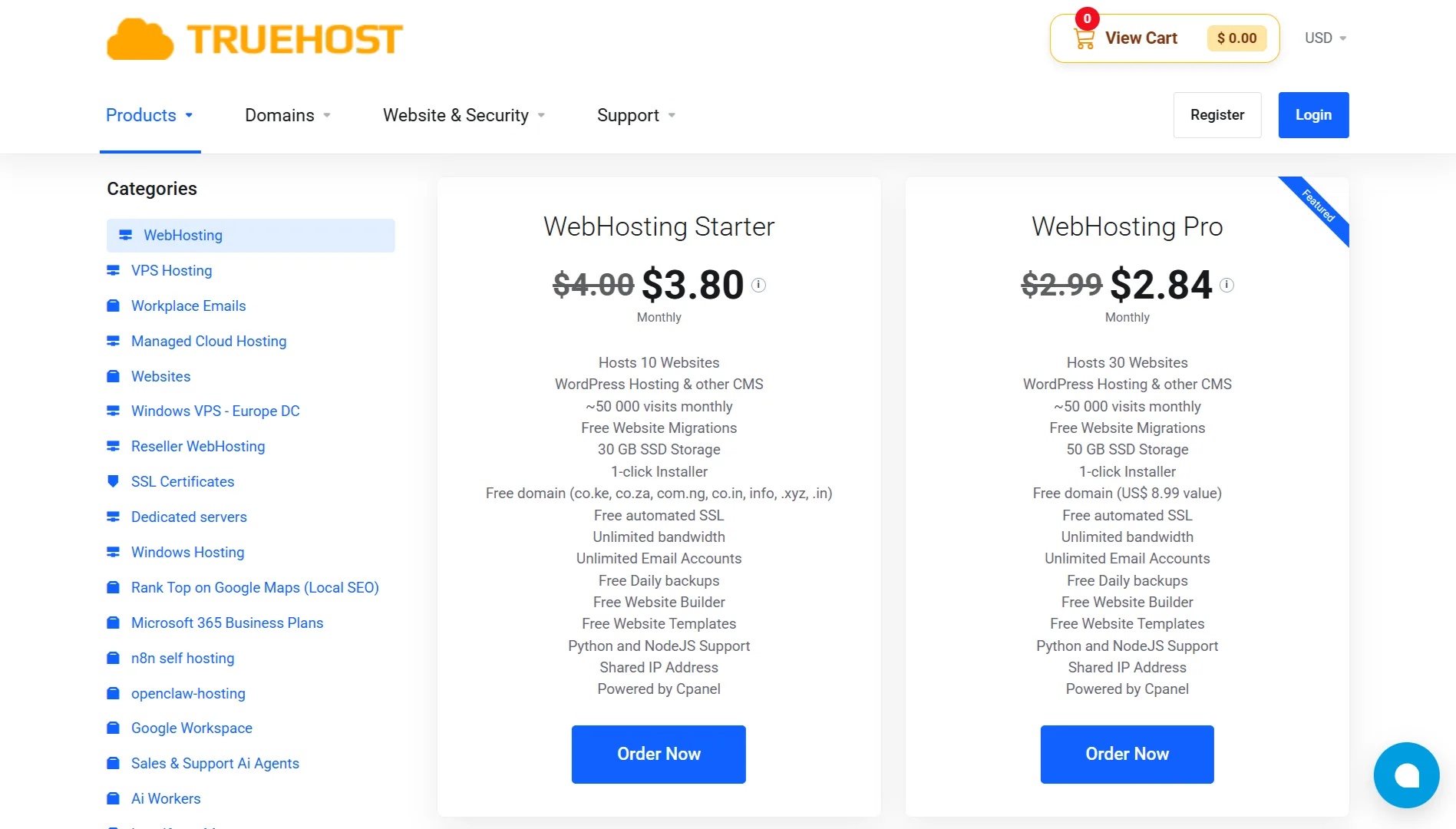
We built TrueHost to give website owners hosting they don’t have to worry about. Reliable servers, support that promptly helps, and features that keep your site running smoothly.
Every TrueHost plan includes high-speed SSD storage, free SSL certificates, automated daily backups, and one-click installs for WordPress and other CMS platforms.
You get cPanel, free website migrations, and unlimited email accounts. Your site can be live in about 30 minutes.
| Plan | Price (per month) | Best For |
| Starter | ₨282.65 | New websites, portfolios, blogs |
| Pro | ₨296.78 | Small businesses, company websites |
| Unlimited | ₨4,149.77 | Agencies, developers, eCommerce stores |
If you’re tired of crashes, slow support, and hosting that can’t keep up, it might be time to switch.
We’ll even migrate your site for free. Your website should work; we make sure it does.




