 Domain SearchInstantly check and register your perfect .pk or international domain
 Web HostingGet a .pk domain for as low as PKR 467
 cPanel HostingUser-friendly hosting powered by cPanel
 Reseller HostingLaunch your own hosting business with minimal technical requirements
 Windows HostingOptimized for Windows-based applications and websites
 Affiliate ProgramEarn referral commissions by promoting our services
 WordPress HostingFast & Reliable WordPress Hosting
 Domain TransferMigrate your existing domain seamlessly with zero downtime.
 All DomainsAccess 324+ top-level domains (TLDs) worldwide from a single platform
 Whois LookupIdentify the owner of any domain using our whois and rdap lookup tool
 Managed VPS Hosting
 AI Website BuilderCreate beautiful websites effortlessly using intuitive drag-and-drop features
 Online ShopLaunch a professional online shop with no technical skills required
 BlogDiscover expert guides on hosting, websites, SEO, and digital growth strategies
 ContactGet instant assistance via live chat or email
 SupportAccess help articles, tutorials, and service documentation
 SSL CertificatesEncrypt data, build trust, and boost SEO.
Starting a WordPress blog is exciting, but the technical side can feel confusing. You don’t need to know servers to get going. You need hosting that keeps your blog fast, secure, reliable, and affordable.
Hosting is your blog’s home. If it’s slow or unreliable, pages load slowly, your site can drop offline, and security problems are more likely to slip through.
WordPress is a popular choice for bloggers because it’s free, flexible, and easy to customize. Themes and plugins let you add contact forms, email lists, ads, affiliate links, security tools, and more. WordPress also works well with SEO tools such as Yoast SEO and Rank Math.
There’s also a large community of guides, tutorials, and forums to turn to when something breaks.
With the right hosting, you can focus on writing and growing your blog. Before you pick a provider, here is what you need to know.
Official WordPress Technical Requirements
Before choosing hosting, make sure it supports the basic requirements WordPress needs to run properly.
- PHP: PHP 8.3 or newer is preferred. Avoid outdated PHP versions because they may no longer receive security updates.
- Database: Look for MySQL 8.0+ or MariaDB 10.6+.
- Web server: Apache or Nginx are both good options.
- HTTPS/SSL: Your host should provide free SSL, such as Let’s Encrypt.
- PHP memory: Aim for at least 256 MB if you plan to use plugins, themes, or page builders.
- PHP settings: The host should provide reasonable limits for file uploads and script execution.
- PHP extensions: Common extensions such as cURL, GD or Imagick, mbstring, and OpenSSL should be available.
- Storage: SSD storage is preferable, with NVMe being even better for performance.
Why this counts: Meeting only the bare minimum requirements can leave a WordPress site slow, unstable, or difficult to manage as it grows. Choose hosting with some room to spare rather than looking for the lowest possible specifications.
Types of WordPress Hosting
Quick Comparison
| Hosting Type | Starting Cost | Scalability | Best For |
| Shared | ₨282.65 | Low–Medium | New blogs |
| Managed cloud hosting | ₨40,701.60 | Medium–High | Hands-off bloggers |
| VPS | ₨2,261.20 | High | Growing blogs |
| Dedicated | ₨198,420.30 | High | Large websites |
Start with shared or managed WordPress hosting if you’re launching a new blog. Consider a VPS or cloud hosting when your traffic, content, or technical requirements grow.
a) Shared Hosting
Multiple websites share the same server resources, which is why it’s the cheapest way to get online.
- Cost: Usually the cheapest option
- Best for: New and small blogs
- Pros: Affordable and beginner-friendly
- Cons: Performance can be affected by other websites on the server
Look for providers that isolate accounts from one another, so a busy or compromised neighbor can’t drag your blog down.
b) Managed Cloud Hosting
Managed cloud hosting gives your site more dedicated resources while the provider handles much of the server management.
- Best for: Growing businesses, high-traffic WordPress websites, and online stores
- Features: Dedicated CPU and RAM, SSD storage, backups, security, monitoring, and server management
- Pros: Better performance, scalability, and less server maintenance
- Cons: More expensive than standard shared or WordPress hosting
c) VPS Hosting
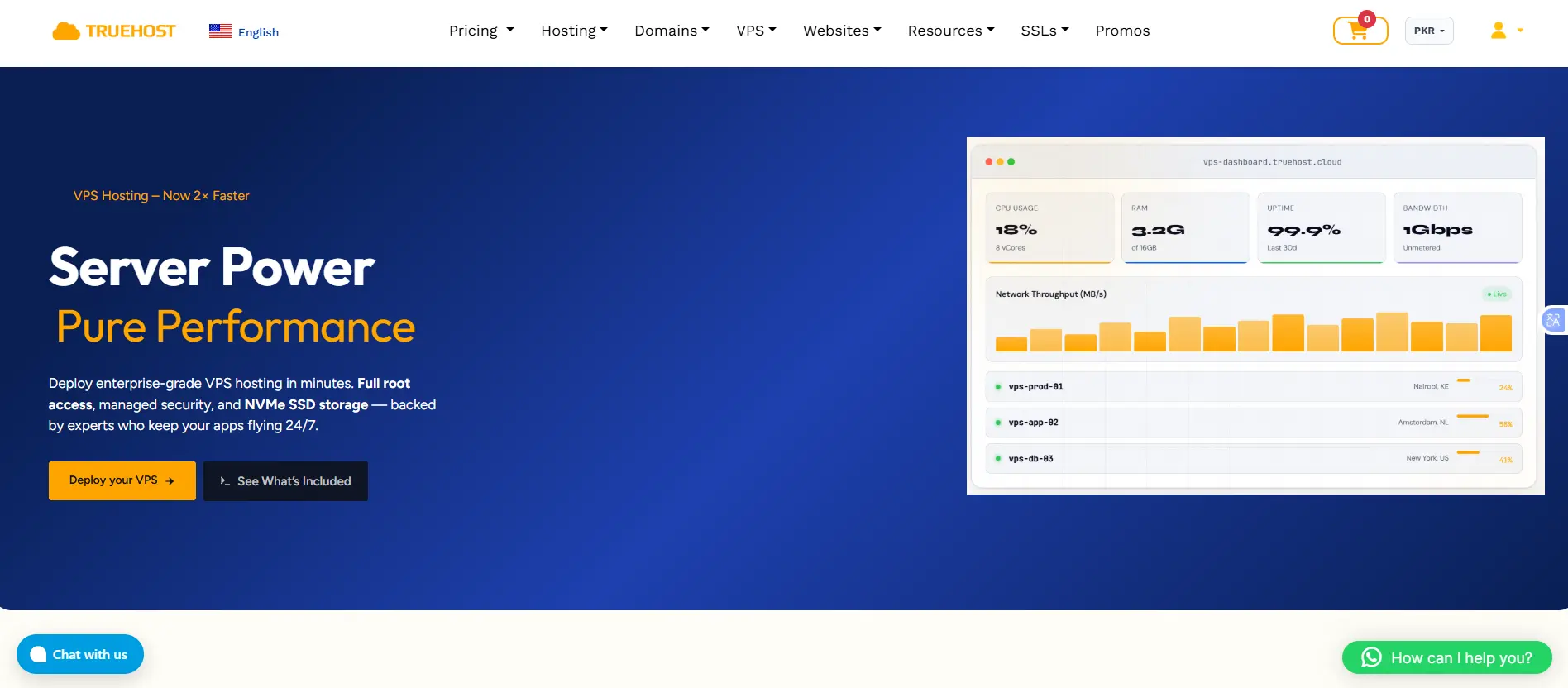
Your site gets dedicated resources inside a virtual server, so what other customers do doesn’t affect you.
- Best for: Growing blogs and websites with higher traffic
- Pros: More control, better resource isolation, and easier scaling
- Cons: Can require more technical knowledge. On an unmanaged VPS, updates and security are your job.
d) Cloud Hosting
Your site runs on flexible cloud infrastructure where resources can be increased as needed.
- Best for: Blogs with changing or unpredictable traffic
- Pros: Flexible and scalable
- Cons: Pricing and setup can be more complicated
e) Dedicated Hosting
You get an entire physical server for your website.
- Best for: Very large, high-traffic websites
- Pros: Maximum control and performance
- Cons: Expensive and unnecessary for most blogs

What to Check Before Choosing WordPress Hosting
i) Pricing
Don’t judge a plan by its introductory price alone. Check:
- Renewal price
- Monthly vs annual pricing
- Storage and bandwidth limits
- Domain costs
- Migration fees
- Email costs
- Backup or security add-ons
- Refund policy
A cheap introductory offer can become considerably more expensive at renewal. Some providers also headline the price for their longest billing term, such as three years, so confirm what you pay on the billing cycle you’ll actually choose.
Read the refund terms carefully too. Money-back guarantees often cover hosting plans but not domain registrations or SSL certificates.
ii) Performance
Look for:
- Fast server response times
- SSD or NVMe storage
- Server-side caching
- Object caching such as Redis
- OPcache
- CDN support
- Clearly stated CPU and RAM resources
Each feature helps your website differently. Page caching loads ready-made pages, Redis saves database data for faster access, OPcache helps PHP run faster, and a CDN delivers images and files from servers closer to your visitors.
Site speed also affects how your pages perform in Google. Your hosting, theme, and plugins can all affect loading times and overall performance.
Don’t choose a plan just because it says “unlimited.” Check the actual resources and usage limits.
iii) Security
Good WordPress hosting should offer:
- Free SSL
- Firewall or WAF protection
- DDoS protection
- Malware scanning
- Regular security updates
- Account isolation where applicable
Account isolation adds another layer of security. WordPress.org recommends hosting where PHP applications run under your own account instead of a shared server account.
Your hosting provider is only one part of your website’s security. Patchstack reported 11,334 new WordPress-related vulnerabilities in 2025, with most found in plugins and themes rather than WordPress core.
To reduce the risk:
- Keep WordPress, plugins, and themes updated
- Remove plugins and themes you don’t use
- Enable two-factor authentication
- Choose a host with strong security features
- Use a firewall and malware protection when available
The main point is simple: good hosting helps protect your site, but keeping your WordPress setup updated is just as important.
iv) Reliability and Backups
Look for:
- At least a 99.9% uptime target
- Regular automatic backups
- Off-server backup storage
- Reasonable backup retention
- Easy restoration
To put uptime in perspective, 99.9% allows roughly 8.8 hours of downtime a year, while 99.99% allows under an hour. For backups, follow the 3-2-1 idea: keep multiple copies, on different systems, with at least one off the server that hosts your site.
Don’t just check whether backups exist. Find out how often they run, how long they’re kept, and how easily you can restore your site. A backup you’ve never tested is a hope, not a plan.
v) Scalability
Your hosting should let you upgrade as your blog grows. Check whether you can:
- Increase CPU and RAM
- Upgrade storage
- Handle traffic spikes
- Move to a larger hosting plan
- Migrate to another server with minimal disruption
A single post that goes viral can send more traffic in a day than your blog saw in a month. A provider with a clear ladder from shared to VPS to cloud means growth is an upgrade rather than a rebuild.
vi) WordPress Features
Useful features include:
- One-click WordPress installation
- Automatic WordPress updates
- Plugin and theme updates
- Staging sites
- Automatic backups
- An easy-to-use control panel
- SSH or Git access if you need more technical control
Staging sites let you test updates and changes on a copy of your blog before applying them to the live site. This can help prevent plugin or theme conflicts. Always back up your site and test major updates before applying them to a busy website.
vii) Customer Support
Look for:
- 24/7 support
- Fast response times
- WordPress-specific knowledge
- Live chat or ticket support
- Helpful documentation
Good support can save you hours when something goes wrong. Test it before you buy. Ask a pre-sales question on live chat and see how quickly and how knowledgeably they answer.
viii) Server Location
Choose a server location reasonably close to your main audience when possible. Distance adds latency, so readers far from the server wait a little longer for every request. A CDN can help deliver content faster to visitors in other regions.
If you collect subscriber data, also check whether any local data-protection rules affect where that data should be stored.
ix) Other Considerations
Depending on your blog, you may also want:
- Multiple website support
- Email hosting
- Green or renewable-energy-powered hosting
- Easy domain management
- Free website migration
Common Mistakes First-Time Bloggers Make
- Choosing the cheapest plan without checking renewal pricing. The sign-up price is often a promotion, so compare what you’ll pay in year two.
- Ignoring backup frequency until after a disaster. Confirm how often backups run and practice a restore before you need one.
- Outgrowing shared hosting and not knowing when or how to upgrade. Warning signs include slow pages during traffic spikes, resource-limit warnings, and admin screens that crawl.
- Skipping security basics (SSL, backups, firewall) because “it’s just a blog.” Attackers scan for vulnerable sites automatically, and they don’t care how small yours is.
- Installing plugins freely and never updating them. Given that 91% of new WordPress vulnerabilities in 2025 were in plugins, every plugin you add is a maintenance commitment. Keep only what you use.
Hosting for WordPress Blogs FAQs
How can a beginner start blogging on WordPress?
You can set up a WordPress blog in an afternoon.
Create your main pages and publish. Start with About, Contact, and Privacy Policy pages, then publish a few useful posts.
Choose a topic and audience. A focused topic makes it easier to create useful content.
Choose self-hosted WordPress. WordPress.org gives you more control over themes, plugins, and monetization.
Get a domain and hosting. Some hosting plans include a free domain.
Install WordPress. Most hosts offer a one-click installation.
Set up the basics. Enable HTTPS, set your permalinks, and remove sample content.
Choose a simple theme. A lightweight theme can help your site load faster.
Install essential plugins. Consider plugins for SEO, backups, security, and contact forms.
Why are some people moving away from WordPress?
Some users are choosing other platforms, but WordPress is still widely used. Common reasons for switching include:
- Easier alternatives: Platforms such as Wix and Squarespace include hosting, security, and updates.
- Maintenance: Self-hosted WordPress requires you to manage updates, plugins, backups, and security.
- Performance: Too many plugins or a heavy theme can slow down a website.
- Complexity: WordPress offers many options, but beginners may need time to learn how everything works.
- Industry disputes: Controversies around parts of the WordPress ecosystem have also influenced some users.
WordPress still has a large ecosystem of themes, plugins, developers, and hosting providers. For many bloggers, the flexibility makes it worth the extra maintenance.
What do people use instead of WordPress?
The best alternative depends on what you want to build.
- Wix and Squarespace: Simple website builders with hosting included.
- Shopify: Designed mainly for online stores.
- Webflow: Good for users who want more visual design control.
- Ghost: Built for blogging and newsletters.
- Substack and beehiiv: Focus mainly on newsletters and email publishing.
- Joomla and Drupal: Traditional CMS options with more technical requirements.
- Astro and Hugo: Static-site tools suited to developers who want speed and control.
The main trade-off is convenience versus flexibility. Hosted platforms are easier to manage, while WordPress gives you more control over your website.
What is the best WordPress hosting for beginners?
Look for hosting that is affordable, easy to manage, and gives you room to grow. Useful features include:
- One-click WordPress installation
- An easy control panel
- Free SSL
- Automatic backups
- Server-side caching
- 24/7 customer support
- Free or affordable migration
- Easy upgrades to VPS or cloud hosting
- Clear renewal prices
- A fair refund policy
For a new blog, shared or managed WordPress hosting can be a good starting point. Truehost offers hosting options with features designed to make WordPress setup and management easier
Why Truehost Is a Good Fit for WordPress Blogs in Pakistan
“Best” depends on your needs, but for new and growing bloggers in Pakistan, Truehost covers the checklist above and removes a few local hurdles.
- Pay locally, in rupees. Truehost bills in PKR and accepts local payment methods, so your renewals don’t swing with the dollar exchange rate. Its guides list JazzCash, Easypaisa, and card payments, so you don’t need an international card to sign up.
- Domain and hosting in one account. You can register a .pk or .com.pk domain and host your blog under the same login. Use .pk or .com.pk if your readers are mostly in Pakistan, and .com if you’re also aiming abroad.
- Room to start and grow. The Starter plan hosts up to 10 websites with 30 GiB of SSD storage and cPanel, and includes migration assistance. The Pro plan raises that to 30 websites and 50 GB. SSL, daily backups, and unmetered bandwidth are included. When you outgrow shared hosting, VPS and dedicated servers are available from the same provider.
- Speed. LiteSpeed caching helps WordPress pages load faster and supports better Core Web Vitals.
- Support around the clock. Support is available 24/7 by phone, chat, and email, which covers Pakistani business hours and late-night emergencies.
- Low risk. Web hosting plans carry a 30-day money-back guarantee, though domain registrations are excluded.
Whichever host you choose, run it against the checklist in this guide. To test Truehost yourself, start a plan, ask for a free migration, and use the refund window to judge the speed and support.




