Domain SearchInstantly check and register your perfect .pk or international domain
 Web HostingGet a .pk domain for as low as PKR 467
 cPanel HostingUser-friendly hosting powered by cPanel
 Reseller HostingLaunch your own hosting business with minimal technical requirements
 Windows HostingOptimized for Windows-based applications and websites
 Affiliate ProgramEarn referral commissions by promoting our services
 WordPress HostingFast & Reliable WordPress Hosting
 Domain TransferMigrate your existing domain seamlessly with zero downtime.
 All DomainsAccess 324+ top-level domains (TLDs) worldwide from a single platform
 Whois LookupIdentify the owner of any domain using our whois and rdap lookup tool
 Managed VPS Hosting
 AI Website BuilderCreate beautiful websites effortlessly using intuitive drag-and-drop features
 Online ShopLaunch a professional online shop with no technical skills required
 BlogDiscover expert guides on hosting, websites, SEO, and digital growth strategies
 ContactGet instant assistance via live chat or email
 SupportAccess help articles, tutorials, and service documentation
 SSL CertificatesEncrypt data, build trust, and boost SEO.
A slow website costs you more than frustrated visitors; it can cost you sales. Even a one-second delay can reduce conversions, while every minute of downtime means your business could be losing customers. For a small business, downtime can cost approximately Rs 38,000–Rs 118,000 per minute, with larger businesses facing even higher losses.
One factor that can affect your website’s speed and reliability is the web host you choose.
The trouble is, there are too many options: shared hosting, VPS, dedicated servers, cloud hosting, managed hosting, each with different pricing and trade-offs, and every provider claiming to be the best. That usually leaves people comparing plans on price alone and missing what actually counts.
This post covers the seven factors that genuinely make a difference.
1) Pricing Transparency & Overall Value
Why it counts: Introductory hosting prices are usually promotional rates that increase at renewal. A plan advertised at ₨282.65 may cost significantly more when it renews, especially after the initial 12-, 24-, or 36-month term ends.
Additional costs for domain renewal, SSL, backups, business email, or website migration can also increase the overall price. Always check the renewal rate and included features before choosing a plan. Domain renewal terms and fees depend on the registrar and domain extension.
For .PK domains, renewal and registration terms are set under PKNIC’s domain policies.
What to examine carefully:
- Introductory versus renewal pricing; calculate the total cost across two or three years, not just the first invoice.
- What’s actually included: storage, bandwidth/data transfer, email, a domain, SSL, and backups, versus what gets tacked on as a paid add-on.
- Contract length options, the length of any money-back guarantee (30–45 days is common), and how easy cancellation actually is.
- What “unlimited” really means in the fine print; most plans have a fair-use policy and a throttling threshold once you cross it.
Additional value signals: A free domain (usually only for the first year), one-click app installs, and a checkout flow that doesn’t bury you in upsells before you can finish paying.
Red flags: Renewal pricing that’s hard to find until checkout, high overage fees, or plans that force a long commitment with no clear, easy way out.
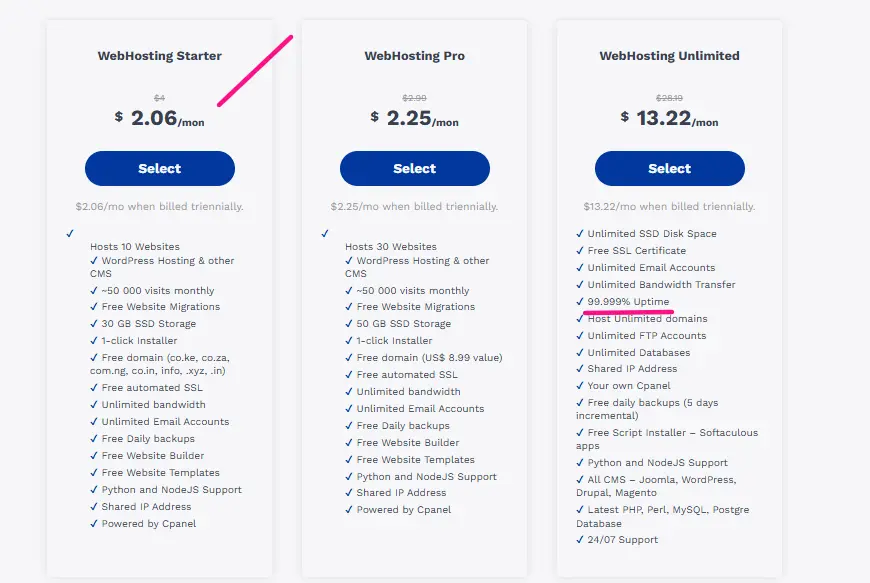
2) Uptime & Reliability
Why it counts: Downtime directly loses visitors, sales, rankings, and trust. Even a “good-sounding” 99.9% uptime guarantee still allows close to nine hours of potential downtime a year, and industry data shows that provider-side failures, not user error, account for the largest share of outages, with power issues and DDoS attacks contributing a meaningful chunk of the rest.
The financial impact depends on the size of the business. Enterprise-level outages can cost over Rs 40 million per hour, while small businesses can still lose significant revenue from just a few hours of downtime.
What to look for:
- A guaranteed uptime of 99.9% or higher, ideally backed by a real SLA with credits for breaches, not just a marketing badge.
- Independent verification. Third-party monitoring tools and long-term reviews are far more trustworthy than a provider’s own claims, since actual measured uptime often runs slightly below the advertised number, particularly on budget shared plans.
- Redundant infrastructure, reputable data centers, and a track record that holds up over multiple years, not just a good quarter.
Red flags: Vague guarantees with no real SLA, a pattern of outage complaints in recent reviews, or no compensation policy when the provider does go down.
3) Speed & Performance
Why it’s important: Page speed affects bounce rates, conversions, Core Web Vitals, and search rankings, and hosting quality is one of the biggest levers behind how fast a page actually loads. The relationship between speed and revenue is now extremely well documented: ecommerce sites that load in one second convert roughly twice as well as sites that take two seconds, and for every additional second of load time, conversions tend to drop by somewhere in the 7–20% range depending on the sector.
On mobile, where more than 60% of ecommerce traffic now happens, the gap is even starker, since mobile pages typically load noticeably slower than desktop and a majority of visitors abandon a page that takes more than three seconds.
What to look for:
- Fast server response times. Time to First Byte (TTFB) ideally under 200–300 ms; anything creeping toward or past a full second is a warning sign, since it also correlates with worse search indexing.
- Modern storage: NVMe SSDs rather than older HDDs or even SATA SSDs.
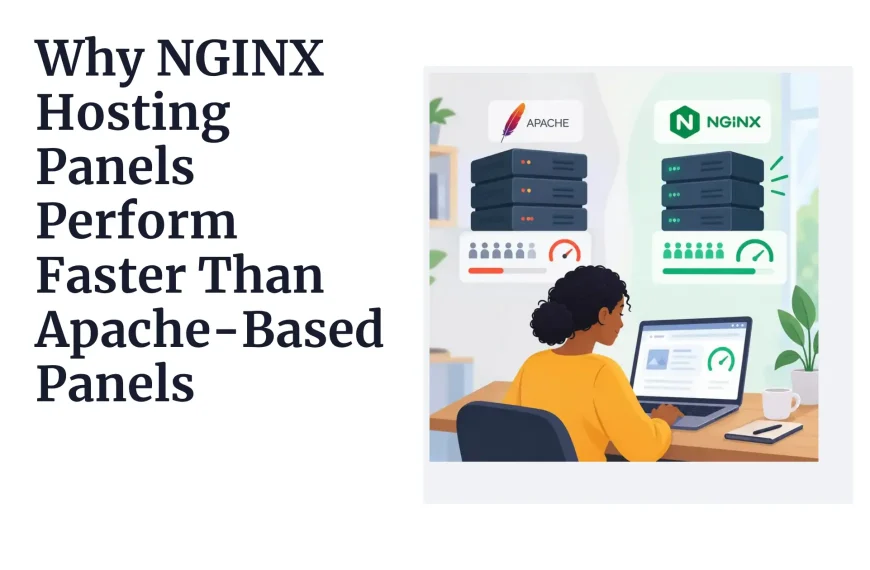
- Optimized server software (LiteSpeed, Nginx, or similar), a caching layer, and easy CDN integration or a CDN included by default. Sites using a CDN see meaningfully faster delivery than those relying on a single origin server.
- Evidence from independent speed tests or long-running reviews rather than a provider’s own benchmark page.
- Data center locations relative to your actual audience, and resource allocation that won’t throttle under moderate, everyday traffic.
Red flags: Slow TTFB in independent tests, outdated hardware, or “unlimited” plans that quietly throttle performance once you get real traffic.
4) Security Features
Why it counts: Small and newer sites are frequent targets, not because they’re valuable individually, but because they’re easy. Small and medium-sized businesses now face several times more confirmed security incidents than large enterprises, largely because they run with thinner IT budgets and less monitoring.
The financial fallout is serious; data breach costs for small businesses commonly land in the low hundreds of thousands of dollars once recovery, notification, and reputational damage are factored in, and a meaningful share of small businesses that suffer a major breach close within six months.
Weak or reused passwords remain behind the large majority of hacking-related breaches, and a large share of attacks now come through vulnerable third-party plugins and extensions rather than the core server itself, which is exactly why SSL alone is not a security strategy, even though almost every breached small business site technically had a certificate installed.
Essential features (baseline expectations in the current market):
- A free SSL/TLS certificate. HTTPS is effectively universal now; the vast majority of the web runs on it, and it’s non-negotiable for both search rankings and visitor trust.
- Automatic backups, ideally daily, with an easy restore process and reasonable retention. Backups should be stored somewhere separate from the live server, so a compromised site doesn’t take its own backups down with it.
- Malware scanning and removal, a web application firewall (WAF), and DDoS protection.
- Account isolation, especially important on shared hosting, plus secure access controls and a provider that keeps its servers patched on a regular schedule.
Nice-to-haves: Staging environments, built-in two-factor authentication, and proactive monitoring that flags suspicious activity before it becomes a full incident.
Red flags: Charging extra for basic SSL, no included backups (or backups locked behind a paid add-on), and weak account isolation on shared plans that lets one compromised neighbor put your site at risk.
5) Customer Support Quality
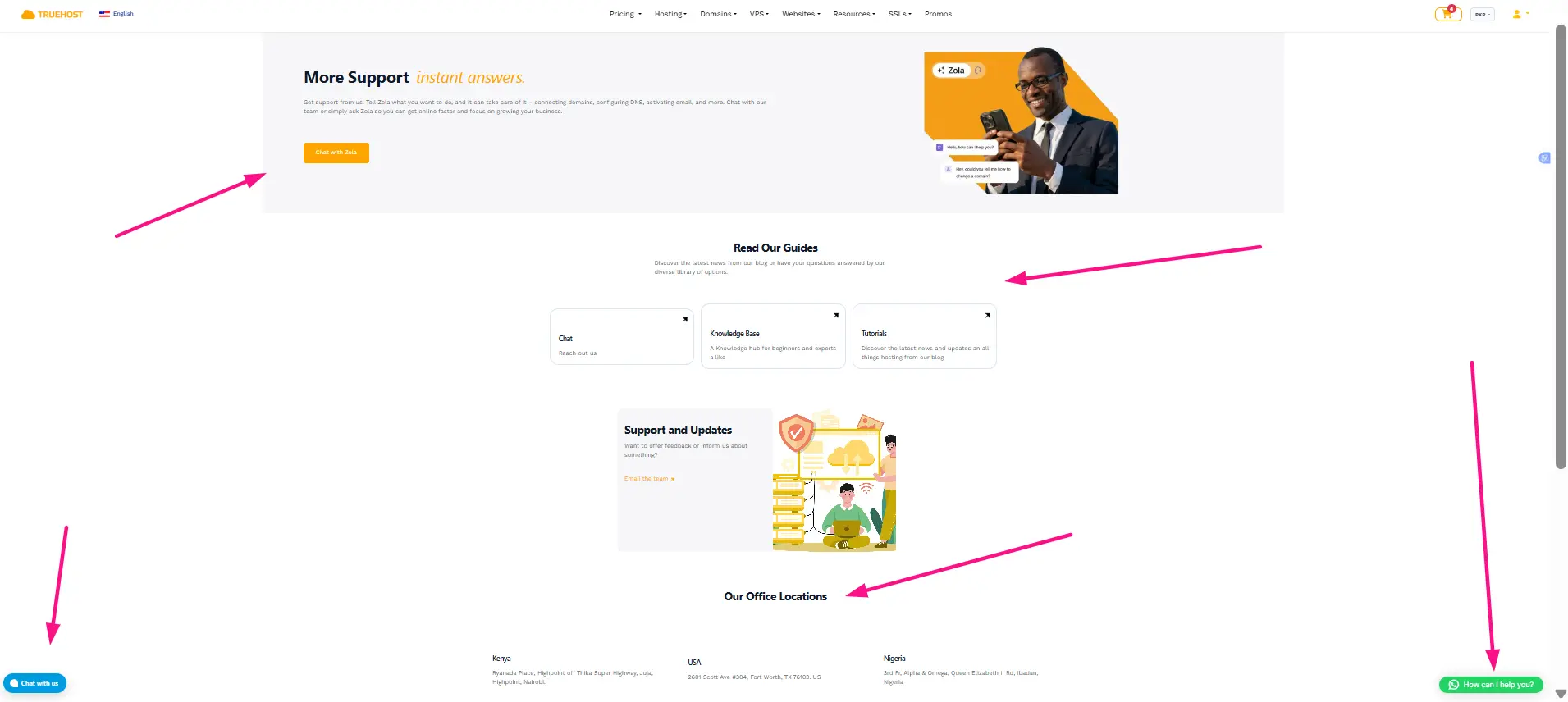
Why it counts: When something breaks, the site goes down, a migration goes wrong, a configuration setting gets flipped, how fast and how competently support responds is often the difference between a five-minute fix and a lost day of business. Support quality consistently ranks among the top factors real users weigh when picking or switching hosts, right alongside price and speed.
What to look for:
- True 24/7 availability, ideally through live chat, backed up by a ticketing system and phone support where relevant.
- Staff who can actually diagnose a problem, not just read from a script, paired with a solid knowledge base and self-serve tutorials.
- Evidence from real user reviews and, where possible, your own test interactions before you commit.
Evaluation tips: Test the knowledge base yourself before buying, and check whether support hours and available languages actually line up with your time zone and needs.
Red flags: Slow or unhelpful responses showing up repeatedly in reviews, a narrow set of support channels, or support that seems to disappear once the sale is made.
6) Scalability & Growth Potential
Why it’s important: Switching hosts later is time-consuming and risky; DNS changes, email migration, and downtime windows all add friction. Meanwhile, most sites’ traffic, content, or feature needs grow over time, even if slowly.
What to look for:
- An easy upgrade path within the same provider, shared to VPS or cloud, and eventually to dedicated, without a painful data migration or extended downtime.
- Flexible resource allocation (CPU, RAM, storage, bandwidth) and a plan that can absorb a genuine traffic spike rather than falling over the first time a marketing push actually works.
- Multi-site support, or at least a straightforward way to add resources as you need them.
Matching to needs: Confirm the provider actually offers the hosting types you might need down the line; a host with a great shared plan but no realistic VPS or cloud tier just delays the eventual migration headache.
Red flags: Rigid plans with no upgrade path, resource limits so tight they force an early migration, or a documented history of buckling under traffic spikes.
7) Ease of Use, Control Panel & Essential Tools
Why it’s important: Especially for beginners or non-technical users, a confusing interface or missing tools slows everything down before you’ve even launched. Even experienced users benefit from a modern, efficient dashboard rather than fighting a clunky one.
What to look for:
- An intuitive control panel, cPanel, a custom modern dashboard, or an equivalent, with clear, logical navigation for domains, files, email, databases, and billing.
- One-click installers for WordPress and other CMS platforms, staging environments, and developer tools like SSH, Git, and current PHP or runtime versions where relevant.
Helpful extras: A website builder if you need one, email hosting, and account management that doesn’t require a support ticket for basic tasks.
Considerations by user level: Beginners should prioritize simplicity and a guided setup; developers will care more about control, command-line access, and modern tooling than about a friendly-looking dashboard.
Red flags: Outdated or clunky interfaces, thin documentation, or missing basic features that force you into manual workarounds.
Get Hosting That Checks Every Box
Choosing a host isn’t about chasing the cheapest plan or the flashiest marketing claims. Focus on what actually counts: reliable uptime, strong performance, solid security, responsive support, transparent pricing, room to scale, and tools that match your technical needs. Check support response times, read the available resources, and look at the total cost over two to three years instead of focusing only on the introductory price.
When these factors match your needs and budget, you can avoid costly problems such as downtime, slow pages, security issues, and unexpected migrations.
Ready to choose hosting that delivers on all of them? Get reliable, high-performance hosting built for real-world results from Truehost.
Web Hosting FAQs
What is the most important thing to look for when choosing a web host?
Look for reliable uptime and good website speed. A host that is often down or slow can hurt your visitors, sales, and search rankings.
How much does web hosting cost?
Shared hosting can cost around ₨282.65 per month at introductory prices, while renewals are often higher. VPS hosting ₨2,261.20, and dedicated hosting ₨198,420.30 or more. Check renewal prices and extra costs for services such as backups, email, and SSL.
What is the difference between shared, VPS, cloud, and dedicated hosting?
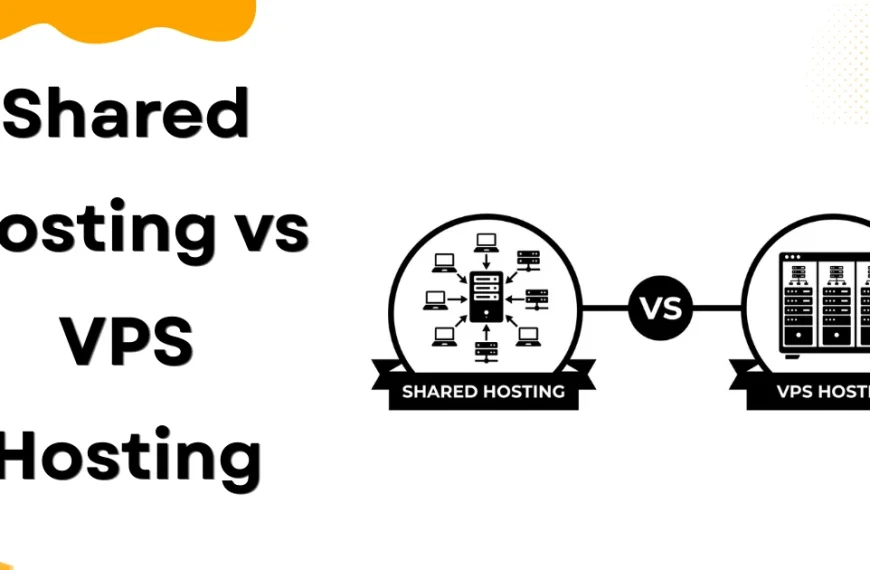
Shared hosting is the cheapest option and works well for small websites. VPS hosting provides more resources and control for growing websites. Cloud hosting can handle traffic increases and is useful for growing websites or online stores. Dedicated hosting gives you an entire server and is best for high-traffic or resource-heavy websites.
How do I choose a web hosting company?
Check the provider’s uptime, speed, support, security, and renewal prices. Read recent customer reviews and make sure the hosting plan can be upgraded as your website grows.
Is free web hosting a good idea?
Free hosting can be useful for testing or personal projects, but it is usually not suitable for a business website. It may have limited resources, weaker support, ads, and poor reliability.
Which web hosting is best for small businesses?
Managed shared hosting or entry-level cloud hosting is usually a good starting point. As your website grows, you can upgrade to VPS or a more powerful cloud plan.