Domain SearchInstantly check and register your perfect .pk or international domain
 Web HostingGet a .pk domain for as low as PKR 467
 cPanel HostingUser-friendly hosting powered by cPanel
 Reseller HostingLaunch your own hosting business with minimal technical requirements
 Windows HostingOptimized for Windows-based applications and websites
 Affiliate ProgramEarn referral commissions by promoting our services
 WordPress HostingFast & Reliable WordPress Hosting
 Domain TransferMigrate your existing domain seamlessly with zero downtime.
 All DomainsAccess 324+ top-level domains (TLDs) worldwide from a single platform
 Whois LookupIdentify the owner of any domain using our whois and rdap lookup tool
 Managed VPS Hosting
 AI Website BuilderCreate beautiful websites effortlessly using intuitive drag-and-drop features
 Online ShopLaunch a professional online shop with no technical skills required
 BlogDiscover expert guides on hosting, websites, SEO, and digital growth strategies
 ContactGet instant assistance via live chat or email
 SupportAccess help articles, tutorials, and service documentation
 SSL CertificatesEncrypt data, build trust, and boost SEO.
Building a website no longer requires advanced coding skills. No-code website builders allow beginners, small businesses, freelancers, and entrepreneurs to create websites using visual editors, templates, AI tools, and ready-made features.
No-code website builders typically offer visual drag-and-drop editing, ready-made templates, pre-built website features, hosting and domain options, and basic SEO and marketing tools. Unlike traditional website development, they allow you to create and manage a website without writing code or relying heavily on a developer.
With the right platform, you can choose a design, add your content, customize your pages, connect a domain, and publish your website without writing code. If you are still planning your website, you can also explore Truehost’s AI Website Builder to see how AI-assisted website creation works.
This article looks at the best no-code website builders of 2026, compares their features, and explains which platform may be the right choice for different types of websites. In short, the question is not which builder is best overall, but which one suits the kind of website you want to build.
No-Code Website Builders Compared
| Website Builder | Ease of Use | Best For | Ecommerce | Design Flexibility | Hosting |
|---|---|---|---|---|---|
| Truehost AI Website Builder | Very Easy | Beginners and small businesses | Yes | High | Yes |
| Olitt | Very Easy | Small businesses and simple websites | Yes | Moderate | Yes |
| Wix | Very Easy | Small businesses and beginners | Yes | High | Yes |
| Squarespace | Easy | Portfolios and creative websites | Yes | High | Yes |
| Shopify | Easy | Online stores | Yes | High | Yes |
| Webflow | Moderate | Designers and advanced websites | Yes | Very High | Yes |
| WordPress + Page Builder | Moderate | Flexible websites | Yes | Very High | Depends on setup |
Best No-Code Website Builders of 2026
The platforms below take different approaches to no-code website creation. The right option depends on your website type, how much control you want, your budget, and the features you need.
1) Truehost AI Website Builder
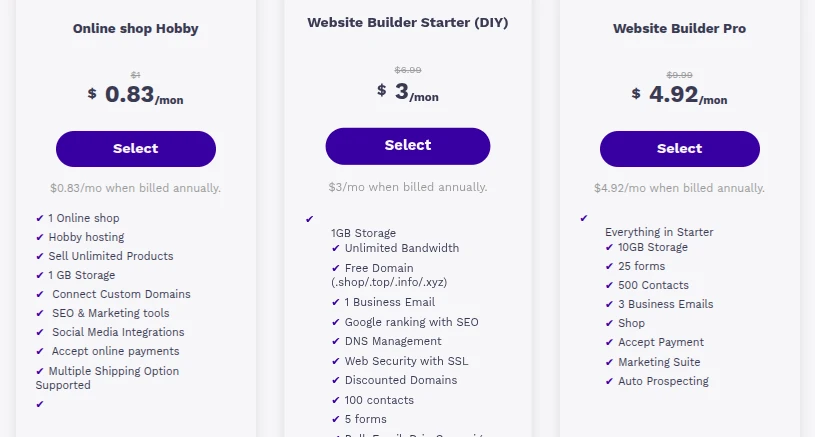
The Truehost AI Website Builder uses AI-assisted website creation, so you can create website content and layouts without coding. It is designed to be an easy-to-use website builder, and it keeps hosting and website management in one place, which means you do not have to coordinate separate services to get your site online and keep it running.
It is suitable for businesses, freelancers, and beginners who want a straightforward starting point.
Best for: Users who want to create a website quickly with AI assistance.
2) Olitt
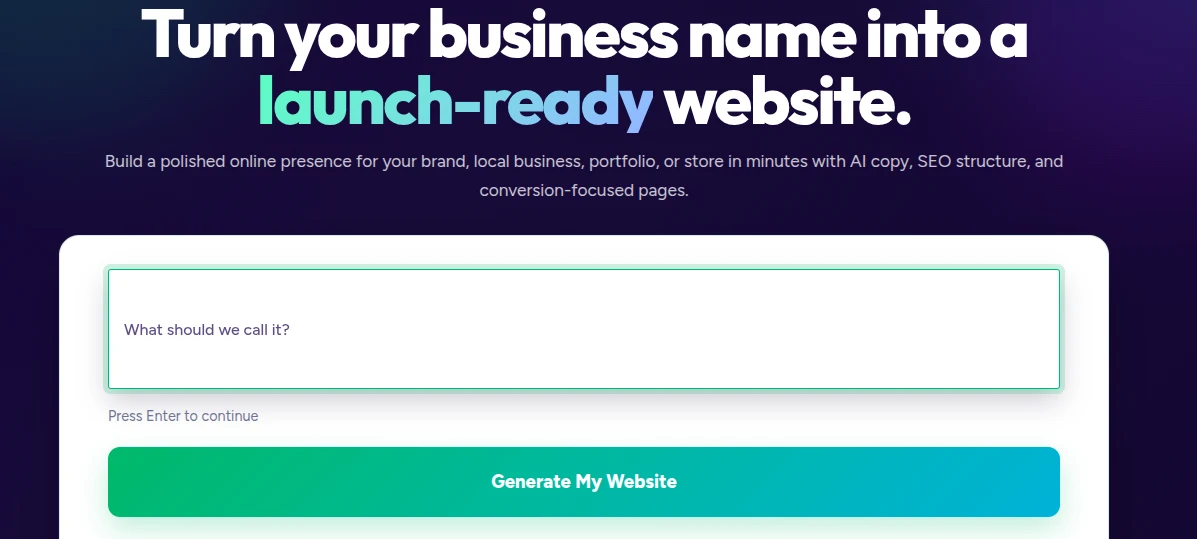
Olitt offers simple AI website building built around ready-made templates. You can choose a template and customize it to fit your needs, and hosting is included, so there is no separate hosting setup to manage.
It is suitable for small businesses, personal websites, and landing pages, where the goal is a clean, functional site rather than a complex build.
Best for: Users who want a simple website without technical complexity.
3) Wix
Wix is known for its easy visual website editor and a large selection of templates. It includes business and ecommerce features, which makes it suitable for beginners and small businesses that want to build and manage their own site.
Best for: Users who want flexibility without coding.
4) Squarespace
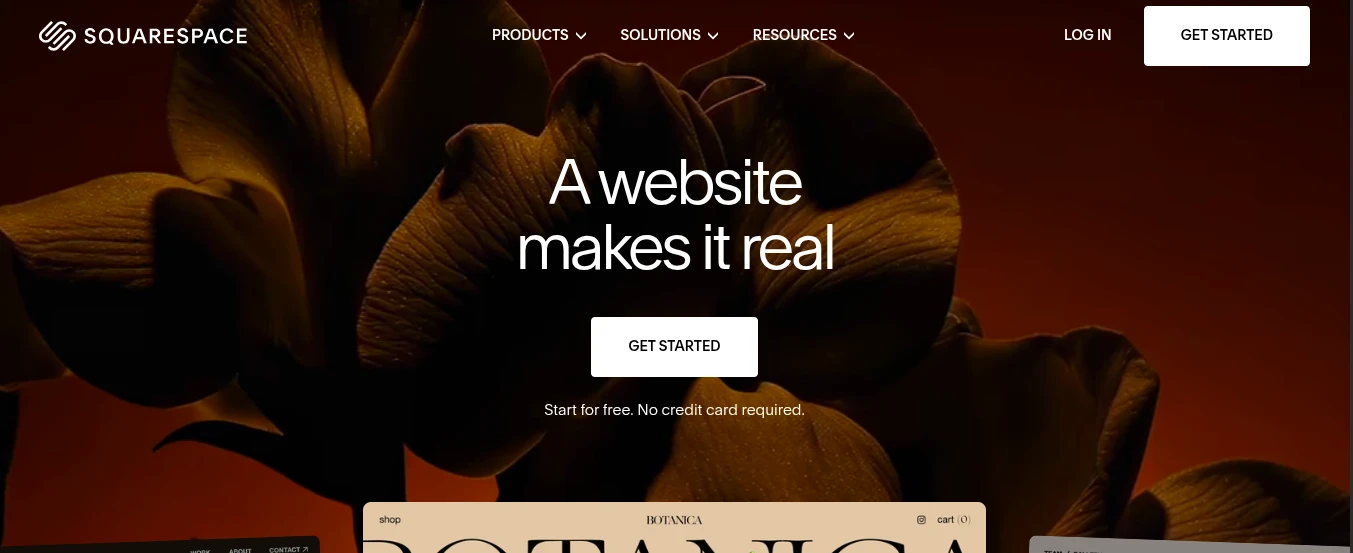
Squarespace offers professionally designed templates with strong visual presentation. It also includes blogging and ecommerce features, and its easy content management makes updates straightforward once your site is live.
The emphasis on design and visual presentation is why it may appeal to creatives and portfolio-focused websites, where how the work looks matters as much as what the site says.
Best for: Creatives, portfolios, and small businesses.
5) Shopify
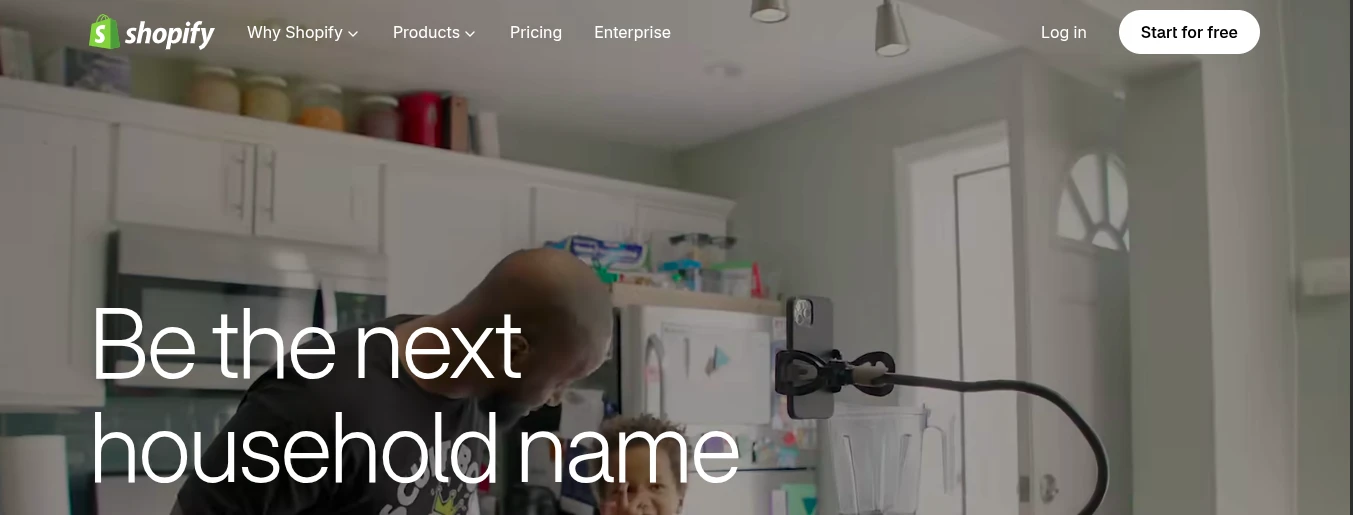
Shopify is built specifically for ecommerce. It includes product and inventory management, along with payment and order management, so the core tasks of running an online store are handled in one system. It also has a large app ecosystem for adding further functionality.
Its focus is selling online, so it makes the most sense when selling is the main purpose of the website.
Best for: Businesses focused on online selling.
6) Webflow
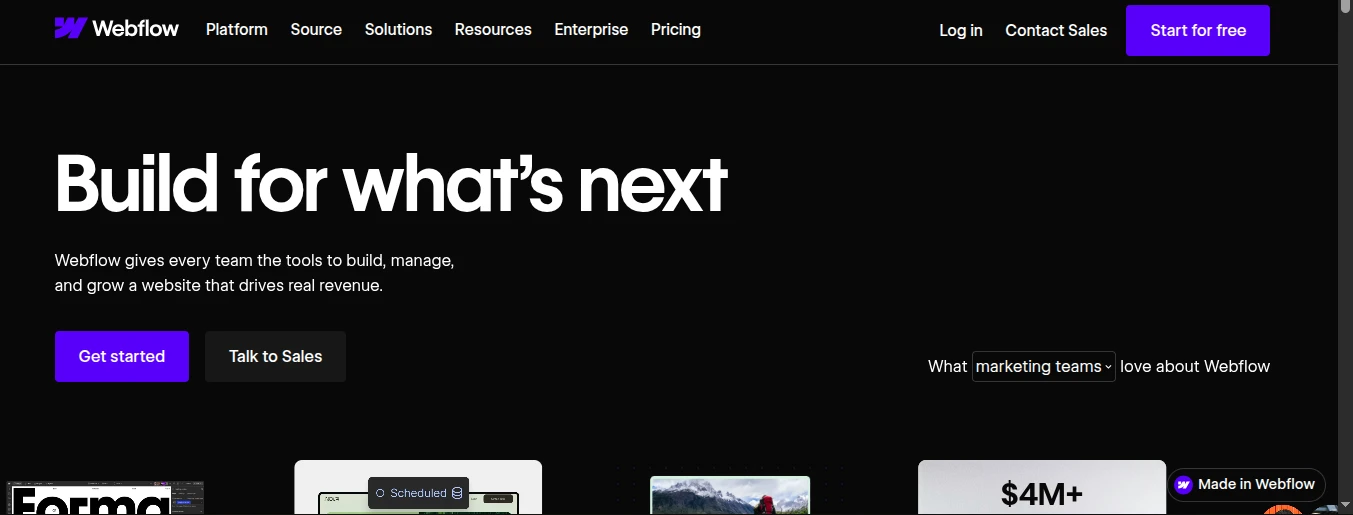
Webflow is a visual website builder that offers greater design control than many other no-code platforms. It supports advanced layout customization and includes CMS capabilities for managing content. You still build visually rather than writing code, but the added control means it suits more experienced users.
Best for: Designers and businesses needing greater control.
7) WordPress With a Page Builder
WordPress offers a large selection of themes and plugins, and a page builder adds visual page-building options on top of it. The result is highly customizable and suitable for blogs, business websites, and ecommerce.
WordPress with a page builder differs from an all-in-one hosted website builder because hosting depends on your setup. You decide where the site is hosted and how it is managed. WordPress itself is not inherently a no-code platform. A page builder provides visual editing and reduces the need to write code, which is what makes this combination a no-code option.
Best for: Users who want more control and flexibility.
You can explore Elementor’s WordPress page builder to see how visual editing works within WordPress. If you choose WordPress, you will also need suitable hosting. Explore Truehost WordPress hosting to review a hosting option for your website.
What Should You Look for in a No-Code Website Builder?
When choosing a no-code website builder, consider which features and capabilities best match the type of website you want to create.
1) Ease of Use
Beginners should look for intuitive visual editing, simple navigation, and easy website management. A builder that feels clear from the first session makes it more likely you will keep your site updated.
2) Templates and Design Options
Ready-made templates give you a professional starting point, and different design options let you choose a look that suits your brand and content. Check that the available templates fit the type of website you want to build.
3) Customization
Check how much you can customize layouts, content, branding, and other website elements without coding. A platform with plenty of templates but limited customization may feel restrictive once you want your site to look distinct.
4) Mobile Responsiveness
Your website should work properly on phones, tablets, and desktop devices. Visitors use many different screen sizes, so check how a builder handles responsive layouts and how your pages look on each device.
5) SEO Features
Look for basic SEO features such as editable page titles, meta descriptions, URLs, image optimization options, and other relevant controls where available. These tools help search engines understand your pages, but no website builder automatically guarantees high search rankings.
For practical guidance, read Google’s SEO Starter Guide to understand how to make your website easier for search engines to discover and understand.
6) Ecommerce Features
If you plan to sell products or services, check product management, payments, inventory, checkout, and other ecommerce capabilities where relevant. Ecommerce depth varies between platforms, so match the features to what you actually need to sell.
7) Hosting and Security
Consider hosting, SSL, backups, security features, updates, and how the platform is managed. Builders do not all include identical security or backup features, so check what is included rather than assuming.
If you choose a website builder that does not include hosting, compare available web hosting options from Truehost before publishing your website.
8) Domain Support
Check whether you can connect a custom domain and whether the platform offers domain registration or domain connection options. A custom domain helps your website look credible and easy to remember.
9) Scalability
Consider whether the platform can support your website as it grows, with more pages, more content, more visitors, or more products. Switching platforms later can be disruptive, so it helps to think ahead.
10) Pricing
Consider the overall cost rather than only the starting price. Look at included features, hosting, domain costs, ecommerce requirements, and future expenses as your website grows.
Which No-Code Website Builder Is Right for You?
The right choice depends on the specific requirements of your website. These examples show how the characteristics discussed above apply to common website types.
For a Small Business Website
A small business should consider ease of use, professional design, hosting, domain support, SEO, and room to grow. Platforms described as suited to small businesses in this article include the Truehost AI Website Builder, Olitt, Wix, and Squarespace, each with a different balance of simplicity and design flexibility.
For an Online Store
An online store needs strong ecommerce functionality, including product management, payments, inventory, orders, and scalability as the catalog grows. Shopify is built specifically for ecommerce, and other platforms in this article also offer ecommerce features, so compare how well each one covers your selling needs.
For a Portfolio Website
A portfolio depends on visual presentation, so look at templates, design flexibility, mobile responsiveness, and how easily you can update your work. Squarespace is positioned for creatives and portfolios, and platforms with high design flexibility give you more room to shape the look of your work.
For a Blog
A blog needs good content management, publishing tools, templates, SEO features, and scalability as the number of posts grows. Look for a platform that makes it simple to publish regularly and keeps older content easy to find.
For a Service-Based Business
A service-based business needs professional pages, contact forms or lead-generation capabilities where available, domain support, SEO, and easy content updates. Clear service pages and an easy way for visitors to get in touch matter more here than a large product catalog.
What Are the Benefits of No-Code Website Builders?
- No programming knowledge required. You can build and publish a website using visual tools instead of writing code.
- Faster website creation. Templates and built-in features mean you can get a site online more quickly than with a custom build.
- Lower initial development costs. You can avoid the upfront cost of hiring a developer to build a site from scratch.
- Easy content updates. Visual editors make it simple to change text, images, and pages when your information changes.
- Ready-made templates. Templates give you a professional starting point instead of a blank page.
- Built-in website features. Many common features are already included, so you do not need to build them yourself.
- Easier maintenance. The platform often handles much of the technical upkeep, which reduces the work of keeping a site running.
- Suitable for small businesses and individuals. The tools are designed for people without a technical background.
- Changes without depending on a developer. You can update your own site when you need to, rather than waiting on someone else.
No-code tools do not remove the need for developers in every situation. More complex or specialized requirements may still call for professional help.
What Are the Limitations of No-Code Website Builders?
No-code builders suit many websites, but they are not the right answer for every project. The extent of each limitation below varies between platforms.
- Less control over advanced functionality. If you need highly specific features, a builder may not offer them.
- Platform-specific limitations. Each platform has its own rules about what you can and cannot do.
- Some features may require paid plans. Certain tools and capabilities may only be available on higher-tier plans.
- Monthly or annual subscription costs. Many builders charge recurring fees, which add up over time.
- Limited access to underlying code. You may not be able to edit the code behind your website as freely as you could on a custom build.
- Migration can be difficult between platforms. Moving a site from one builder to another can take significant effort.
- Advanced customization may require developer assistance. Going beyond what the builder offers can mean bringing in a developer.
Understanding these limits up front helps you decide whether a no-code builder is enough for your needs or whether a more flexible setup makes sense.
FAQs
Do no-code website builders work well for websites with many pages?
They can, but it depends on the platform and plan. Some builders handle larger sites comfortably, while others are better suited to smaller ones. If you expect your site to grow to many pages, check the platform’s limits and how easy it is to organize content before you commit.
Can I use third-party tools and services with a no-code website builder?
Often, yes, but support varies by platform and plan. Many builders offer integrations, apps, or ways to embed external tools. Check that the specific tools you need, such as email marketing or payment services, are supported before choosing a platform.
Can I add custom code to a no-code website if I need advanced features later?
Some platforms allow custom code, but how much depends on the platform and plan. No-code does not necessarily mean custom code can never be used. If you think you may need it later, check what each builder allows.
How long does it usually take to build a website with a no-code builder?
There is no single answer. A simple website can generally be created faster than a complex one. Your timeline depends on how much content you have prepared, how much you customize the design, how you set up your domain, and whether you need extra features such as an online store.
Who owns the content and website files created with a no-code website builder?
This depends on the platform’s terms. In general, you should expect to retain ownership of your own content, but how you can export your site and what you can take with you varies by platform and plan. Read the terms of service before you build.
Can I have multiple people manage the same no-code website?
Many platforms allow more than one person to work on a site, but the number of users and the permissions available vary by platform and plan. Check what collaboration options a builder offers if several people will manage your site.
What happens to my website if the no-code platform shuts down?
Policies differ between platforms, so there is no universal answer. This is one reason to check how you can export or back up your content and what the provider’s terms say. Keeping copies of your content and images gives you more options if you ever need to move to another platform.
Ready to Build Your Website Without Coding?
No-code website builders make it easier to create and manage a website without needing advanced programming skills. They can be a practical choice for small businesses, freelancers, bloggers, creatives, and entrepreneurs who want to get online quickly.
Before choosing a platform, consider your website type, required features, design flexibility, ecommerce needs, SEO tools, pricing, hosting, and future growth. The best no-code website builder is the one that gives you the right balance of simplicity, functionality, and control.