Domain SearchInstantly check and register your perfect .pk or international domain
 Web HostingGet a .pk domain for as low as PKR 467
 cPanel HostingUser-friendly hosting powered by cPanel
 Reseller HostingLaunch your own hosting business with minimal technical requirements
 Windows HostingOptimized for Windows-based applications and websites
 Affiliate ProgramEarn referral commissions by promoting our services
 WordPress HostingFast & Reliable WordPress Hosting
 Domain TransferMigrate your existing domain seamlessly with zero downtime.
 All DomainsAccess 324+ top-level domains (TLDs) worldwide from a single platform
 Whois LookupIdentify the owner of any domain using our whois and rdap lookup tool
 Managed VPS Hosting
 AI Website BuilderCreate beautiful websites effortlessly using intuitive drag-and-drop features
 Online ShopLaunch a professional online shop with no technical skills required
 BlogDiscover expert guides on hosting, websites, SEO, and digital growth strategies
 ContactGet instant assistance via live chat or email
 SupportAccess help articles, tutorials, and service documentation
 SSL CertificatesEncrypt data, build trust, and boost SEO.
So, you are ready to build a WordPress website. Maybe it’s a blog, maybe it’s your small business, or maybe you are finally putting that side hustle online. Then you check hosting prices, and suddenly your simple website doesn’t feel so simple.
Do you really need an expensive hosting plan? Probably not. But going for the absolute cheapest option isn’t always smart either. Some plans look cheap until you hit renewal. Others skip SSL, backups, or proper WordPress support to hit that low advertised number.
Cheap does not automatically mean good value. A hosting plan can have a low starting price but cost you more later through higher renewal rates, limited storage, missing backups, or features that are only available when you upgrade. You might even find that SSL, website migration, staging, or caching comes at an extra cost.
So, what should you actually look at when comparing cheap WordPress hosting?
We look beyond the advertised price. This article compares five of the cheapest WordPress hosting in Pakistan options based on the things that can make a real difference to your website: starting price, renewal cost, billing period, number of websites allowed, storage, free SSL, backups, WordPress installation, control panel, email hosting, performance features, customer support, payment options, upgrade options, and overall value.
Pricing and features reflect each provider’s published rates at the time of writing. Hosting prices can change, so it is always worth confirming the current price and features directly with the provider before you buy.
By the end, you will have a clearer idea of which cheap WordPress hosting option actually gives you good value, rather than simply the lowest number on the pricing page.
5 Cheapest WordPress Hosting Providers in Pakistan at a Glance
| Provider | Starting Price | Billing | Websites | Storage | Free SSL | Backups | Best For |
|---|---|---|---|---|---|---|---|
| Truehost PK | Pricing: ₨282.65 / yearly | Monthly / yearly | Multiple | SSD, varies by plan | Yes | Automatic | Beginners & small businesses |
| Olitt | From $9.99 | Yearly | 1 | 10GB | Yes | Included | First-time site owners |
| HostBreak | From Rs.450 | Monthly / yearly | 1 on entry plan | SSD, varies by plan | Yes | Daily | Budget-focused small sites |
| HosterPK | From Rs.5,490 | Yearly | 1 on entry plan | SSD, varies by plan | Yes | Available | Smaller WordPress sites |
| WebSouls | From Rs9,990 | Yearly | 1 on entry plan | 10GB SSD | Yes | Daily | Established local support |
These five aren’t ranked by price alone. The better question isn’t “What’s the cheapest plan?” It’s “What do I get for what I pay?”
1) Truehost PK
Starting Price
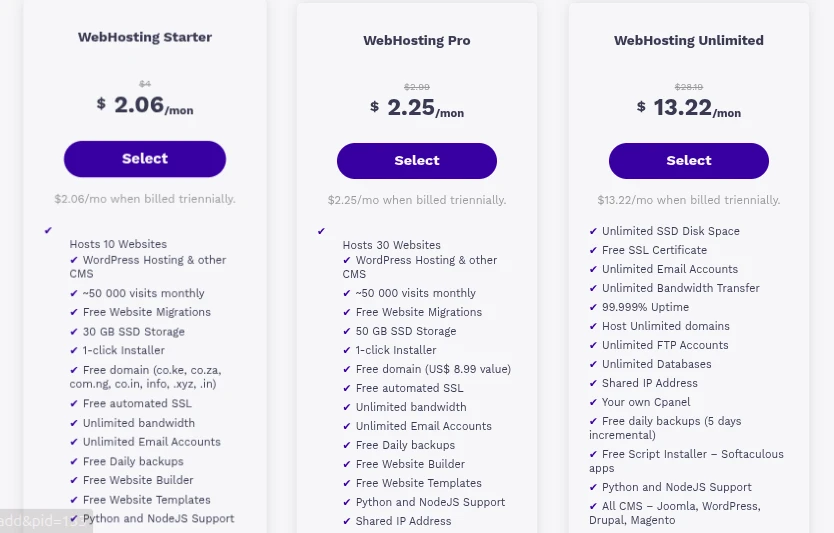
Truehost PK’s entry-level hosting starts from Pricing: ₨282.65 / yearly
, billed annually. This is honest entry pricing rather than a short-term promotional rate that jumps sharply afterward, though it’s still worth confirming the current renewal figure on their site before checkout.
What You Get
- WordPress-optimized hosting on LiteSpeed servers
- cPanel for account management
- Free SSL certificate
- Automatic backups
- One-click WordPress installation
- SSD storage
- Email accounts included
- Support for multiple websites, depending on plan
- 24/7 local support
- Free migration for new accounts
Why It Stands Out
Truehost PK billing is entirely transparent, so there’s no surprise currency conversion at checkout or renewal. The setup process is built for non-technical users, and the feature set covers what most beginners actually need without forcing an upgrade for basics like SSL or backups. It works well for blogs, small businesses, freelancers, and personal websites alike.
Best For
Beginners, small businesses, bloggers, freelancers, personal websites, and anyone watching their budget closely.
What to Consider
As your traffic, storage needs, or website count grow, you’ll likely outgrow the entry plan. That’s normal for any budget host, and Truehost PK’s higher tiers are there when you need them.
Ready to see current plans? Check Truehost PK’s WordPress hosting options and compare pricing directly on their site.
2) Olitt
Starting Price
Olitt prices in USD, Billing is yearly, and the provider markets this rate as stable without aggressive renewal hikes.
What Does Olitt Include?
- WordPress compatibility
- 10GB of storage
- Free SSL
- Backups included
- One website on the entry plan
- One-click WordPress installation
- Drag-and-drop tools alongside WordPress support
- A built-in CDN for faster load times
Why Consider Olitt?
Olitt’s real strength is simplicity. The setup process is designed for people who’ve never managed a hosting account before, and the entry price is honestly low without hiding SSL or backups behind a paywall. It suits smaller sites that don’t need much storage or multiple domains.
Best For
First-time website owners, small blogs, personal websites, portfolios, and small businesses just getting started.
What to Watch Out For
USD billing means your cost in PKR shifts with the exchange rate. The 10GB storage cap and single-website limit on the entry tier are also worth knowing upfront if you’re planning to grow quickly.
3) HostBreak
Starting Price
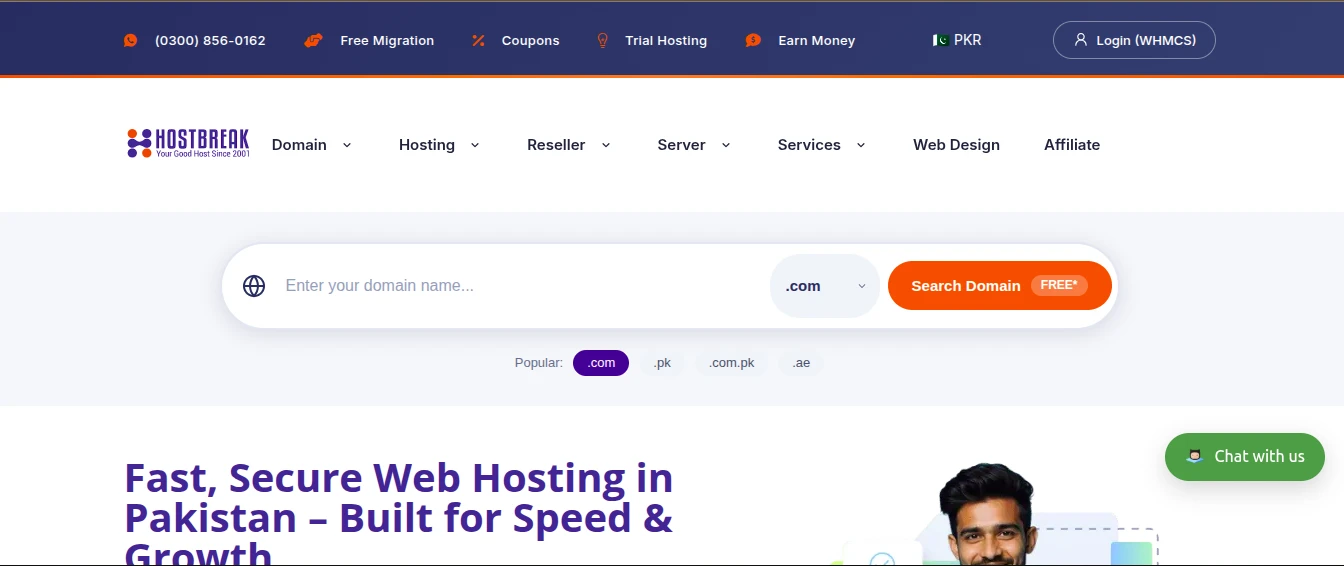
HostBreak’s WordPress-specific hosting starts at RS 450 per month.
What Makes It Worth Considering?
- LiteSpeed servers with NVMe storage on WordPress plans
- Free SSL and LSCache for WordPress
- Daily backups
- Free migration from your current host
- JazzCash and EasyPaisa accepted alongside bank transfers
- Urdu and English support
Best For
Budget-conscious buyers who want the lowest realistic entry price and don’t mind committing to a longer billing term to lock in the rate.
What to Check Before Buying
The lowest advertised rate is tied to a 3-year commitment, so confirm the 1-year price if you’d rather not commit that far out. Also check the entry plan’s website limit and storage allowance, since HostBreak’s cheapest tier is built for a single, smaller site.
4) HosterPK
Starting Price
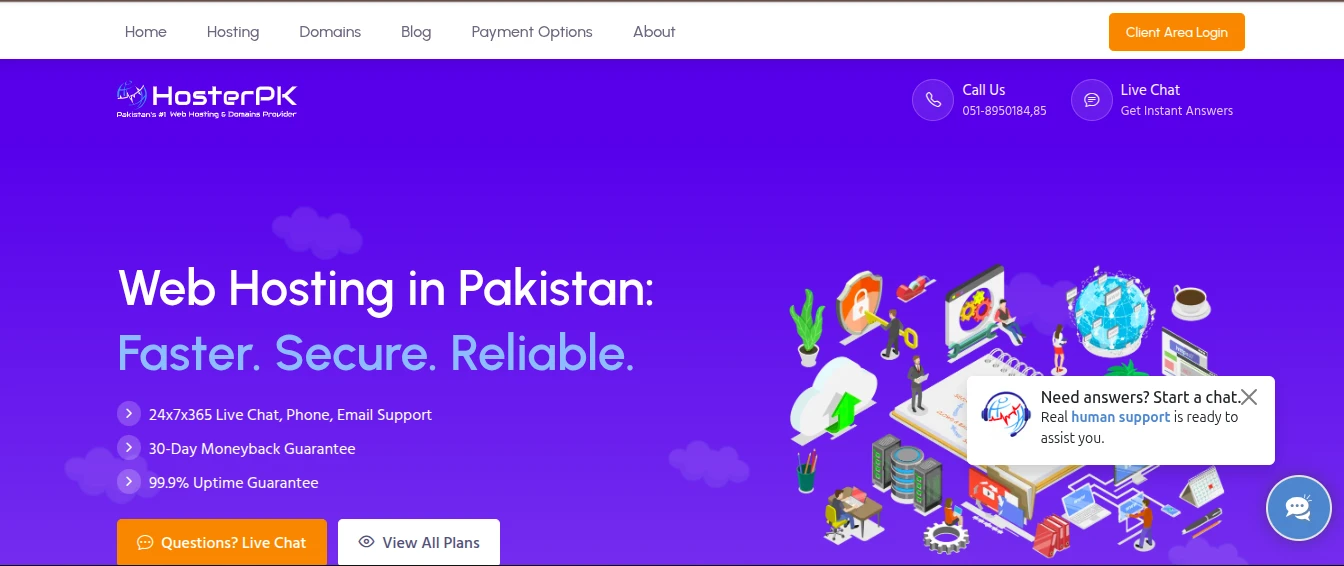
HosterPK’s WordPress hosting starts roughly at Rs.5,490 / year
What Comes With the Entry Plan?
- SSD storage
- Free SSL
- One-click WordPress installation
- Backup options available
- Email accounts included
- Single website on entry-level plans
- 24/7/365 support
Best For
Personal websites, small blogs, portfolios, and small business websites that don’t need multiple domains on one account.
What to Consider
Some HosterPK plans run on DirectAdmin rather than cPanel, which keeps costs down but may feel less familiar if you’ve used cPanel elsewhere before. If you’re planning multiple websites or expect to outgrow a single-site plan soon, factor that into your decision now rather than after signup.
5) WebSouls
Starting Price
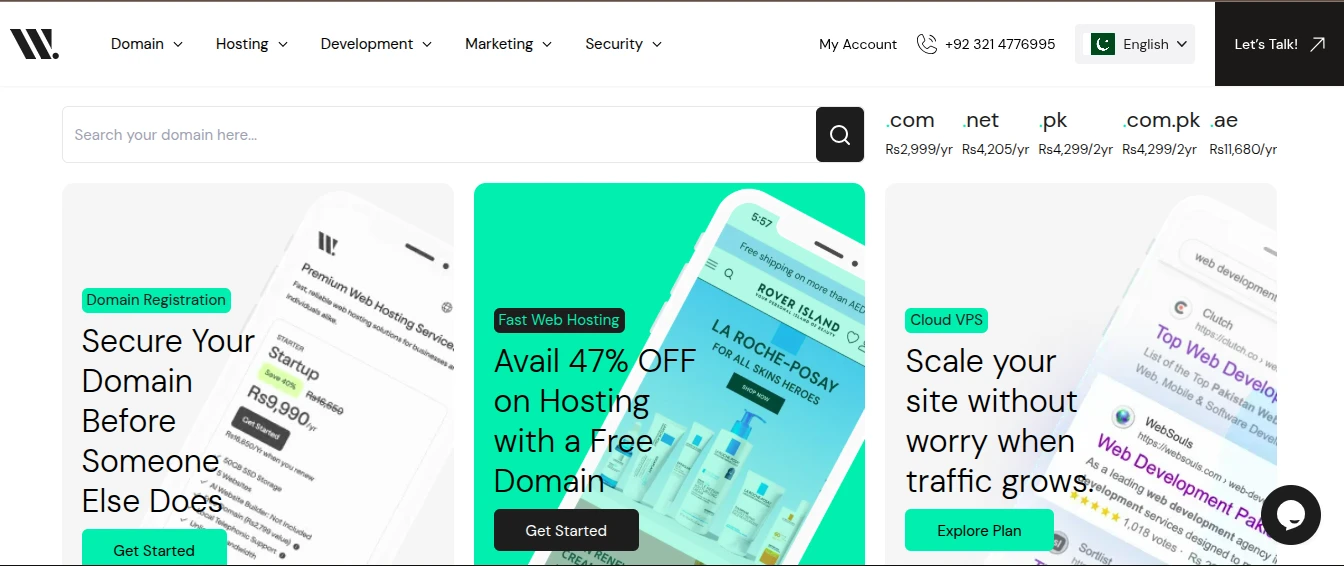
WebSouls’ Basic plan starts around Rs9,990/yr billed yearly. WebSouls has been operating since 2002, making it one of the longest-running hosting providers in the Pakistani market.
What Do You Get?
- 10GB SSD storage
- Free SSL
- Daily backups
- Free domain included
- Free WHOIS privacy
- Single website on the entry tier
- Local support from 8 AM to midnight PKT in Urdu and English
Best For
Small businesses that value an established local provider, along with anyone who wants the reassurance of a physical office to visit if needed.
What to Watch Out For
The entry plan’s single-website limit means you’ll need to upgrade to the Startup tier for anything beyond one site. At Rs 899/month, it’s also priced higher at entry level than several other options on this list.
How to Choose the Cheapest WordPress Hosting for Your Website
- Starting a blog? Prioritize affordable pricing, SSL, backups, easy WordPress installation, and enough storage for your content plans.
- Starting a small business? Look for reliability, business email, SSL, backups, responsive support, and room to grow as the business does.
- Building websites for clients? Prioritize multiple website support, storage, easy account management, migration support, and clear upgrade paths.
- Running WooCommerce? The cheapest plan usually isn’t the right choice here. Prioritize performance, server resources, backups, security, WooCommerce compatibility, and scalability, since a store handling real transactions has less room for downtime or slow checkout pages. Run your store through Google PageSpeed Insights once it’s live to catch performance issues before they cost you sales.
Cheap WordPress Hosting Mistakes to Avoid
- Choosing the lowest advertised price without checking the renewal cost.
- Ignoring storage limits until you actually hit them.
- Forgetting to check the backup policy before something goes wrong.
- Picking a one-website plan when you already know you’ll need more.
- Paying extra for a feature another provider includes by default.
- Ignoring customer support quality until you actually need it.
- Assuming “unlimited” means unlimited server resources rather than a marketing term.
- Choosing a plan that can’t realistically handle your expected traffic.
- Buying based entirely on a promotional price that won’t last.
- Forgetting domain and email costs when budgeting for the full website.
FAQs
What Should You Get With Cheap WordPress Hosting?
Essentials
Don’t compromise on reliable uptime, SSL, WordPress compatibility, backups, adequate storage for your content, and responsive customer support.
Nice-to-Have Features
cPanel (or a comparably usable control panel), one-click WordPress installation, free migration, email hosting, caching, staging environments, and automatic updates all make life easier, even if they’re not strictly essential on day one.
Features You May Not Need Yet
Beginners don’t necessarily need to pay for massive storage, unlimited websites, premium performance packages, or advanced server resources. Buy enough hosting for your current needs rather than paying upfront for capacity you won’t touch for a year or more.
How Much Does WordPress Hosting Cost in Pakistan?
Entry-Level Hosting
Entry-level plans, generally PKR 300 to 900 per month, suit new blogs, personal websites, small businesses, and simple portfolios. This is where all five providers above sit.
Mid-Range Hosting
Mid-range plans cost more but remove the single-website cap and add more storage and resources. These fit growing businesses, sites running multiple domains, and anything seeing meaningfully more traffic than a brand-new site.
Premium or Managed WordPress Hosting
Spending more makes sense for high-traffic websites, WooCommerce stores processing real transactions, resource-heavy sites, and businesses that want managed support handling updates and security for them. Stores handling card payments should also confirm their setup meets PCI DSS requirements, regardless of which hosting tier they choose.
Other Website Costs
Hosting isn’t the only line item. Budget for domain registration, domain renewal, premium themes, premium plugins, business email if it’s not bundled, security tools, and backup services if your plan doesn’t include them by default.
Can I switch WordPress hosts later without losing my content?
Yes. Most providers on this list, including Truehost PK and HostBreak, offer free migration where their team moves your files, database, and emails over with minimal downtime. Always back up your site yourself before initiating any transfer.
Do these providers support WooCommerce on their cheapest plans?
Technically yes, since WordPress and WooCommerce are compatible with standard shared hosting. Practically, entry-level plans with limited RAM and CPU allocation can slow down during checkout traffic spikes, so a small store may need to move to a mid-tier plan sooner than a simple blog would.
Is a .pk domain necessary, or can I use .com with a Pakistani host?
Either works. A .pk domain can help with local search visibility and trust for Pakistan-based businesses, but a .com domain hosted locally still loads quickly for Pakistani visitors and works globally if you plan to reach customers outside the country.
How much traffic can a cheap shared hosting plan actually handle?
Most entry-level plans on this list are built for roughly 20,000 to 50,000 monthly visits before performance starts to dip. If you’re expecting a launch spike or viral traffic, check the bandwidth and visitor estimates on your specific plan rather than assuming “unlimited” bandwidth means unlimited performance.
Do I need a CDN if my visitors are mostly in Pakistan?
It still helps. A CDN caches static content closer to your visitors and reduces load on your origin server during traffic spikes, even for a mostly local audience. Several providers here, including HostBreak, bundle a CDN for free on their WordPress plans.
How to Buy Cheap WordPress Hosting in Pakistan
Step 1: Choose your hosting plan. Start with the smallest plan that comfortably meets your website’s current requirements.
Step 2: Register or connect your domain. Register a new domain or connect one you already own.
Step 3: Complete your payment. Use whichever payment method the provider supports, whether that’s JazzCash, EasyPaisa, bank transfer, or a card.
Step 4: Install WordPress. Use the hosting control panel or the provider’s built-in WordPress installer, following the setup guidance at WordPress.org if you need a refresher on the process.
Step 5: Secure your website. Set up SSL, enable backups, use strong passwords, and keep WordPress updated.
Step 6: Start building. Choose a theme, install the plugins you actually need, and start publishing.
Ready to get started the easy way? Register your domain and hosting with Truehost PK and have your WordPress site live the same day.