Domain SearchInstantly check and register your perfect .pk or international domain
 Web HostingGet a .pk domain for as low as PKR 467
 cPanel HostingUser-friendly hosting powered by cPanel
 Reseller HostingLaunch your own hosting business with minimal technical requirements
 Windows HostingOptimized for Windows-based applications and websites
 Affiliate ProgramEarn referral commissions by promoting our services
 WordPress HostingFast & Reliable WordPress Hosting
 Domain TransferMigrate your existing domain seamlessly with zero downtime.
 All DomainsAccess 324+ top-level domains (TLDs) worldwide from a single platform
 Whois LookupIdentify the owner of any domain using our whois and rdap lookup tool
 Managed VPS Hosting
 AI Website BuilderCreate beautiful websites effortlessly using intuitive drag-and-drop features
 Online ShopLaunch a professional online shop with no technical skills required
 BlogDiscover expert guides on hosting, websites, SEO, and digital growth strategies
 ContactGet instant assistance via live chat or email
 SupportAccess help articles, tutorials, and service documentation
 SSL CertificatesEncrypt data, build trust, and boost SEO.
A free hosting control panel gives you a graphical way to manage a server instead of typing every command by hand. You get a dashboard where you can manage websites, domains, databases, files, SSL certificates, email, backups, and other server settings without memorizing terminal syntax for each task.
This article compares five free hosting control panels: CyberPanel, CloudPanel, HestiaCP, aaPanel, and ISPConfig. Each one takes a different approach. They differ in features, server requirements, interface design, the type of workload they handle best, and how much control they hand you over the underlying server.
There is no single best free hosting control panel for everyone. The right pick depends on the type of website or application you run, how much server experience you have, how much CPU and RAM your VPS actually has, and how much control you want over configuration details. Read the comparisons below with your own setup in mind rather than looking for a universal winner.
Already know you need a VPS to install one of these on? Compare VPS Hosting Plans with Truehost Pakistan
5 Best Free Hosting Control Panels
| Control Panel | Best For | Key Advantage | Supported Platforms |
|---|---|---|---|
| CyberPanel | WordPress and LiteSpeed users | LiteSpeed support and easy website management | Linux |
| CloudPanel | Developers and cloud servers | Lightweight and simple interface | Linux |
| HestiaCP | Beginners and small servers | Simple website and server management | Linux |
| aaPanel | Beginners and small businesses | Wide range of server management tools | Linux |
| ISPConfig | Advanced users and hosting providers | Flexible multi-server management | Linux |
1) CyberPanel

CyberPanel is built around OpenLiteSpeed. OpenLiteSpeed’s own documentation lists CyberPanel as its officially recommended control panel, covering everything from PHP version management to one-click WordPress installs.
Key Features
- Web-based server management
- OpenLiteSpeed support (LiteSpeed Enterprise available as a paid upgrade)
- Website and domain management
- WordPress management tools
- SSL certificates
- Database and file management
- Email server and DNS server
- Backup and basic security features
Pros
- Easy-to-use interface for people who don’t want to live in the terminal
- Strong option for WordPress websites, since it pairs naturally with LiteSpeed’s caching tools
- Supports LiteSpeed technologies
- Covers most day-to-day tasks (adding a domain, installing WordPress, issuing SSL) without touching the command line
- Reduces the need to manage everything through the command line
Cons
- Some settings and menus can feel like a lot for complete beginners
- LiteSpeed Enterprise features (full Apache .htaccess support, staying online during upgrades) involve a paid license, with the free Enterprise tier limited to one domain
- Officially supports a narrower set of Linux distributions than some alternatives, so compatibility is worth checking first
- Can use more resources than very lightweight panels
Best For
CyberPanel suits WordPress-focused websites, developers who specifically want LiteSpeed’s performance characteristics, and small businesses that want a graphical interface rather than command-line server management. If you’d rather skip control panel management entirely, managed WordPress hosting is worth considering as an alternative to running your own VPS.
2) CloudPanel

CloudPanel is a free, lightweight control panel built specifically for cloud and VPS environments. CloudPanel’s own documentation confirms it deliberately excludes a built-in mail server to keep the panel lightweight, pointing users toward external or self-hosted email services instead.
Key Features
- Lightweight web-based interface
- PHP, Node.js, Python, and static site application support
- Database management
- SSL management
- User management
- Cloud server and VPS support
- Resource-conscious, minimal design
Pros
- Lightweight and fast
- Clean, simple interface rather than one packed with every possible feature
- Good fit for cloud servers and VPS hosting
- Easy PHP and Node.js application management
- Suitable for developers who want to deploy quickly
Cons
- Does not include a built-in mail server (a deliberate design choice to stay lightweight, not an oversight)
- Not the best choice if you need traditional in-panel email hosting
- More narrowly focused on specific cloud and application hosting use cases than some traditional all-in-one panels
- Some advanced server administration tasks may need more manual work
Best For
CloudPanel fits developers, agencies, and anyone running PHP or Node.js applications on a cloud VPS who wants a lightweight panel and is comfortable handling email through a separate service.
3) HestiaCP
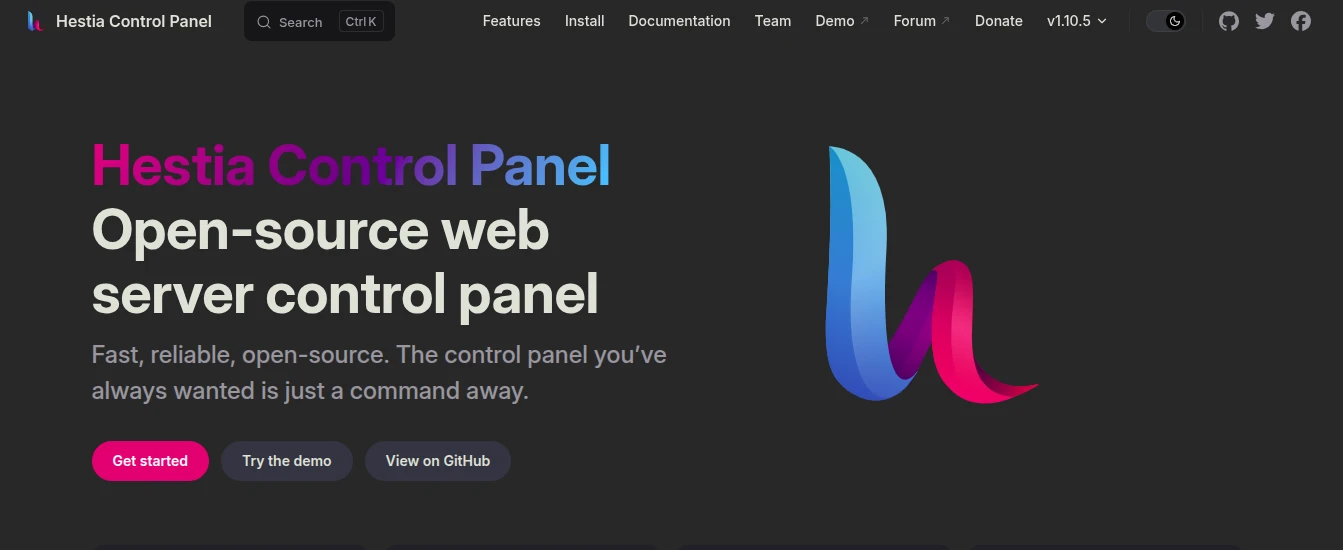
HestiaCP’s own documentation lists Debian 11/12 and Ubuntu 22.04/24.04 as supported operating systems, with a stated minimum of one CPU core and 1 GB of RAM (without SpamAssassin and ClamAV enabled).
Key Features
- Website and domain management
- DNS management
- Email accounts
- Database management
- SSL certificates
- Backups
- User and server management
- Simple web interface
Pros
- Easy to understand
- Free and open source
- Includes many traditional hosting features (mail, DNS, databases, backups) in one place
- Runs reasonably well on modest hardware
- Good option for users moving away from a paid control panel
Cons
- Interface feels more basic than some newer panels
- Advanced configuration may still require command-line knowledge
- Performance depends heavily on how the underlying server is set up
- Not as focused on developer workflows as some alternatives
Best For
HestiaCP works well for beginners, small businesses, personal websites, and anyone running a small VPS who wants a traditional hosting management experience without paying for cPanel or Plesk.
4) aaPanel
Key Features
- Website and domain management
- Database management
- File management
- SSL certificates
- One-click application installation
- Server monitoring
- Extension marketplaceaapanel
- Web-based server administration
Pros
- Genuinely beginner-friendly interface
- Runs on very modest hardware (official minimum is around 512 MB of RAM)
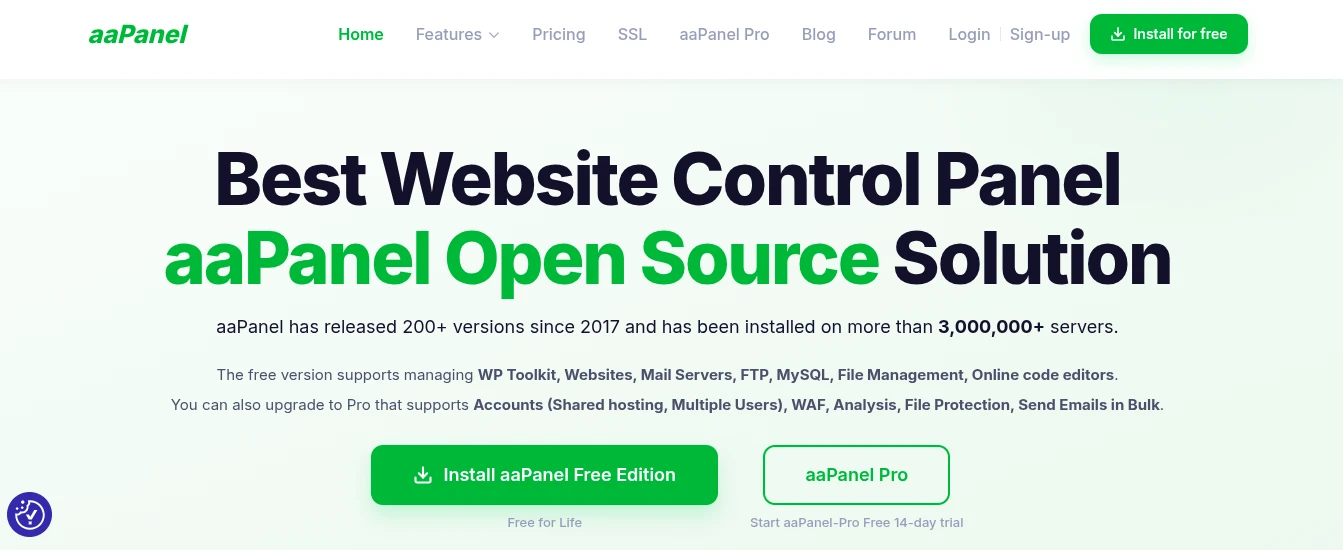
- Free version already includes website management, a mail server, FTP, MySQL, file management, and an online code editor
- Easy application installation
- Useful for VPS users who want a lot covered without paying anything
Cons
- Some advanced tools (a web application firewall, detailed file protection, bulk email) sit behind paid Pro plugins
- Installing many optional extensions can make the interface feel cluttered
- Some tasks outside the standard plugin set still require command-line knowledge
- Security still depends on how you configure the server, not just on having the panel installed
Best For
aaPanel suits beginners, small businesses, and VPS users who want a wide range of management tools available in one place and don’t mind paying for a plugin later if they need advanced security features.
5) ISPConfig
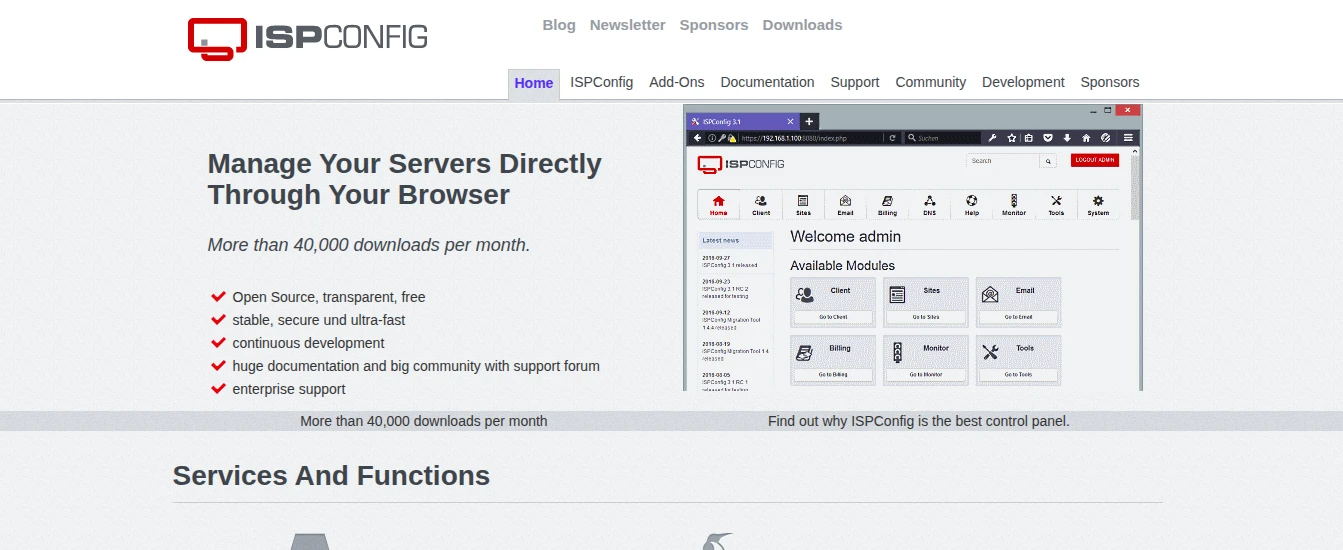
ISPConfig’s official documentation describes support for managing one or multiple servers from a single control panel, with separate permission levels for administrators, resellers, and clients.
Key Features
- Website and domain management
- DNS management
- Email and FTP management
- Database management
- Client and reseller management with separate permission levels
- Multi-server and clustered server support
- General server administration tools
Pros
- Genuinely flexible for anyone managing hosting on behalf of other people
- Built-in reseller and client account levels make it practical for hosting providers and agencies
- Manages several servers from one panel, a real advantage once you’re running more than a single VPS
- Includes client and reseller management out of the box
- Suitable for advanced hosting setups
Cons
- Steeper learning curve than the other panels on this list
- Interface is functional rather than polished
- Requires more upfront configuration time, particularly for multi-server setups
- Not the panel to reach for if you just want to get one WordPress site online quickly
Best For
ISPConfig is aimed at advanced users, hosting providers, resellers, and agencies who need multi-server management and formal client or reseller account structures rather than a simple single-site dashboard. If you’re building a hosting business rather than a single website, it’s also worth comparing ISPConfig’s reseller tools against dedicated reseller hosting plans that come with billing and account management already built in.
How to Choose the Right Free Hosting Control Panel
The goal is to match the panel to your actual hosting requirements, not to pick whichever one has the longest feature list.
For Beginners
- Look for a clean interface and straightforward website management rather than a panel packed with options you don’t understand yet
- HestiaCP and aaPanel are reasonable starting points, since both cover the core hosting basics (website, email, database, SSL) without demanding much prior server administration knowledge
- Neither is objectively “the beginner panel.” They’re simply two options worth trying if you’re new to VPS management
- If managing a VPS and control panel yourself sounds like more than you want to take on right now, standard web hosting with the control panel already handled for you is a reasonable alternative
For WordPress Websites
- Compare WordPress management tools, performance, SSL handling, backup options, and which web server technology sits underneath
- CyberPanel may suit users who specifically want LiteSpeed’s caching and speed advantages for WordPress, since that pairing is part of its core design
- If LiteSpeed isn’t a priority for you, other panels can run WordPress perfectly well too
For Developers
- Consider PHP application support, database options, cloud server compatibility, and how much configuration flexibility you need
- CloudPanel can suit developers who want a lightweight environment built around deploying applications quickly
- Worth confirming upfront if you’re planning to handle email through a separate service, since CloudPanel doesn’t include one
For Hosting Resellers and Agencies
- Client management, reseller account levels, DNS tools, email management, and multi-server support matter more here than a simple interface
- ISPConfig can be worth considering for more advanced hosting environments where you need to manage accounts on behalf of other people
- Especially relevant once you’re running more than one server, not just one
For Low-Resource VPS Servers
- Server resources matter more than people expect when choosing a control panel. The panel itself uses CPU, RAM, and storage before your actual websites do anything
- Check the panel’s stated minimum requirements against what your VPS actually has
- Factor in how many websites you plan to host, how database-heavy your workload is, and how much traffic you expect
- A panel that runs comfortably on a small VPS with one lightweight WordPress site can behave very differently once you add several databases and higher traffic
- If you’re working with a smaller VPS hosting plan, this is worth checking before you commit to a panel, since some options genuinely need more headroom than others
Common Mistakes When Choosing a Free Hosting Control Panel
- Choosing a panel only because it’s free. Compare features and fit first. A panel that doesn’t match your workload isn’t a good deal just because it costs nothing.
- Ignoring server requirements. Check the minimum and recommended CPU, RAM, and disk space before installing, not after your server starts struggling.
- Installing too many extensions. Extra plugins add convenience but also add resource use and potential points of failure. Install what you’ll actually use.
- Failing to maintain backups. A control panel that offers backup tools doesn’t back anything up automatically until you configure it. Set this up early, not after something goes wrong.
- Not checking operating system compatibility. Each panel officially supports a specific set of Linux distributions and versions. Installing on an unsupported OS can cause problems that are hard to diagnose later.
- Ignoring security updates. A control panel is software like any other. It needs updates, and so does the underlying OS. Installing a panel doesn’t mean you can stop patching the server.
- Assuming free software includes technical support. Free and open source panels generally rely on community forums and documentation rather than a support team you can call. Budget time for troubleshooting yourself, or check what paid support options exist if you need them.
- Migrating without testing. Move a copy of your site to the new panel and confirm everything works, databases, email, SSL, before pointing your domain at it.
- Choosing a panel that can’t support future growth. If you expect to add more sites, more clients, or more servers, check whether the panel can grow with you before committing, since switching panels later is more disruptive than switching early.
FAQs
Can I use a free control panel on a VPS?
Yes, as long as your VPS runs a Linux distribution the panel officially supports and meets its minimum resource requirements. A VPS gives you the server itself; the control panel is separate software you install on top of it to manage that server through a web interface instead of the command line alone.
Do free hosting control panels include web hosting?
No. A hosting control panel is software you install on a server you already have, whether that’s a VPS, a dedicated server, or a cloud instance. It doesn’t provide the server itself, the network connection, or storage. You still need an actual hosting plan or VPS to install the panel on.
What to Check Before Installing a Free Hosting Control Panel?
Check operating system compatibility, minimum and recommended CPU and RAM, the specific features you need (email, DNS, database support), built-in security tools, backup options, and what kind of support or documentation is available if something goes wrong.
Can I migrate my website from cPanel to a free control panel?
In many cases, yes, but the process depends on your specific website, database structure, email accounts, DNS setup, and which panel you are migrating to. There’s no single universal migration button between different panels, so plan to move files and databases manually or with migration tools, and test thoroughly before switching your domain over.
Which free hosting control panel is best for WordPress?
There isn’t one universal answer. Compare web server technology, SSL handling, backup tools, PHP version management, database support, caching options, and how easy day-to-day WordPress management is across the panels you’re considering. CyberPanel may suit you specifically if you want LiteSpeed’s caching and performance tools built in, but other panels on this list can run WordPress well too, depending on what else you need.
Do free hosting control panels require technical knowledge?
A graphical interface reduces how much command-line work you need to do, but it doesn’t remove the need for basic VPS administration knowledge. You’ll still want to understand security practices, backups, DNS basics, how to apply updates, and how to troubleshoot when something breaks, regardless of which panel you choose.
Ready to Choose Your Free Hosting Control Panel?
A free hosting control panel can make day-to-day server management noticeably easier and help you avoid the licensing costs that come with panels like cPanel. But the right choice still depends on your website type, your server resources, how much technical experience you have, which features you actually need, how much control you want, and where you expect your setup to grow.
Take the time to compare features, server requirements, security tools, ease of use, and support options before installing anything. If you are running a website on a VPS, pick a control panel that actually fits your server’s resources and gives you the tools your specific project needs, rather than the one with the most impressive feature list.
If you are setting up a new project, it’s also worth having your domain registration, SSL certificate, and hosting sorted before you start comparing panels, so the control panel is the last piece rather than the first.