Domain SearchInstantly check and register your perfect .pk or international domain
 Web HostingGet a .pk domain for as low as PKR 467
 cPanel HostingUser-friendly hosting powered by cPanel
 Reseller HostingLaunch your own hosting business with minimal technical requirements
 Windows HostingOptimized for Windows-based applications and websites
 Affiliate ProgramEarn referral commissions by promoting our services
 WordPress HostingFast & Reliable WordPress Hosting
 Domain TransferMigrate your existing domain seamlessly with zero downtime.
 All DomainsAccess 324+ top-level domains (TLDs) worldwide from a single platform
 Whois LookupIdentify the owner of any domain using our whois and rdap lookup tool
 Managed VPS Hosting
 AI Website BuilderCreate beautiful websites effortlessly using intuitive drag-and-drop features
 Online ShopLaunch a professional online shop with no technical skills required
 BlogDiscover expert guides on hosting, websites, SEO, and digital growth strategies
 ContactGet instant assistance via live chat or email
 SupportAccess help articles, tutorials, and service documentation
 SSL CertificatesEncrypt data, build trust, and boost SEO.
APIs are everywhere. When you log in with Google, check the weather, or pay for something through an app, an API is doing the work in the background.
API hosting is running your API on a server or platform that stays online, stays secure, and can handle the traffic it gets.
You write your API, put it on a hosting environment, and that environment takes care of incoming requests; passing them to your code and sending back the results.
The provider handles the servers, networking, storage, and security.
Your API is an important part of your app. If it goes down, your app goes down. Picking the right hosting provider is all about finding the one that fits what you’re building.
Types of API Hosting
| Type | Best for |
| Serverless | Spiky/unpredictable traffic, pay-per-use |
| PaaS | Fast deploys, simple apps, small teams |
| VPS | Full control, legacy or custom stacks |
| Dedicated | High performance, security needs |
| Container | Consistent traffic, more control, portability |
8 Things Developers Need to Know When Choosing a Provider
1) Real Costs
The most important thing about pricing is to know what you are paying for.
While data transfer is free on AWS within the same availability zone, it is sometimes a common hidden cost. Many providers charge for data moving out of their network.
If your API sends a lot of data to users, this can add up quickly. Always check the egress pricing.
Pay per request versus pay for reserved resources is another big one. Serverless platforms typically charge per request and per compute time.
For example, Google Cloud Functions charges based on the number of invocations, compute time, and memory allocation. Their free tier includes 2 million invocations per month
Additional charges for networking and cloud services used by functions
That’s great for low or spiky traffic, but it can get expensive at scale. Reserved resources, like a VPS or dedicated server, cost a fixed amount whether you use them or not.
If your traffic is steady, reserved is cheaper.
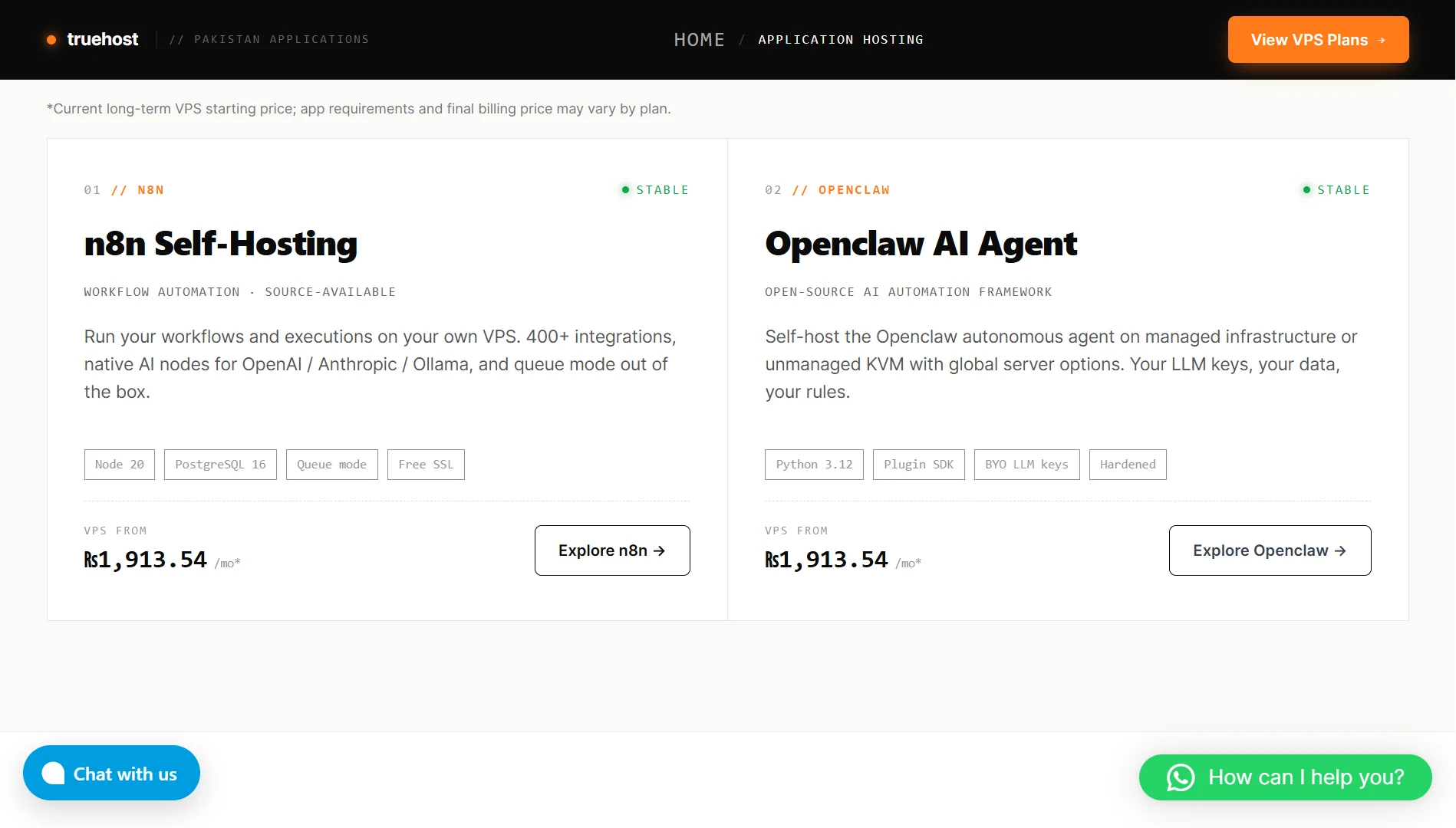
You can start with Truehost VPS for only ₨2,261.20/month and upgrade as traffic spikes.
Commit upfront versus pay as you go is a similar trade-off. Some providers like Truehost offer discounts if you commit to a year or more.
Others let you pay monthly with no commitment. The right choice depends on how confident you are in your traffic projections.
At Truehost, we keep costs clear.
Our one-click catalogue lets you deploy applications like Openclaw on a VPS in Pakistan starting at ₨3,391.80 per month.
That price includes SSD storage, SSL, and full root access.
2) Must-Haves
Every hosting provider should meet a baseline. If they don’t, look for other options.
Guaranteed uptime is the first thing to check. What’s their SLA? How much downtime is acceptable to you? If your API needs to be available 99.9% of the time, make sure the provider can back that up.
Also, does the provider offer HTTPS out of the box? Can you manage API keys and OAuth tokens securely? Is there encryption at rest and in transit? These aren’t optional anymore.
Built-in protection is another must-have. Look for providers that block common attacks like DDoS and rate-limit abuse. If you have to build all that yourself, you’re wasting time.
3. Developer Experience
You’ll spend a lot of time working with your hosting provider. The experience should be smooth.
Deploying updates should be easy. Can you push a new version with one click or an automated pipeline? Or do you have to manually copy files and restart services?
Monitoring is also essential. Can you see what’s happening with your API in real time? Are there dashboards for requests, errors, and latency? If something goes wrong, you need to know immediately.
For troubleshooting, check if you can access logs easily. Also, can you debug without jumping through hoops? Good providers give you the tools to fix problems fast.
4. Data & Storage
Where your data lives affects performance and compliance.
Database location is also important. If your API is in Pakistan but your database is in the US, every request has to travel across the world. That adds latency, so keep them close.
Caching speeds up frequent requests. Does the provider offer a caching layer? Can you configure it easily?
Also consider the storage type. Is it temporary or permanent? Some environments wipe local storage when they restart. If you need persistence, make sure you have it.
5. Speed & Responsiveness
Users notice when an API is slow.
Where servers are located is the biggest factor. The closer your API is to your users, the faster it responds. Choose a provider with data centers in the right regions.
Handling traffic spikes is next. Does the platform scale up automatically when traffic increases? Does it scale down when traffic drops? You don’t want to pay for capacity you’re not using.
Also, how fast does your API wake up after being idle? If cold starts take seconds, that’s a problem for real-time applications.
6. Vendor Lock-In
You don’t want to be stuck with a provider you can’t leave.
Does the provider use standard technology or custom stuff? If they use proprietary tools and APIs, moving to another provider will be painful. Stick with standards where possible.
How hard is it to move? Can you export your data and configuration easily, or are you trapped?
Can you mix providers if needed? Some developers run different parts of their stack on different platforms. Make sure your provider doesn’t prevent that.
7. Support Quality
When something breaks, you need help fast.
Support availability is the first question. Is it 24/7? Or only during business hours?
24/7 customer support is critical in case anything goes wrong. In addition, response time is critical. How long does it take to get a reply?
Communication channels are also important. Do they offer chat, email, phone? Pick a provider that communicates the way you prefer.
At Truehost, we offer 24/7 expert support through our support channels. Our managed VPS plans add hands-on server administration, security updates, and monitoring.
8. Integration with Other Systems
Your API probably doesn’t exist in isolation. It needs to talk to databases, message queues, third-party services, and more.
Does the provider make it easy to integrate with the tools you already use? Are there pre-built connectors or APIs? Can you install what you need?
A good provider gives you the flexibility to connect your API to the rest of your stack without friction.
Ready to Deploy Your Next API?
If you’re looking for a hosting provider that gives you control, speed, and support without the headaches, Truehost is worth a look.
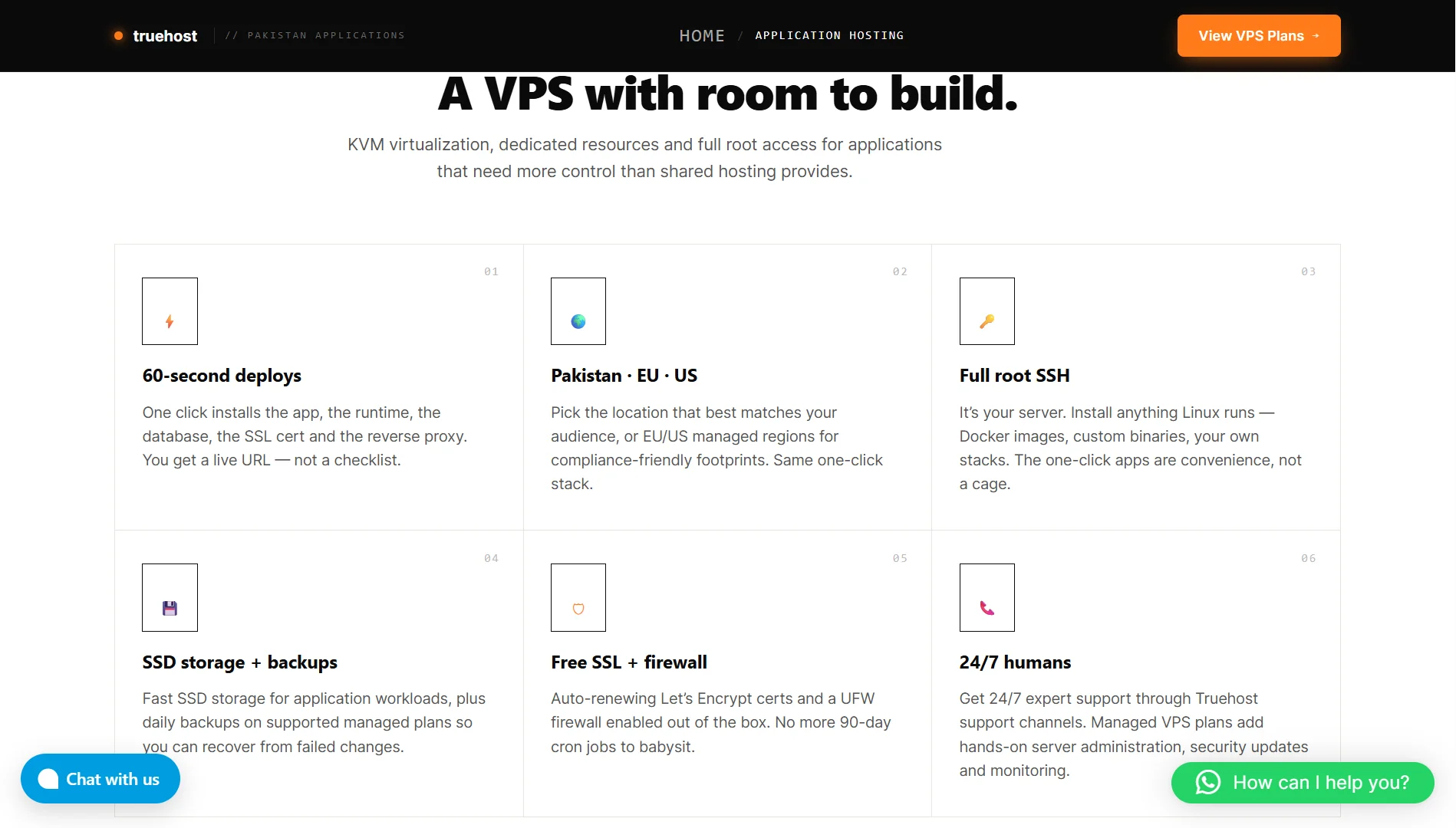
We offer one-click deployment for applications like n8n and Openclaw on VPS infrastructure in Pakistan, the EU, and the US.
You get SSD storage, free SSL, full root SSH access, and daily backups on supported managed plans.
Our KVM virtualization means dedicated resources, and our 60-second deploys mean you get a live URL fast.
We give you the room to build a workflow automation tool, an AI agent, or your own custom API, pick your region, pick your app, and we handle the setup.
It’s your server. Install anything Linux runs.
And if you need help, we’re here 24/7.