Domain SearchInstantly check and register your perfect .pk or international domain
 Web HostingGet a .pk domain for as low as PKR 467
 cPanel HostingUser-friendly hosting powered by cPanel
 Reseller HostingLaunch your own hosting business with minimal technical requirements
 Windows HostingOptimized for Windows-based applications and websites
 Affiliate ProgramEarn referral commissions by promoting our services
 WordPress HostingFast & Reliable WordPress Hosting
 Domain TransferMigrate your existing domain seamlessly with zero downtime.
 All DomainsAccess 324+ top-level domains (TLDs) worldwide from a single platform
 Whois LookupIdentify the owner of any domain using our whois and rdap lookup tool
 Managed VPS Hosting
 AI Website BuilderCreate beautiful websites effortlessly using intuitive drag-and-drop features
 Online ShopLaunch a professional online shop with no technical skills required
 BlogDiscover expert guides on hosting, websites, SEO, and digital growth strategies
 ContactGet instant assistance via live chat or email
 SupportAccess help articles, tutorials, and service documentation
 SSL CertificatesEncrypt data, build trust, and boost SEO.
For years, cPanel/WHM has been the standard way to manage a VPS. It’s familiar and reliable. But cost, security, and overkill features are driving many people to look for alternatives.
cPanel charges per account, so costs rise as you add sites, even on a small VPS with spare capacity. In April 2026, a critical vulnerability affected an estimated 1.5 million servers and quickly appeared on CISA’s known-exploited list. Plus, many users don’t need the full feature set.
cPanel remains a strong choice for large hosting setups. For solo developers, small agencies, and hosts running just a few sites, though, a lighter or free alternative often handles the essentials- domains, DNS, SSL, databases, email, backups, and multi-PHP- just as well.
This guide compares five solid alternatives for VPS hosting.
| Panel | Price | Key Features | Best For |
| DirectAdmin | From $5/month | Domains, email, databases, multi-PHP, SSL, backups, reseller tools, security | Agencies and resellers wanting a cPanel-like experience |
| Plesk | From ~$18/month | Websites, email, databases, PHP, WordPress Toolkit, SSL, backups, extensions, Linux & Windows | WordPress teams and users needing Linux or Windows |
| CyberPanel | Free (paid tiers available) | Websites, email, databases, PHP, WordPress, SSL, OpenLiteSpeed, Docker, backups | Developers wanting strong performance without license fees |
| HestiaCP | Free and open source | Websites, DNS, email, PHP, SSL, databases, WordPress, backups, SFTP/SSH | Small agencies and developers on smaller VPS plans |
| CloudPanel | Free and open source | Websites, PHP, Node.js, Python, WordPress, SSL, databases, backups, NGINX | Developers hosting modern web applications |
1) DirectAdmin
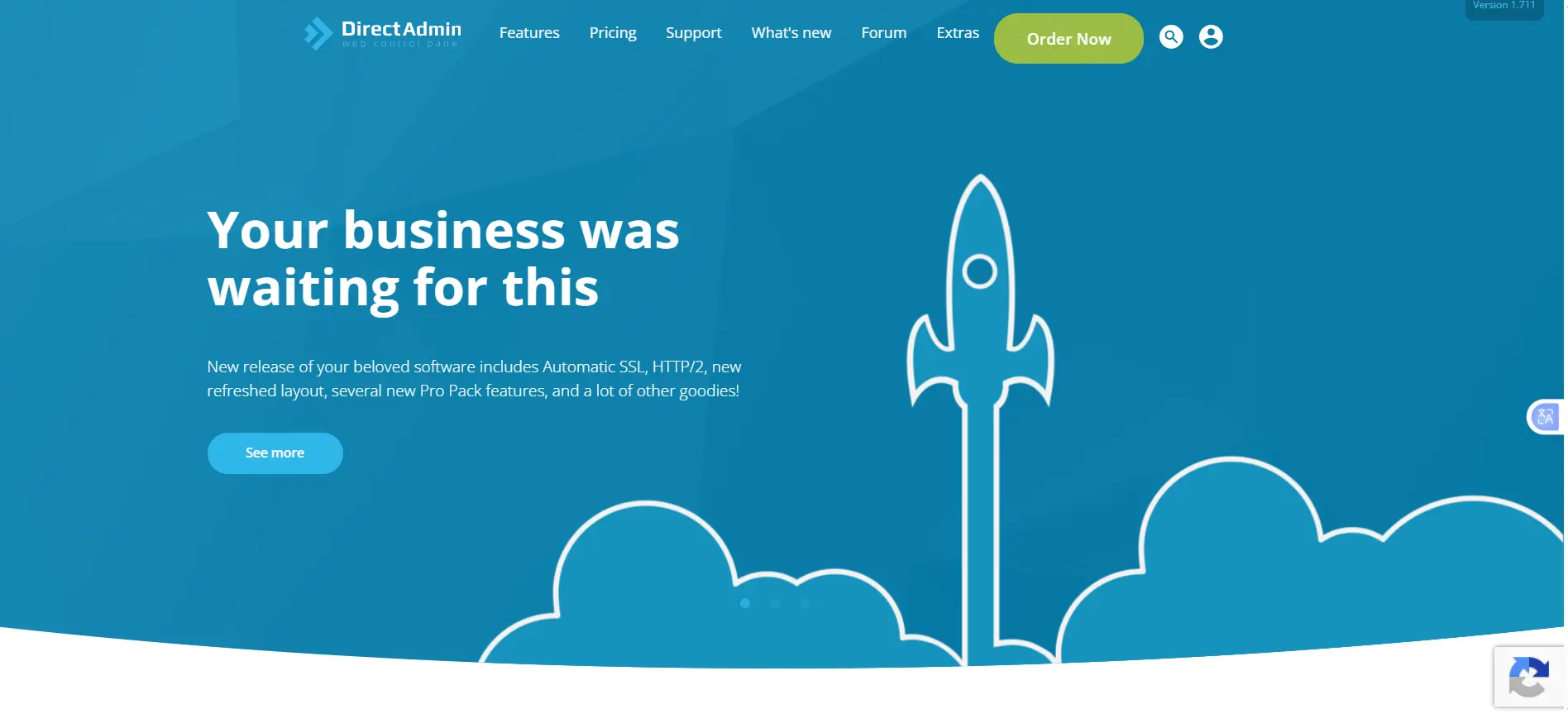
Price: DirectAdmin plans start at $5/month for Personal PLUS, $15/month for Lite, and $29/month for Standard. The main difference is the number of accounts and domains each plan supports.
- Personal PLUS: 1 account, 10 domains
- Lite: 10 accounts, 50 domains
- Standard: Unlimited accounts and domains
DirectAdmin charges per server license, not per account. This means you can create as many accounts as your plan allows without paying an extra fee for each account. Bulk discounts are also available when you buy multiple licenses.
Features: DirectAdmin covers the core toolkit needed to run a VPS and multiple sites:
- Website management: Domains, subdomains, DNS, file manager, FTP accounts, and domain pointers.
- Email hosting: POP/IMAP accounts, webmail, forwarding, autoresponders, mailing lists, and spam controls.
- Databases: MySQL creation and management.
- PHP management: Multiple PHP versions per site.
- SSL and security: Certificate management, two-factor authentication, spam protection, and built-in security tools.
- Backups: Full account and site backup and restore.
- Reseller tools: Customer accounts, packages, custom nameservers, usage statistics, and IP management, features that used to be a separate “Pro Pack” add-on but have been bundled into every license tier since August 2023.
- DNS clustering: Synchronize DNS across multiple DirectAdmin servers.
- Plugins and customization: Extend or reskin the panel interface.
- Automatic updates and recovery: Self-updating with automatic restart of failed services.
Best for: Agencies and resellers who want an interface and workflow close to cPanel’s, without cPanel’s per-account billing.
2) Plesk
Price: Plesk charges per server rather than per account. The entry-level Web Admin plan costs around $18/month when billed monthly, or about $14/month with annual billing. Web Pro costs around $28/month, while Web Host is around $50/month for unlimited domains.
Plesk increased its prices by about 26% in January 2026. Annual billing may lower the monthly cost, but it does not guarantee that the price will stay the same in the future.
Features: Plesk bundles tools for managing sites, domains, email, databases, and servers:
- Website management: A single dashboard for websites, domains, subdomains, and files.
- Email hosting: Accounts, forwarding, autoresponders, and spam protection.
- Databases: MySQL and PostgreSQL support.
- PHP management: Per-site PHP version and configuration control.
- WordPress management: The WordPress Toolkit, installation, updates, staging, cloning, and multi-site management, widely regarded as the deepest WordPress tooling of any control panel.
- SSL and security: Certificate management, firewall tools, and automatic security updates.
- Backups: Full website and server backup/restore.
- Reseller tools: Customer accounts, subscriptions, and resource allocation.
- Extensions: A marketplace of add-ons for backups, SEO, monitoring, and more (many carry their own recurring fees).
- Server support: One of the only panels with near-identical feature parity across both Linux and Windows servers.
Best for: Teams running many WordPress sites, or anyone who needs a single panel that works across Windows and Linux.
3) CyberPanel
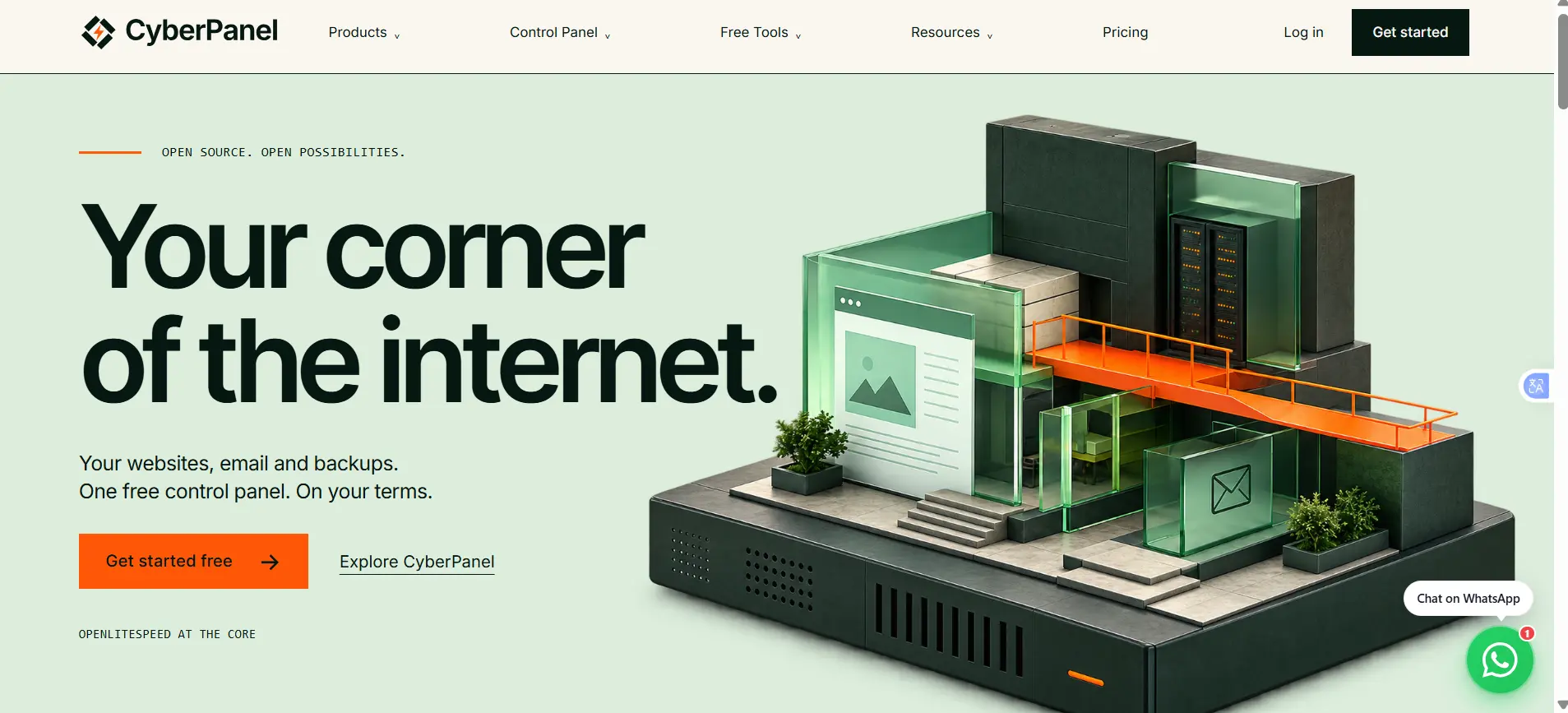
Price: CyberPanel’s free, open-source version lets you manage unlimited servers and websites at no cost when using OpenLiteSpeed. There is also a paid Enterprise version that uses LiteSpeed Enterprise for better performance on high-traffic sites.
CyberPanel also offers a Cloud product for managing multiple installations from one dashboard.
Features:
- Website management: Domains, files, and FTP accounts from one interface.
- Email hosting: Full email account creation and management.
- Databases: Database management with phpMyAdmin built in, including one-click auto-login.
- PHP management: Multiple PHP version support.
- WordPress: One-click install and management.
- SSL and security: Free Let’s Encrypt certificates, firewall, and DDoS protection tools.
- OpenLiteSpeed: CyberPanel is powered by OpenLiteSpeed, which delivers up to roughly 10x faster performance than Apache for PHP workloads, along with built-in page caching and HTTP/3 support.
- Docker: Native support for containerized applications.
- DNS management: Full DNS record and zone control.
- Backups: Built-in backup and restore, with cloud storage (e.g., Amazon S3) support via add-ons.
- Add-ons: Optional modules for advanced backups, WordPress management, and Imunify360-based security.
One caveat worth flagging: CyberPanel itself has had a rough security track record, including its own critical remote-code-execution vulnerabilities disclosed in past years. If you go this route, stay current on updates just as you would with cPanel.
Best for: Developers who manage their own VPS and want strong out-of-the-box performance without paying for a panel license.
4) HestiaCP
Price: Free and open source, with no paid tier, the project is maintained through community contributions and donations rather than licensing revenue.
Features
- Website management: Manage domains, subdomains, and files using Apache, NGINX, and PHP-FPM.
- DNS management: Manage DNS records and synchronize them across multiple servers.
- Email hosting: Create email accounts with spam filtering, antivirus protection, and webmail.
- PHP management: Run different PHP versions for your websites.
- SSL and security: Free Let’s Encrypt SSL certificates, firewall protection, and tools to block brute-force attacks. For more information on cybersecurity practices in Pakistan, see the National Cybersecurity Handbook from PKCERT.
- Databases: Supports MySQL, MariaDB, and PostgreSQL.
- One-click apps: Install WordPress and other popular applications easily.
- Server access: Supports SFTP and SSH access.
- Backups: Create and restore automated backups.
Best for: Solo developers and small agencies running smaller VPS plans where a lightweight, no-license-fee panel counts, Hestia is noticeably leaner on RAM than cPanel or Plesk.
5) CloudPanel
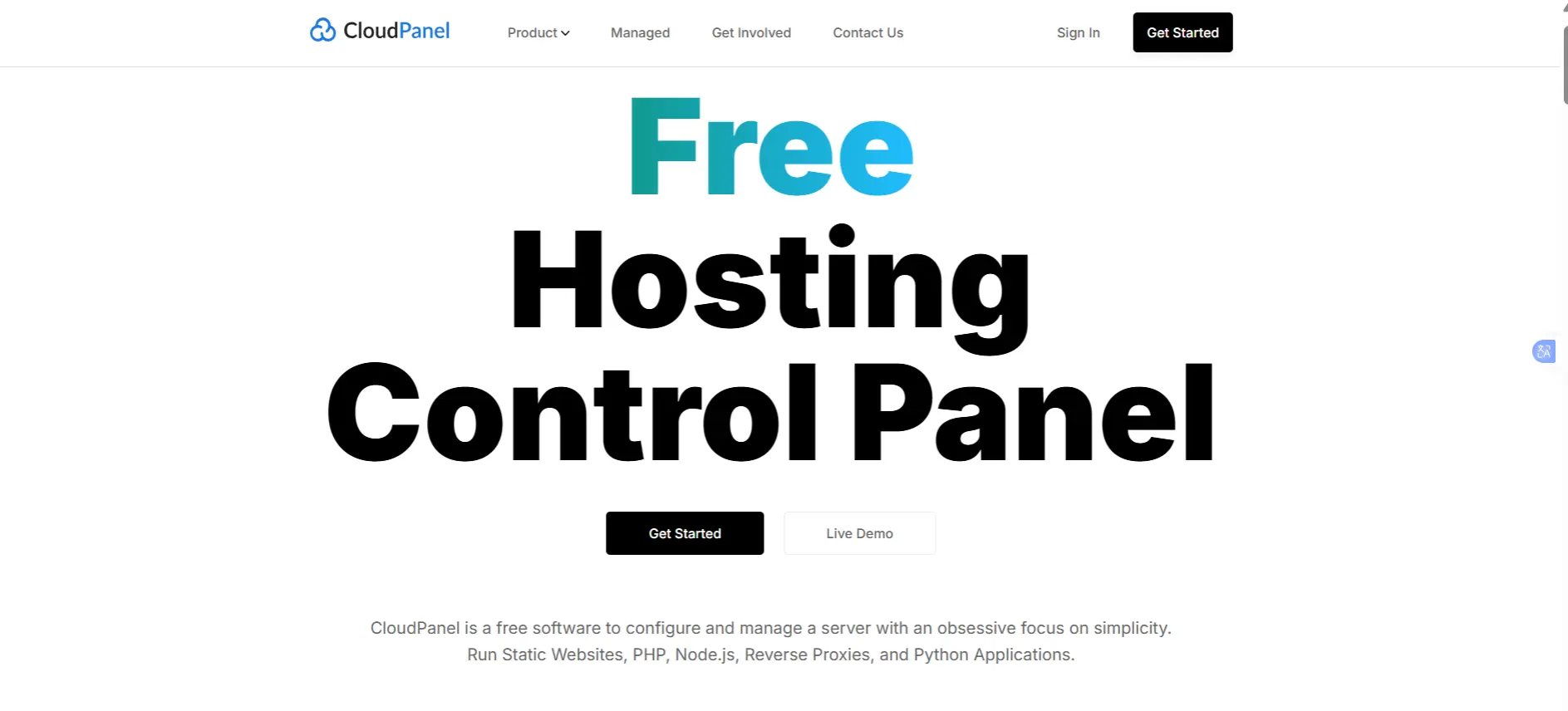
Price: Free and open source, built by the team behind managed-hosting provider Scala Hosting, with no per-account or per-domain fees.
Features:
- Website management: A clean, developer-oriented dashboard for sites, domains, and applications.
- PHP: Multiple PHP versions and PHP-based application support.
- Node.js and Python: Native hosting for Node.js and Python applications, something most traditional panels don’t offer out of the box.
- WordPress: Simplified WordPress deployment and management.
- SSL and security: Free SSL certificates, firewall tools, and two-factor authentication.
- Databases: MySQL and MariaDB management.
- Backups: Built-in website backup and restore, with support for remote storage destinations.
- Site isolation: Each site runs in its own isolated environment to limit the blast radius of a compromise.
- Cloudflare integration: Direct connection for added performance and DDoS protection.
- NGINX: A lightweight NGINX architecture built for speed and low resource use.
Best for: Developers hosting modern PHP, Node.js, or Python applications who don’t need built-in shared-hosting features like email.
Key Factors to Consider Before Switching
Before moving away from cPanel, consider these five things:
1) Cost
Control panels use different pricing models. cPanel may charge per account, while DirectAdmin and Plesk charge per server. Others, such as CyberPanel, HestiaCP, and CloudPanel, offer free options. Choose a pricing model that fits how you use your server.
2) Server resources
On a small 2GB VPS, a heavier panel can leave fewer resources for your websites. Lighter options such as HestiaCP and CloudPanel can leave more room for your sites. Learn more about VPS vs shared hosting if you’re still deciding which type of hosting you need.
3) Migration effort
Moving websites, DNS, email, databases, and SSL certificates takes time. Test everything before switching your live traffic to avoid downtime or data loss.
4) Ongoing maintenance
Self-managed control panels need regular security updates. Whichever panel you choose, have a plan for keeping it patched and secure.
5) Do you really need a VPS?
If you only run a simple WordPress site or small business website, shared hosting may be cheaper and easier to manage than running your own VPS and control panel.
Choosing the Right Alternative for Your VPS
Each control panel suits a different type of VPS setup:
- DirectAdmin: A good option if you want a cPanel-like experience with a lower license cost.
- Plesk: Useful for WordPress sites and servers running Linux or Windows.
- CyberPanel: A free option if you want to use OpenLiteSpeed.
- HestiaCP: A simple, free choice for smaller VPS setups.
- CloudPanel: Designed for modern applications such as Node.js, Python, and containerized PHP.
Whichever panel you choose, keep it updated and secure. The VPS itself also counts. Good RAM, fast NVMe storage, and reliable infrastructure can make a big difference in performance.
If you’re ready to run your preferred control panel on a VPS, check Truehost’s VPS hosting plans.
Best cPanel Alternatives for VPS Hosting FAQs
Is switching from cPanel worth it for a small site?
Often, yes, if you’re running one to a handful of sites on a modest VPS, a free panel like HestiaCP or CloudPanel covers the same essentials (domains, SSL, databases, backups) without a recurring license fee, and with a lighter resource footprint.
Which alternative is closest to cPanel’s interface?
DirectAdmin is generally considered the closest match in look, feel, and feature breadth, which is why it’s popular with agencies migrating away from cPanel without wanting to retrain staff.
Are free panels less secure than cPanel?
Not inherently, security depends more on how quickly a project patches vulnerabilities and how exposed the panel’s attack surface is than on whether it’s free. cPanel’s own 2026 incident shows that a commercial, widely-supported product isn’t automatically safer; what counts is patch cadence and your own update discipline, regardless of which panel you run.
Can I migrate cPanel accounts directly to these alternatives?
Not automatically in most cases. DirectAdmin and Plesk both offer official or third-party migration tools for cPanel accounts, but free panels like HestiaCP, CloudPanel, and CyberPanel typically require a more manual migration of DNS, email, databases, and files. Plan for testing time regardless of the target panel.
What’s the most reliable VPS hosting company?
This depends heavily on your budget, region, and workload, and reliability data shifts often enough that it’s worth checking current uptime reports and reviews at the time you’re choosing, rather than relying on a fixed answer here.