Domain SearchInstantly check and register your perfect .pk or international domain
 Web HostingGet a .pk domain for as low as PKR 467
 cPanel HostingUser-friendly hosting powered by cPanel
 Reseller HostingLaunch your own hosting business with minimal technical requirements
 Windows HostingOptimized for Windows-based applications and websites
 Affiliate ProgramEarn referral commissions by promoting our services
 WordPress HostingFast & Reliable WordPress Hosting
 Domain TransferMigrate your existing domain seamlessly with zero downtime.
 All DomainsAccess 324+ top-level domains (TLDs) worldwide from a single platform
 Whois LookupIdentify the owner of any domain using our whois and rdap lookup tool
 Managed VPS Hosting
 AI Website BuilderCreate beautiful websites effortlessly using intuitive drag-and-drop features
 Online ShopLaunch a professional online shop with no technical skills required
 BlogDiscover expert guides on hosting, websites, SEO, and digital growth strategies
 ContactGet instant assistance via live chat or email
 SupportAccess help articles, tutorials, and service documentation
 SSL CertificatesEncrypt data, build trust, and boost SEO.
If you run a business today, a professional email address on your own domain is non-negotiable. But once you go looking for a provider, the decision quickly gets more complicated than “which email is cheaper.” Do you need a full productivity suite with real-time document collaboration, video conferencing, and AI baked in? Or do you need a dependable, secure inbox at your own domain without paying for tools you’ll never touch?
That’s really the choice between Google Workspace and Truehost Workspace Emails.
Google Workspace is a global productivity platform built around Gmail, Drive, Docs, Meet, and Gemini AI, designed for organizations that live and work inside a connected suite of apps. Truehost Workspace Emails takes a different approach: it’s a lean, regionally optimized email service focused on doing one thing well: reliable custom-domain email with just enough collaboration tooling to support a small or growing team, at a fraction of the cost.
Neither option is objectively “better.” The right one depends on what your team actually needs. Below, we break the comparison down by the six factors that count most: email-only needs, pricing, storage, integrations, productivity tools, and security.
Side-by-Side Overview
| Category | Google Workspace | Truehost Workplace |
| Email-Only Needs | No email-only plan | Email-focused |
| Starting Price | ₨2,237.65 | ₨282.65 |
| Storage | 30 GB to 5 TB+ per user; pooled storage | 3 GB to 10 GB per mailbox + shared storage |
| Integrations | Thousands of apps, APIs, Apps Script, SSO, and automation tools | IMAP/POP3/SMTP; works with major email clients; fewer integrations |
| Productivity Suite | Full Docs, Sheets, Slides, Meet, Chat, and real-time collaboration | Basic Docs, Sheets, Presentations, and file sharing |
| Security & Compliance | Advanced security, DLP, Vault, encryption, and major compliance certifications | 2FA, antivirus, anti-spam, aliases, and forwarding |
1) Email-Only Needs
Google Workspace
Google doesn’t sell a stripped-down, email-only plan. Even its entry-level tier, Business Starter, bundles Gmail together with Drive, Meet, Calendar, Docs, Sheets, Slides, and Gemini.
That’s great value if you intend to use those tools, but it means you’re paying for a productivity ecosystem even if all you wanted was a professional inbox. Google Workspace is the stronger fit for teams who know they’ll grow into the full suite rather than stay email-only.
Truehost Workplace
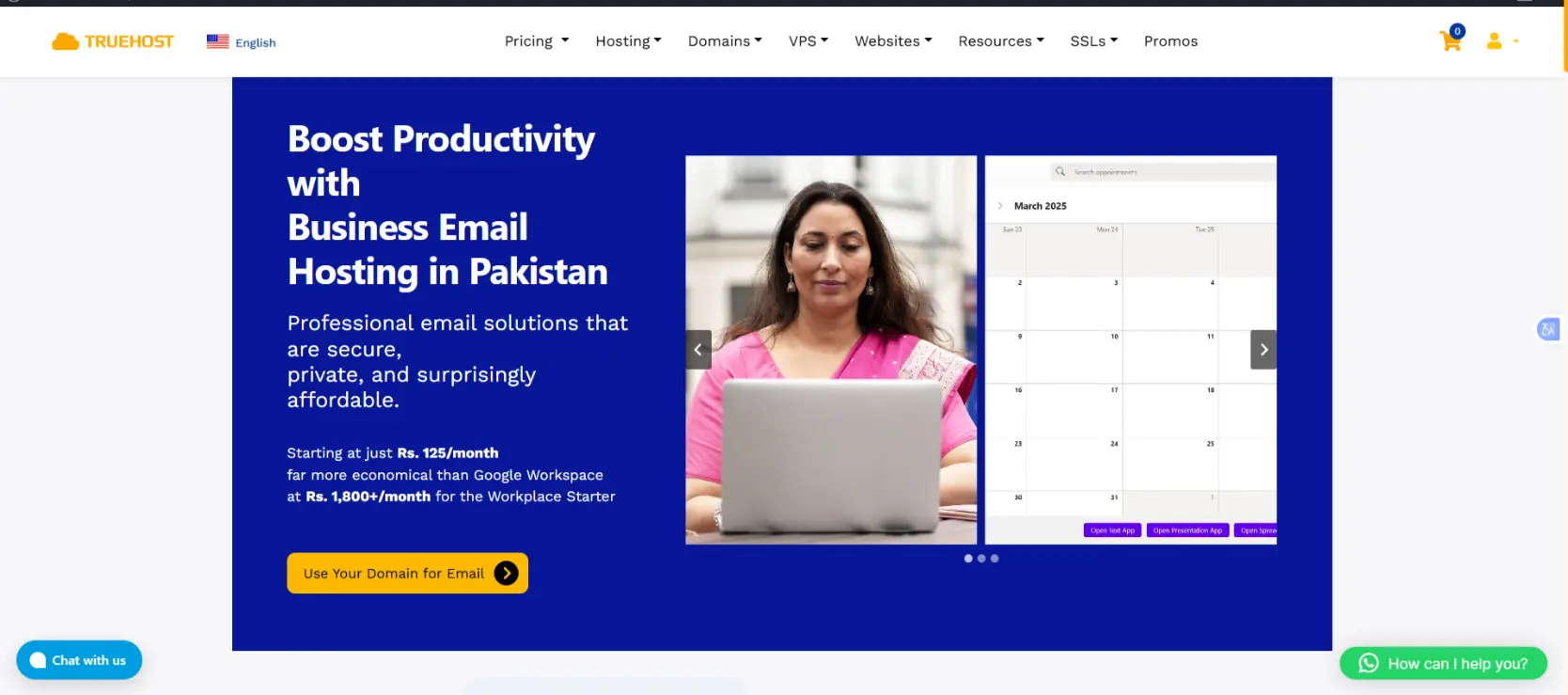
Truehost was built with the opposite starting point: professional email first. Its entry plan gives you a mailbox with 3 GB of storage, email aliases, forwarding, two-factor authentication, antivirus, and anti-spam protection- the essentials of secure business email without extra add-ons bundled in.
For individuals, freelancers, and small teams who just need [email protected] without a productivity suite attached, this keeps costs down and the setup simple.
2) Pricing & Plans Comparison
Cost is usually the deciding factor once businesses have confirmed both providers can technically do the job, so it’s worth laying the plans side by side.
Google Workspace
- Business Starter: ₨2,237.65
- Business Standard: ₨5,064.15
- Business Plus: ₨7,066.25
- Enterprise: Custom pricing
Truehost Workspace Emails
- Workplace Starter: ₨282.65
- Workplace Pro: ₨296.78
- Workplace Business: ₨2,826.50
- Workplace Premium: ₨1,036.38
- Workplace Enterprise: ₨2,072.77
Google Workspace’s four-tier structure scales from small teams to large enterprises, but every tier includes the full productivity suite, so the per-user cost reflects more than just email.
Truehost’s five-tier structure gives businesses finer-grained control; you can move up a tier mainly for more mailbox storage or shared storage without suddenly paying for enterprise-grade collaboration software you don’t need.
For budget-conscious teams, particularly those managing several mailboxes across a small organization, that granularity can add up to meaningful savings over a year.

3) Storage
Storage needs vary enormously depending on whether your team is exchanging short emails or trading large attachments, media files, and shared archives.
Google Workspace
- Starter: 30 GB per user
- Standard: 2 TB per user
- Plus: 5 TB per user
- Enterprise: 5 TB+ per user (custom)
Crucially, Google Workspace storage is pooled across your organization. That means a 10-person team on Business Standard shares a combined 20 TB, so heavier users can effectively “borrow” space from lighter users. This pooling model is one of Google Workspace’s most practical advantages for teams with uneven storage needs across departments.
Truehost Workplace
- Starter: 3 GB per mailbox
- Pro: 5 GB per mailbox + 15 GB shared
- Business: 10 GB per mailbox + 50 GB shared
- Premium: 10 GB per mailbox + 100 GB shared
- Enterprise: 10 GB per mailbox + 200 GB shared
Truehost allocates storage per mailbox plus a shared pool, which is more than adequate for standard email correspondence and moderate file sharing. It’s a model suited to organizations whose storage demands are predictable and modest, rather than teams generating large volumes of documents, video, or design files that need terabytes of headroom.
4) Integration with Other Tools
Google Workspace
Google Workspace’s biggest advantage for larger or fast-scaling organizations is its ecosystem.
It connects to thousands of third-party apps and add-ons, offers deep native integration across Gmail, Drive, Docs, Sheets, Meet, and Calendar, and gives developers APIs and Apps Script for building custom automation.
Single sign-on (SSO/SAML) support makes it easier to manage access at scale, and out-of-the-box connections to tools like Zapier, Make, Salesforce, Slack, and HubSpot mean it can sit at the center of a modern tech stack rather than working in isolation.
Truehost Workspace
Truehost keeps things simpler and more standards-based.
It supports IMAP, POP3, and SMTP, so it works cleanly with the email clients teams already use, Outlook, Gmail, Apple Mail, and others, without requiring you to migrate workflows.
It includes basic Docs, Sheets, and Presentation tools for everyday file creation and sharing, but it doesn’t attempt to compete on third-party integrations or developer APIs. This makes it a natural fit for businesses whose needs center on hosting and reliable email rather than building an interconnected software stack.
5) Productivity Suite Needs
Google Workspace
For teams that collaborate constantly, Google Workspace’s productivity tools are hard to beat. Docs, Sheets, and Slides support real-time co-editing, comments, and full version history, so multiple people can work on the same file simultaneously without version-control headaches.
Google Meet handles video conferencing, and Google Chat covers day-to-day team messaging, all tightly integrated and with Gmail and Calendar.
If your business runs on collaborative documents, shared calendars, and frequent video calls, this integration is a genuine productivity gain, not just a convenience.
Truehost Workplace
Truehost includes its own Docs, Sheets, and Presentation tools bundled into the email plan, letting teams create, edit, store, and share files, along with basic collaboration features.
It won’t match Google’s real-time editing depth or the breadth of connected apps, but for teams whose collaboration needs are occasional rather than constant, it covers the essentials without an extra line item on the budget.
6) Security, Privacy & Compliance
Security requirements often scale with company size and industry, so it’s worth being clear-eyed about what each provider actually offers.
Google Workspace
Google Workspace is built for organizations with more demanding compliance needs. It includes 2-step verification and advanced phishing protection as standard, Data Loss Prevention (DLP) on higher-tier plans, S/MIME encryption and granular access controls, and Google Vault for email retention and legal hold.
It also carries major compliance certifications, including ISO, SOC, and HIPAA, along with data residency options for enterprise customers who need to control where their data physically lives. This makes it a strong choice for regulated industries such as finance, healthcare, and legal services.
Truehost Workplace
Truehost’s security model covers the fundamentals that most small and mid-sized businesses actually need: two-factor authentication, antivirus scanning, anti-spam filtering, and support for email aliases and forwarding rules.
It’s a solid baseline for protecting day-to-day business communication, but it doesn’t publish the same depth of enterprise compliance certifications or audit tooling that Google Workspace offers. Businesses with strict regulatory or legal-hold requirements will generally find Google Workspace the safer fit.
Which Option Is Best for You?
There’s no universal winner between Google Workspace and Truehost Workspace Emails. The right choice depends on your business needs, how your team works, and the features you’re willing to pay for.
Google Workspace is a good choice if:
- Your team regularly works with shared documents, spreadsheets, and video meetings
- You need email that connects with a wide range of apps, APIs, and automation tools
- Your business has strict compliance, security, encryption, or data retention requirements
- Your team needs flexible storage that can accommodate different users and changing demands
Truehost Workspace Emails is a good choice if:
- You need professional and secure email on your own domain without a full productivity suite
- You want essential collaboration and storage features at a lower cost
- You’re a startup, small business, or solo professional working with a limited budget
- Your email and storage requirements are predictable, and you don’t need extensive third-party integrations
The decision comes down to what your business actually needs. If your team depends heavily on shared documents, real-time collaboration, video meetings, and a broad range of business apps, Google Workspace offers the wider set of tools. If your priority is reliable, professional business email with essential features at a more affordable price, Truehost Workspace Emails may be the better fit.
Ready to set up your business email? View Truehost’s email hosting plans and choose a plan that suits your business.