Domain SearchInstantly check and register your perfect .pk or international domain
 Web HostingGet a .pk domain for as low as PKR 467
 cPanel HostingUser-friendly hosting powered by cPanel
 Reseller HostingLaunch your own hosting business with minimal technical requirements
 Windows HostingOptimized for Windows-based applications and websites
 Affiliate ProgramEarn referral commissions by promoting our services
 WordPress HostingFast & Reliable WordPress Hosting
 Domain TransferMigrate your existing domain seamlessly with zero downtime.
 All DomainsAccess 324+ top-level domains (TLDs) worldwide from a single platform
 Whois LookupIdentify the owner of any domain using our whois and rdap lookup tool
 Managed VPS Hosting
 AI Website BuilderCreate beautiful websites effortlessly using intuitive drag-and-drop features
 Online ShopLaunch a professional online shop with no technical skills required
 BlogDiscover expert guides on hosting, websites, SEO, and digital growth strategies
 ContactGet instant assistance via live chat or email
 SupportAccess help articles, tutorials, and service documentation
 SSL CertificatesEncrypt data, build trust, and boost SEO.
If your business card, invoice, or cold email signs off with “[email protected],” you’re leaving credibility on the table. A professional business email uses your own domain, [email protected], instead of a free address from Gmail, Yahoo, or Outlook.com. It’s a small change with an outsized effect: it makes your business look established, keeps your branding consistent across your website and inbox, and gives you control over how your team communicates, including shared addresses like info@, sales@, and support@.
Beyond appearances, a custom-domain email typically comes bundled with real administrative and security tools: centralized user management, better spam filtering, audit logs, and the ability to instantly cut off an employee’s access when they leave. As your business grows, those controls stop being “nice to have” and start being necessary.
To be clear, free email isn’t going anywhere; it’s still perfectly fine for personal use or job hunting. But if you’re running a business, freelancing for clients, or representing a company in any regular way, a custom-domain address is the more professional (and often more secure) choice. Here’s exactly how to set one up, from registering a domain to locking down your inbox.
Step 1: Register or Confirm Your Domain
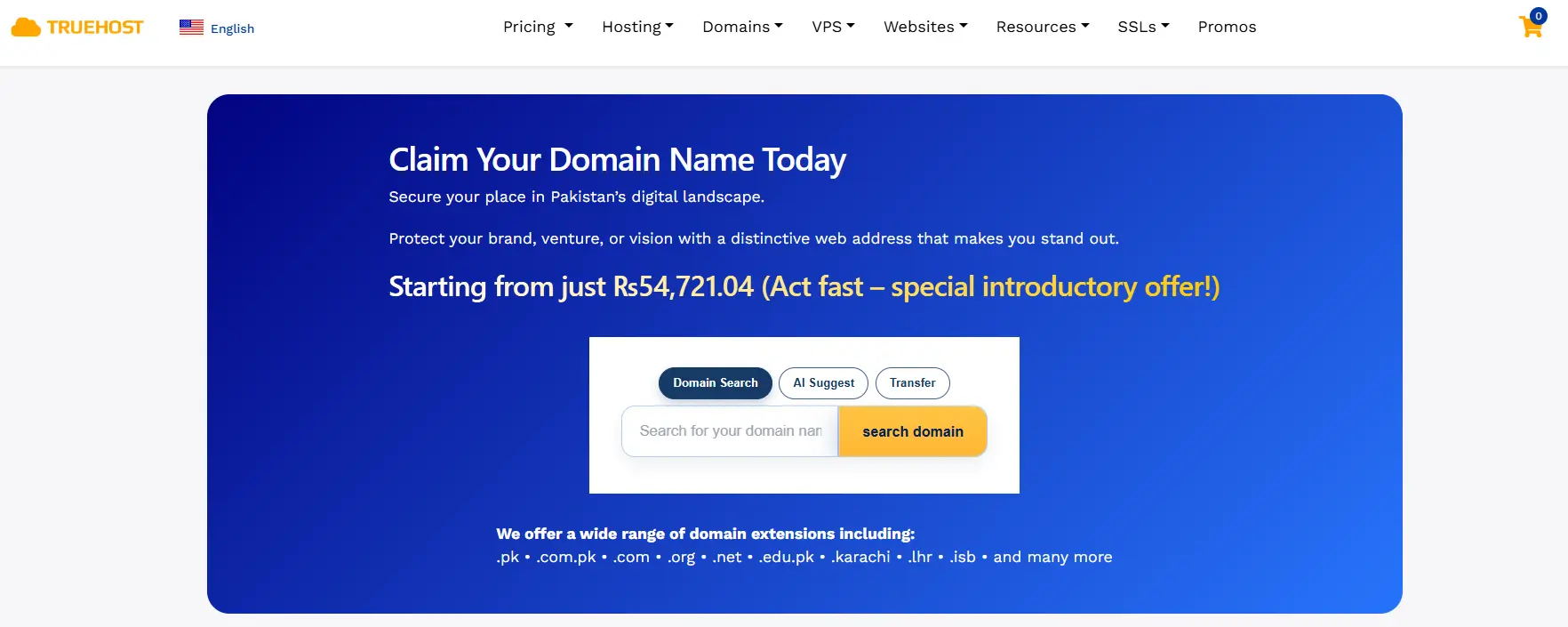
- No domain yet? Register one first. Any major registrar- Truehost, Olitt, Namecheap, GoDaddy, or your hosting provider- can sell you one in minutes.
- Already have a website? Reuse that domain for email. Don’t run yourbusiness.com for your site and yourbusiness-mail.com for email; consistency counts for trust and deliverability.
Choose a domain that:
- Matches your business name.
- Is short and easy to spell over the phone.
- Avoids unnecessary numbers and hyphens.
- Uses .com when available still the default assumption for most customers, though .co, .io, or .biz are acceptable fallbacks.
Domain prices vary by extension, registrar, and whether it’s a first-year promotional rate. Compare a few registrars, and check the renewal price for year two; first-year discounts are common and renewals often cost more.
Step 2: Choose an Email Hosting Provider
You need a service to create and manage mailboxes like y[email protected]. Here’s how the major options compare as of 2026.
a) Truehost (Hosting-Based Email):
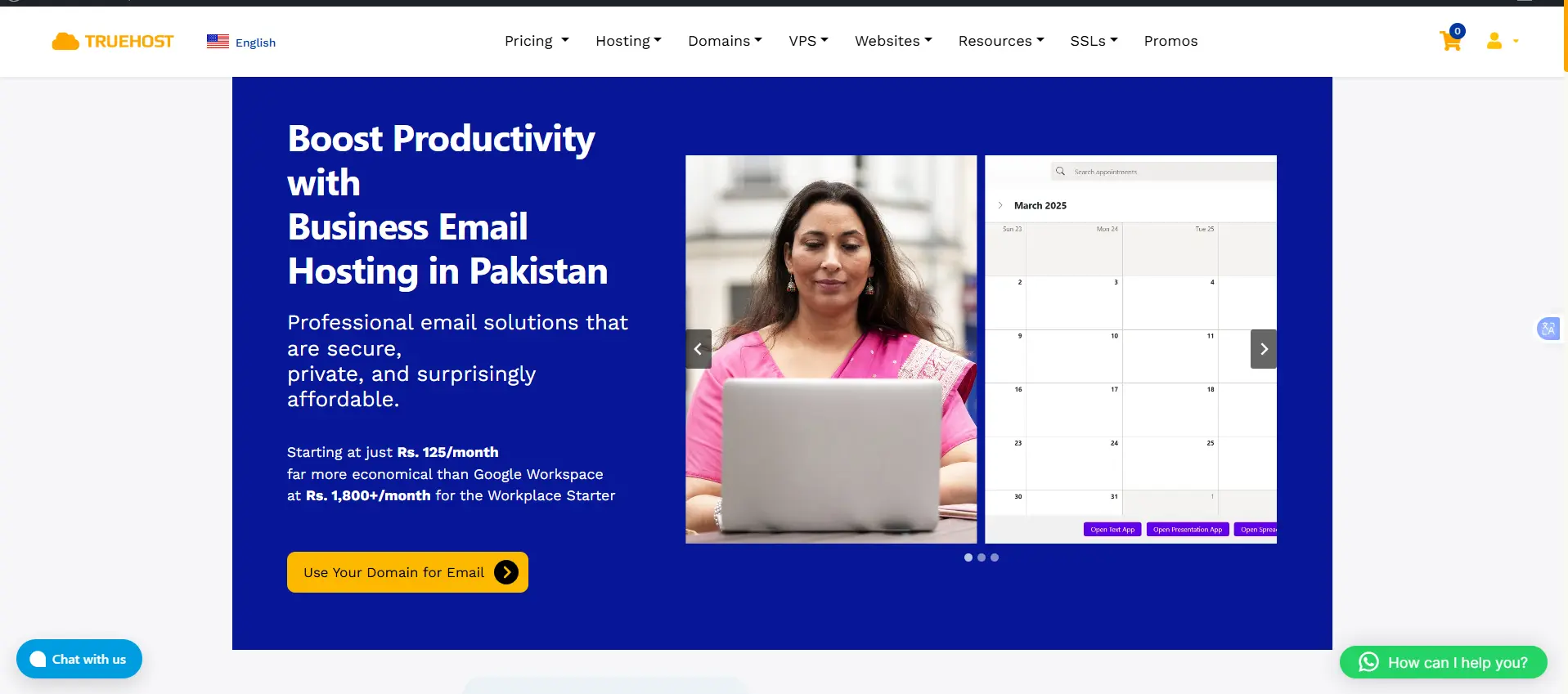
Truehost bundles business email with web hosting, so your domain, website, and mailboxes all live in one account.
Pricing (Business Productivity Suite, billed triennially):
i) Workplace Starter: ₨282.65
ii) Workplace Pro: ₨296.78
iii) Workplace Business: ₨2,826.50
iv) Workplace Premium: ₨1,036.38
v) Workplace Enterprise: ₨2,072.77
All tiers include 2FA, anti-spam/anti-virus protection, drive storage, and basic office tools (docs, sheets, presentations). Note: these rates are the triennial (3-year prepay) price; monthly or annual billing will cost more per month.
- Convenient for small operations: one bill, one dashboard, one support line.
- Trade-off: lighter storage, more basic webmail, and fewer collaboration tools than Google Workspace or Microsoft 365.
Best for: Small businesses and freelancers who want the simplest setup and don’t need a full productivity suite.
b) Google Workspace
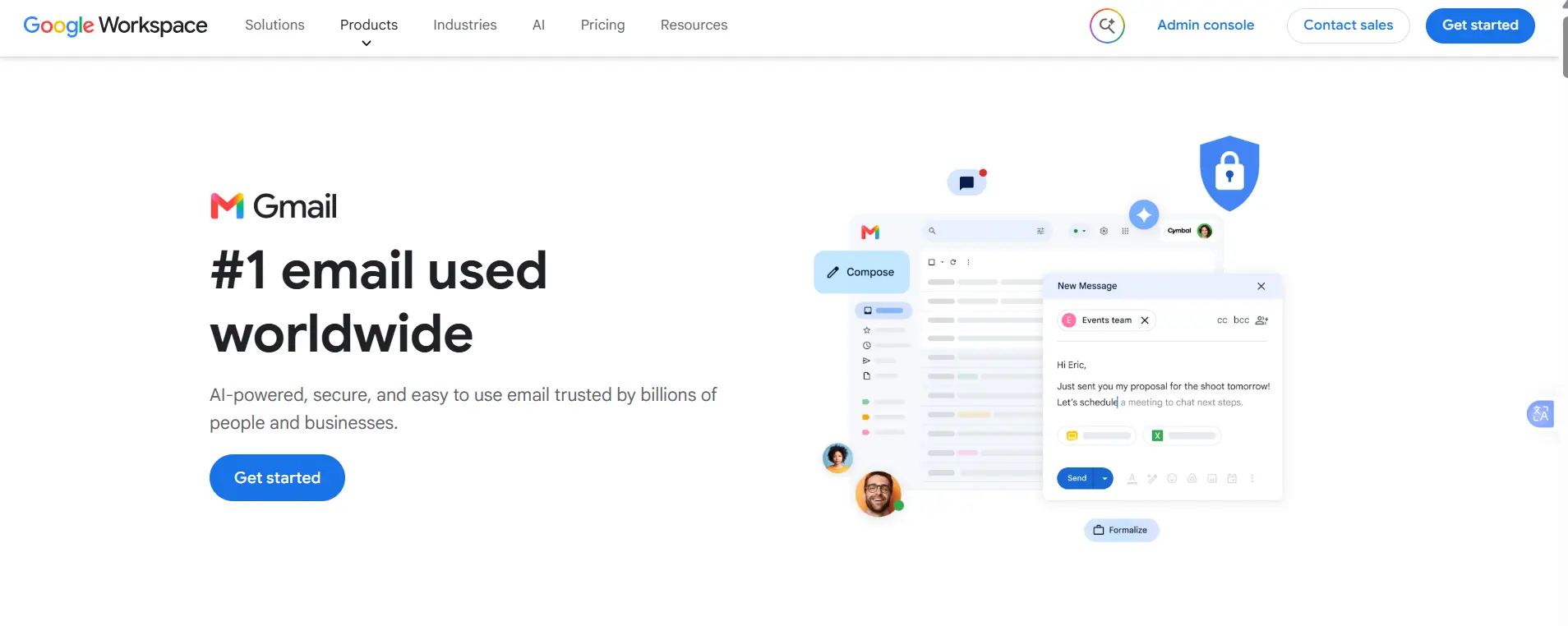
Business email through Gmail, plus Drive, Docs, Sheets, Calendar, and Meet.
- Business Starter: ₨2,237.65 Custom email, 30 GB pooled storage, 100-participant Meet calls.
- Business Standard: ₨5,064.15. 2 TB storage, e-signatures, 150-person meetings.
- Business Plus: ₨7,066.25. 5 TB storage, 500-person meetings with recording, enhanced security.
- Gemini AI is now bundled into all paid tiers rather than sold separately.
Best for: Teams that want Gmail’s interface and a complete collaboration suite.
c) Microsoft 365
Business email through Exchange Online and Outlook, alongside the Office apps.
- Business Basic: ₨1,492.39. Email, Teams, web/mobile Office apps; no desktop apps.
- Business Standard: ₨3,151.55. Adds desktop Word, Excel, PowerPoint, and Outlook.
- Business Premium: ₨6,373.76. Adds device management and Microsoft Defender for Business.
Best for: Teams already using Word, Excel, and Teams, or needing device and security management.
d) Zoho Mail
Built around affordable custom-domain email rather than a full productivity suite.
- Free plan: up to 5 users, 5 GB storage each, single domain, no IMAP/POP.
- Mail Lite: ~$1/user/month annual. Adds IMAP, POP, ActiveSync, multiple domains, mobile apps.
- Higher tiers add S/MIME encryption, eDiscovery, and larger attachment limits for a few dollars more per user.
Best for: Startups and small teams that want custom-domain email without paying for a full office suite.
e) Privacy-Focused Email
Worth considering for legal, healthcare, financial, or privacy-conscious businesses.
- Proton Mail for Business: ~$7–$8/user/month annual entry tier. End-to-end encryption, zero-access mailbox encryption, custom domains; higher tiers add encrypted storage, calendar, and VPN.
- Fastmail: email-only plans at competitive per-user rates, no bundled productivity suite.
- Neither scans email for advertising.
Best for: Businesses with specific privacy or regulatory requirements.
What to Compare
- Price per mailbox, monthly vs. annual.
- Storage per user.
- User limits and how easily you can add more.
- Security features: encryption, malware scanning, admin controls.
- Spam protection quality.
- Mobile and desktop access.
- Customer support quality.
- Whether email is already included in a hosting plan you have.
Step 3: Connect Your Domain to Your Email
Once you’ve picked a provider, you need to point your domain at it through your domain’s DNS settings, usually managed at your registrar or DNS host.
The key records you’ll typically add are:
- MX records: tell the internet which mail servers should receive email sent to your domain. Without correct MX records, incoming mail simply won’t arrive.
- SPF (Sender Policy Framework): lists which servers are authorized to send email on behalf of your domain, helping receiving servers reject spoofed messages.
- DKIM (DomainKeys Identified Mail): adds a cryptographic signature to outgoing mail so receiving servers can verify it genuinely came from your domain and wasn’t altered in transit.
- DMARC (Domain-based Message Authentication, Reporting & Conformance): builds on SPF and DKIM by telling receiving servers what to do with messages that fail authentication (quarantine, reject, or allow), and gives you visibility into who’s sending mail using your domain.
Most email providers will hand you the exact records to paste in, along with step-by-step instructions for your specific registrar. It can take anywhere from a few minutes to 48 hours for DNS changes to propagate fully, so don’t panic if email doesn’t start flowing instantly.
Step 4: Create Your Business Email Address
With DNS connected, you can start creating mailboxes for yourself and your team.
Common naming formats include:
[email protected][email protected][email protected][email protected], [email protected], [email protected], [email protected]
Pick one format and stick to it across the whole team. If you go with [email protected], use that pattern for every employee; don’t mix in nicknames or shortened versions for some people and full names for others. Consistency here isn’t just cosmetic; it makes addresses predictable and easier for customers and partners to guess correctly, and it looks more organized from the outside.
Avoid unnecessary numbers ([email protected]) or overly complicated addresses that are hard to remember, spell, or say out loud.
Step 5: Set Up Email on Your Devices
Once mailboxes exist, you’ll want to actually use them everywhere you work:
- Webmail: access through a browser, no setup required.
- Gmail or Outlook apps: both can be configured to send and receive from a custom domain, even if your underlying host is different.
- Your phone’s built-in mail app: most providers offer quick setup via QR code or a short list of server settings.
- Desktop apps: Outlook, Apple Mail, and Thunderbird all support custom-domain accounts.
If you’re migrating from an existing provider, most major services include import tools for bringing over old emails and contacts, which saves you from manually re-adding everyone.
One technical note worth knowing: IMAP is generally preferable to POP for day-to-day use, because IMAP keeps your inbox synchronized across every device; read a message on your phone, and it shows as read on your laptop too. POP, by contrast, tends to download mail to a single device and can create sync headaches if you check email from more than one place.
Step 6: Secure Your Business Email
Password resets, financial documents, and client conversations pass through your inbox. Secure it accordingly.
- Enable two-factor authentication (2FA/MFA) everywhere it’s available; this alone blocks most account-takeover attempts.
- Use strong, unique passwords for every mailbox.
- Use a password manager to make that practical across a team.
- Keep spam and malware protection enabled.
- Limit administrator access to people who need it.
- Remove or disable accounts when employees leave.
- Protect your domain registrar account. Whoever controls it can repoint MX records at any time. Secure it with MFA and a unique password.
- Set up SPF, DKIM, and DMARC (Step 3) to defend against attackers spoofing your domain, not just to improve deliverability.
Pakistani businesses should stay informed about relevant telecommunications, cybersecurity, and data requirements, including guidance and regulations issued by the Pakistan Telecommunication Authority (PTA)
Common Mistakes to Avoid
- Registering the domain but never actually verifying or connecting it; the mailbox sits in limbo, and nothing gets delivered.
- Mixing address formats across the team, which looks disorganized and is genuinely harder for people to remember.
- Skipping SPF/DKIM/DMARC setup, which routinely leads to legitimate mail landing in spam folders, or worse, your domain being used by scammers to spoof your own customers.
- Choosing a plan with too little storage for how the team actually works, leading to constant “mailbox full” headaches.
- Forgetting to set up mobile or desktop access, which means missed messages and slower response times.
- Not forwarding or redirecting the old email address during the transition, so important messages sent to the old inbox disappear into the void.
- Treating a free provider as “temporary” and never actually migrating, years later, the business is still sending client invoices from a Gmail address.
Give Your Business a More Professional Identity
A custom-domain email address is one of the cheapest, fastest upgrades available for how your business is perceived, often costing less than a coffee per user per month. Set up the domain, DNS records, and mailboxes once, switch on 2FA, and the system runs itself. From there, every email you send reinforces your brand instead of undercutting it.
Ready to make the switch? Get professional business email hosting with Truehost.
Professional Business Email Address FAQs
Do I need a website to get a business email?
No. You only need a registered domain name; you don’t need a live website to start using that domain for email. Plenty of businesses set up email on a domain months before launching their site.
How much does a professional business email cost?
It ranges widely. Budget options like Truehost starter plain is ₨282.65, Zoho Mail’s entry plan start around $1/user/month, while full productivity suites like Google Workspace or Microsoft 365 typically run $6–$14/user/month for their small-business tiers, plus the cost of the domain itself (commonly $10–$20/year, though first-year promotional pricing is often lower).
Can I get a business email for free?
Yes, to a point. Zoho Mail offers a free plan for up to 5 users on a single domain, though it lacks IMAP/POP access. Free tiers are a reasonable starting point for a very small operation but usually come with real limitations you’ll outgrow.
What is the best email address for a small business?
There’s no single “best” format, but [email protected] or [email protected] are the two most common and professional choices. What counts most is picking one format and using it consistently across the whole team.
What is the best free email for a small business?
Among providers offering custom-domain email at no cost, Zoho Mail’s free tier is the most commonly recommended starting point, since it supports a real custom domain rather than a generic @gmail.com or @outlook.com address.
How long does setup take?
The mailbox itself can be created in minutes. The main variable is DNS propagation for your MX, SPF, DKIM, and DMARC records, which can take anywhere from a few minutes up to about 48 hours to fully take effect worldwide.
Can I use my business email on my phone?
Yes. Every major provider supports setup on iOS and Android, either through their own app, a built-in mail app, or standard IMAP settings.
What’s the difference between business email and a regular email hosting plan bundled with website hosting?
Hosting-bundled email is typically simpler and cheaper, often included at no extra cost with your web hosting plan, but comes with more basic webmail interfaces and lighter storage. Dedicated business email platforms like Google Workspace or Microsoft 365 cost more per user but add collaboration tools, larger storage, stronger admin controls, and better spam and security infrastructure, worth it once your team grows past a handful of people.