 Domain SearchInstantly check and register your perfect .pk or international domain
 Web HostingGet a .pk domain for as low as PKR 467
 cPanel HostingUser-friendly hosting powered by cPanel
 Reseller HostingLaunch your own hosting business with minimal technical requirements
 Windows HostingOptimized for Windows-based applications and websites
 Affiliate ProgramEarn referral commissions by promoting our services
 WordPress HostingFast & Reliable WordPress Hosting
 Domain TransferMigrate your existing domain seamlessly with zero downtime.
 All DomainsAccess 324+ top-level domains (TLDs) worldwide from a single platform
 Whois LookupIdentify the owner of any domain using our whois and rdap lookup tool
 Managed VPS Hosting
 AI Website BuilderCreate beautiful websites effortlessly using intuitive drag-and-drop features
 Online ShopLaunch a professional online shop with no technical skills required
 BlogDiscover expert guides on hosting, websites, SEO, and digital growth strategies
 ContactGet instant assistance via live chat or email
 SupportAccess help articles, tutorials, and service documentation
 SSL CertificatesEncrypt data, build trust, and boost SEO.
You have a website idea, but before you build it, you need a place to host it and make it available online. That’s where web hosting comes in.
Your domain name is your website’s address, while web hosting is the space where your website actually lives. You can buy both from the same company, but they’re two separate services, and confusing them is one of the most common mistakes first-time website owners make.
Your hosting choice affects your website’s speed, security, reliability, cost, and ability to handle more visitors as you grow. Choosing the right plan from the start can save you from slow performance, downtime, and expensive migrations later on.
This guide covers everything you need to know about web hosting basics before you buy.
How Web Hosting Works
- Your website is stored on a server. A server is a powerful, always-on computer that stores all your website’s files, HTML, images, videos, databases, and code. When you “buy hosting,” you’re really renting space and computing resources on one of these servers (or a share of many servers, depending on the plan).
- A visitor opens your website. When someone types your domain into their browser or clicks a link to your site, their browser sends a request across the internet to your server. The server processes that request and sends the website’s files back, and the browser assembles and displays the page.
- DNS connects your domain to the server. DNS records act like a phone book for the internet; they tell browsers which server’s address (IP address) corresponds to your domain name. ICANN explains how the Domain Name System works. Without correctly configured DNS, your domain won’t point to your hosting account, and visitors won’t be able to reach your site.
- Data centers keep servers running. Hosting companies house their servers in data centers equipped with redundant power supplies, high-speed internet connections, cooling systems, fire suppression, and backup generators. This infrastructure is what allows hosting providers to promise the uptime guarantees you’ll see in their plans.

Types of Web Hosting
There’s no single “best” type of hosting; the right option depends on your website’s size, expected traffic, budget, and your own technical comfort level.
| Hosting Type | Entry-Level Price |
| Shared Hosting | ₨282.65 /month |
| VPS Hosting | ₨2,261.20 /month |
| Managed Cloud Hosting | ₨40,701.60 |
| Dedicated Hosting | ₨198,420.30 |
| Reseller Hosting | ₨7,063.42 |
1) Shared Hosting
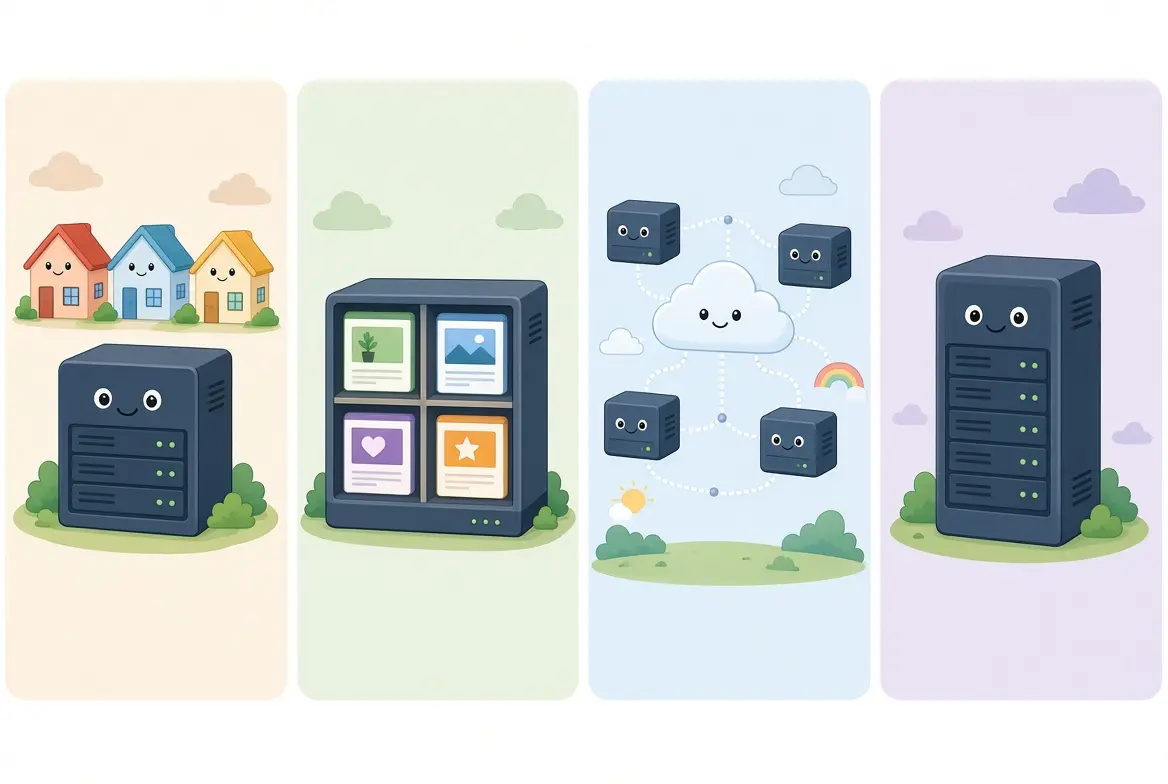
Several websites share the resources of a single server; CPU, RAM, and storage are split among all the accounts on that machine.
- Best for beginners, blogs, portfolios, and small business websites.
- Affordable and easy to use, usually with a simple control panel and one-click installers.
- Offers less control, and performance can dip if neighboring sites on the same server use heavy resources or your traffic grows past what the plan supports.
2) Managed Cloud Hosting
Managed cloud hosting gives you more resources and control than standard shared hosting, while the hosting provider handles much of the server management.
- Plans include dedicated CPU and RAM, SSD storage, high transfer limits, and a dedicated IP.
- You can host multiple websites and email accounts on the same cloud hosting plan.
- It is suitable for growing websites, online businesses, and sites that need more resources than shared hosting.
- The provider manages the cloud infrastructure, making it easier to run websites without handling the server setup yourself.
3) VPS Hosting
A Virtual Private Server splits one physical machine into several isolated virtual servers, each with its own dedicated slice of CPU, RAM, and storage.
- Offers significantly more control and more predictable performance than shared hosting, since your resources aren’t affected by other accounts.
- Good for growing websites, custom applications, and sites that have outgrown shared hosting.
- Requires more technical knowledge; you’re often responsible for server configuration and software updates unless you choose a managed VPS plan.
4) Cloud Hosting
Rather than living on one server, your website’s files and resources are distributed across a network of interconnected servers.
- Can absorb sudden traffic spikes and generally offers better reliability, since if one server in the cluster fails, another can take over.
- Good for growing websites and sites with unpredictable or seasonal traffic.
- Pricing and setup vary more than traditional hosting, since costs are often tied to actual resource usage.
5) Dedicated Hosting
You lease an entire physical server exclusively for your website, no sharing with anyone else.
- Provides the highest level of performance, control, and security available in traditional hosting.
- Best for large, high-traffic, or resource-intensive websites and applications.
- More expensive and usually requires solid technical skills (or a managed plan) to configure and maintain.
6) Reseller Hosting
Lets you purchase hosting resources in bulk and resell hosting packages to your own customers under your own brand, a common option for web designers and agencies that manage sites for clients.
Key Factors to Consider When Choosing a Host
i) Pricing
- Starting vs. renewal price: Many hosts advertise a low introductory rate that jumps significantly when the plan renews. Always check the renewal price before committing.
- Extra costs: Confirm whether SSL certificates, backups, domain privacy, site migration, or premium support cost extra or are bundled in.
- Refund policy: Check whether the host offers a money-back guarantee, how long it lasts, and what conditions apply.
- Contract terms: Understand the length of the billing cycle you’re paying for and the rules around cancelling or downgrading.
ii) Uptime and Reliability
Uptime is the percentage of time your site is actually online and reachable. It sounds like a small detail, but the difference between uptime tiers is bigger than it looks: 99.9% uptime, often called the industry standard for quality hosting, allows a maximum of about 8 hours and 46 minutes of downtime per year, while 99% uptime allows roughly 3.6 days of downtime per year.
Every additional “nine” in the percentage cuts the allowed downtime dramatically, with 99.99% (“four nines”) allowing only around 4.3 minutes of downtime per month compared to about 43 minutes at 99.9%.
For most small businesses and personal websites, a host guaranteeing 99.9% uptime or higher is a solid baseline. It’s also worth reading the fine print: hosting SLAs typically exclude scheduled maintenance, client-caused issues, force majeure events, and third-party service failures from their downtime calculations, so the real-world number can differ slightly from the marketing figure.
iii) Speed and Performance
Look for fast servers, SSD or NVMe storage (both are significantly faster than older spinning hard drives), built-in caching, and CDN (Content Delivery Network) support. A CDN stores copies of your site closer to your visitors around the world, reducing load times.
Choosing a server location close to where most of your visitors are based can also meaningfully improve speed.
iv) Security
Check for free SSL certificates (needed for the padlock icon and HTTPS in the browser), firewalls, malware scanning and removal, DDoS protection, and automatic backups. For broader cybersecurity guidance, Pakistan’s National CERT provides security guidance and resources for organizations.
v) Storage and Bandwidth
Make sure the plan includes enough storage for your files and media, and enough bandwidth to handle your expected traffic. Be cautious with “unlimited” plans; they almost always come with other resource limits (like CPU or inode caps) buried in the terms of service.
vi) Scalability
Choose a host that makes it simple to upgrade as your website grows, for example, moving from shared hosting to VPS or cloud hosting without a painful migration process.
vii) Customer Support
Look for support available through multiple channels, live chat, ticketing, and phone, and check reviews for actual response times, not just advertised availability. 24/7 support is especially valuable if something goes wrong outside business hours.
viii) Ease of Use
A simple, intuitive control panel (like cPanel or a custom dashboard), one-click app installers, free website migration tools, and staging environments can make day-to-day management far easier, especially if you’re not a developer.
ix) Other Features
Depending on your needs, also consider available server locations, email hosting options, developer tools (SSH access, Git integration, staging environments), and data privacy or compliance requirements relevant to your industry or region.
Common Beginner Mistakes to Avoid
- Overpaying for resources you’ll never use
- Ignoring the renewal price jump after an introductory period
- Skipping regular backups
- Choosing a host based on price alone, without checking reliability or support
- Not checking whether the server location matches where your audience actually is
Your Website Deserves a Solid Foundation
The hosting plan you choose today will shape how your website performs for years to come. Take the time to match your plan to your actual needs, not just your budget, and you’ll sidestep most of the headaches that come from outgrowing a host too soon or running into hidden limitations after launch.
Ready to find a plan that fits? Compare Truehost’s hosting plans and get your website started on solid ground.
Web Hosting FAQs
Do I need hosting if I have a domain?
Yes. A domain is just your website’s address; it doesn’t store any files. Without hosting, there’s nowhere for your domain to point to, and visitors would see an error instead of your site.
Can I host a website without buying a domain?
Technically yes, most hosts provide a temporary IP address or subdomain you can use to preview your site. But for a professional, memorable web presence, you’ll want your own domain name.
How much web hosting do I need?
It depends on your site type. A simple blog or portfolio can run comfortably on an entry-level shared plan, while an online store with lots of product images and traffic will need more storage, bandwidth, and processing power, often on a VPS or cloud plan.
Is shared hosting good for beginners?
Yes, for most beginners it’s the ideal starting point; it’s affordable, requires no server management knowledge, and typically includes simple setup tools. You can always upgrade later as your traffic grows.
Is WordPress hosting different from normal hosting?
Managed WordPress hosting is optimized specifically for WordPress sites, often including automatic updates, WordPress-specific caching, and security rules tailored to common WordPress vulnerabilities. Regular shared hosting can run WordPress too, but without those built-in optimizations.
Is free web hosting worth it?
Generally, no, for anything beyond casual testing. Free hosting usually comes with ads on your site, limited storage and bandwidth, no custom domain support, weak security, and little to no customer support- trade-offs that aren’t worth it for a real business or personal brand.
Does hosting include a domain name?
Sometimes. Many hosting providers offer a free domain for the first year with certain plans, but the domain and hosting remain separate services that renew independently.
Can I change hosting providers later?
Yes. Most hosts offer free or low-cost migration tools or services to help you move your website, though the process complexity depends on your site’s size and the technologies involved.
Can I upgrade my hosting plan as my website grows?
Yes, this is one of the key things to check before signing up. Reputable hosts make it easy to move from shared hosting to VPS, cloud, or dedicated hosting as your traffic and resource needs increase.
Do I need technical skills to use web hosting?
Not for shared or managed hosting plans, which are designed for beginners with user-friendly control panels and one-click installs. VPS and dedicated hosting plans typically require more technical know-how, unless you choose a “managed” version of those plans.




